How to Get the First and Last Day of the Month in C#
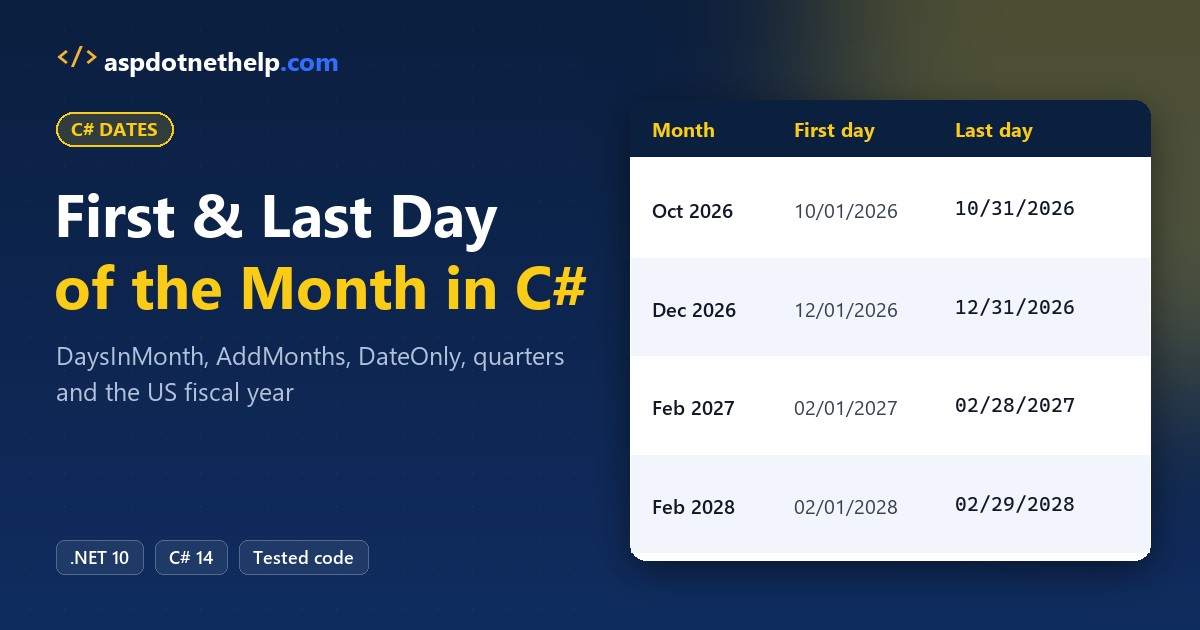
C# first and last day of the month table for October 2026, December 2026 and leap year February 2028

A month-end sales report I built for a retail client in Columbus, Ohio kept dropping orders placed on October 31. The C# code that picked the month’s first and last day looked fine, but the boundary was wrong. Here’s the short answer for C#: the first day of the month is new DateTime(d.Year, d.Month, 1), … Read more >>

Folder Browser Dialog in C#: Pick, Show in a TextBox, Multi-Select

Folder browser dialog in C#: FolderBrowserDialog properties SelectedPath, InitialDirectory, Multiselect and SelectedPaths

Nobody enjoys typing a long folder path. In a C# Windows Forms app, the folder browser dialog fixes that: create a FolderBrowserDialog, call ShowDialog(), and read SelectedPath when it returns DialogResult.OK. In this tutorial, I’ll put together a Report Exporter for a small Seattle accounting firm and use the folder browser dialog in C# three … Read more >>

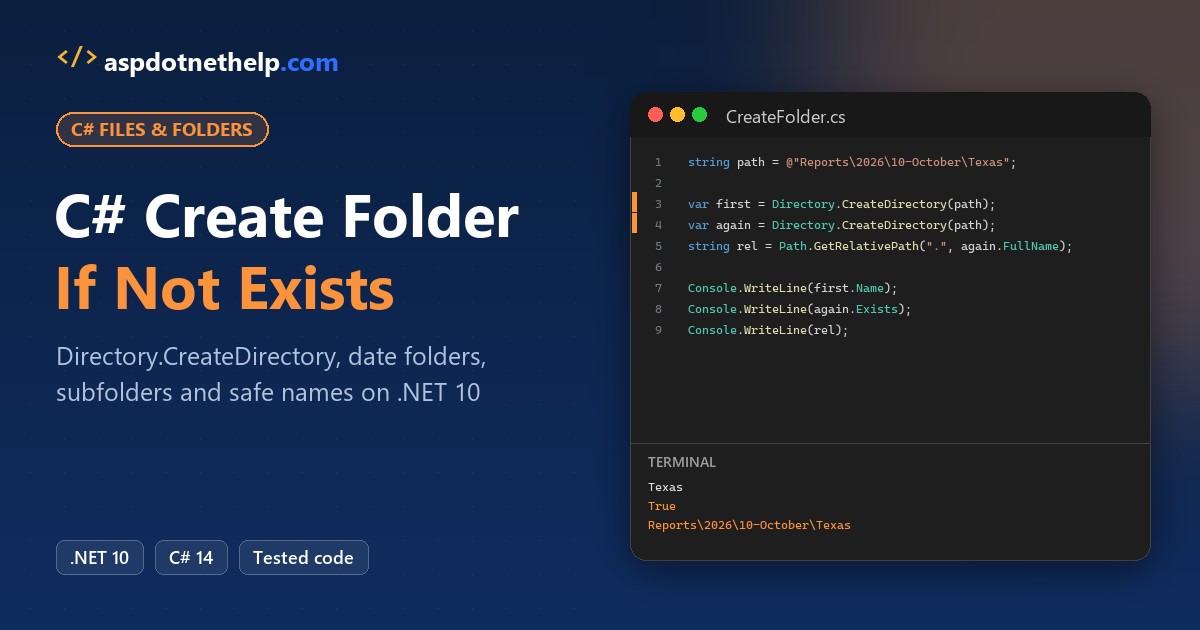
C# Create Folder If Not Exists (Directory.CreateDirectory Guide)

C# create folder if not exists: Directory.CreateDirectory called twice on Reports202610-OctoberTexas with no exception

Want C# to create a folder only if it doesn’t exist? Call Directory.CreateDirectory(path). It creates the folder when it’s missing and quietly returns the existing one when it’s already there, so no check is needed. In this tutorial, I’ll cover every C# create folder if not exists case I run into: the current directory, folders … Read more >>

How to Add Leading Zeros to a String or Number in C#

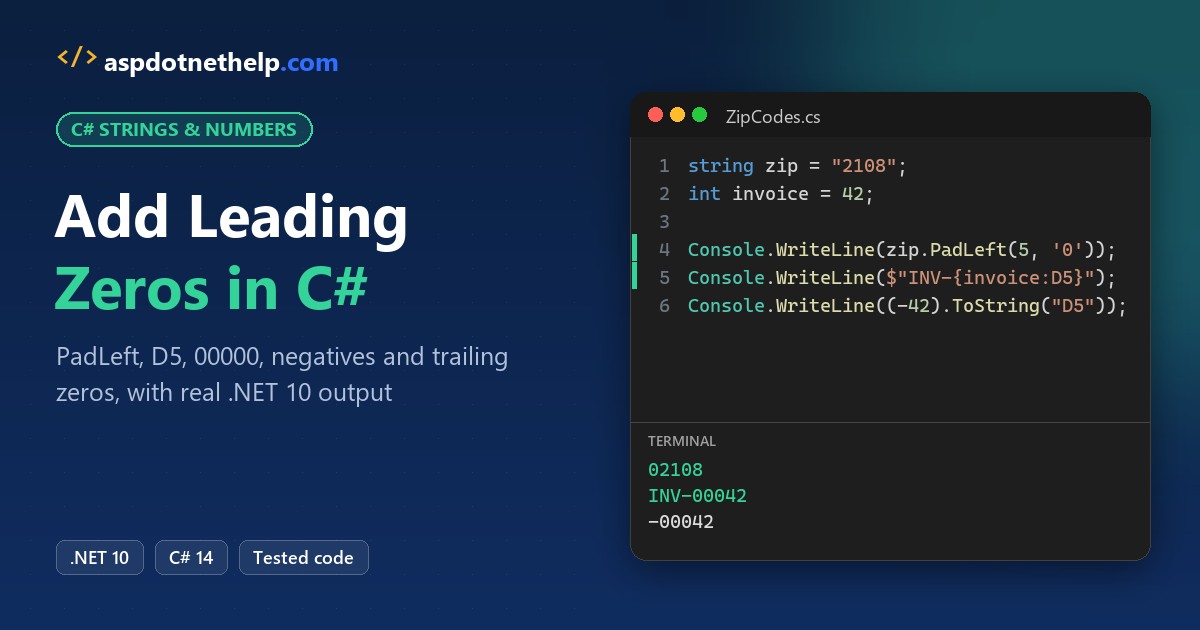
C# leading zeros: PadLeft turns ZIP code 2108 into 02108 and D5 formats invoice 42 as INV-00042

Turning 42 into 00042 takes one call in C#: “42”.PadLeft(5, ‘0’) for a string, or 42.ToString(“D5”) for an int. Both give you a five-character result with zeros in front. In this tutorial, I’ll show every way I use to add C# leading zeros: PadLeft, the D and 00000 formats, interpolation, negative numbers, values longer than … Read more >>

How to Convert a List to a Comma Separated String in C#

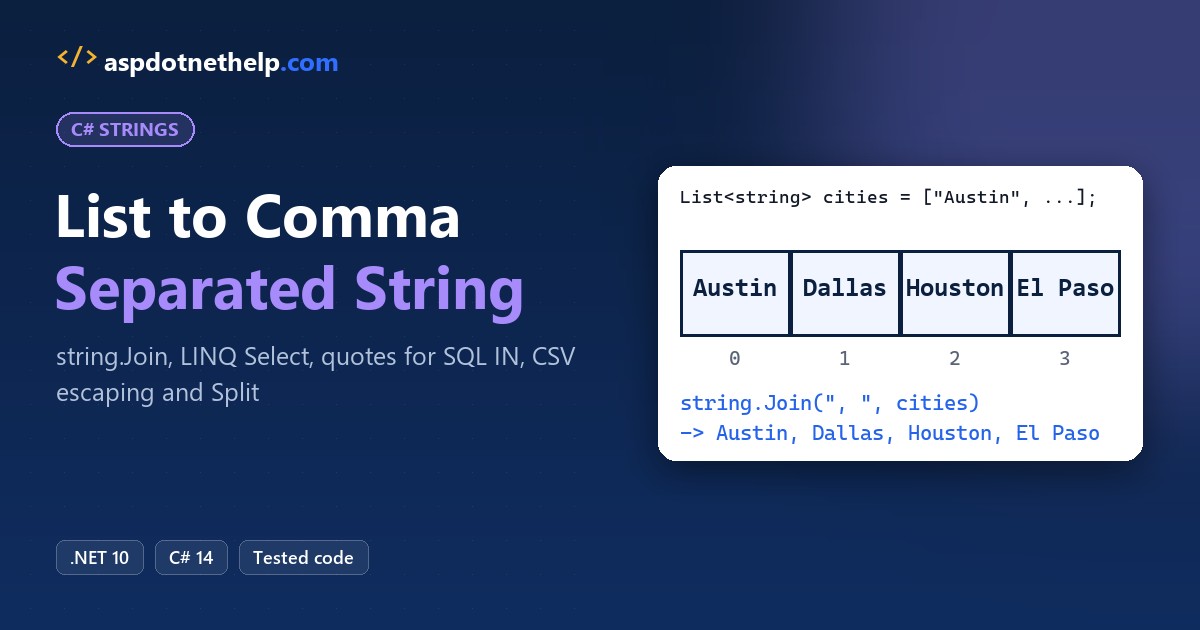
C# list to comma separated string: four Texas cities joined with string.Join into Austin, Dallas, Houston, El Paso

Turning a C# list into a comma separated string takes one line: string.Join(“, “, cities). It turns Austin, Dallas, Houston and El Paso into one string you can drop into a label, a log line or an email. In this tutorial, I’ll take one small US customer list through every C# list to comma separated … Read more >>

How to Format a Number with Commas and Decimals in C#

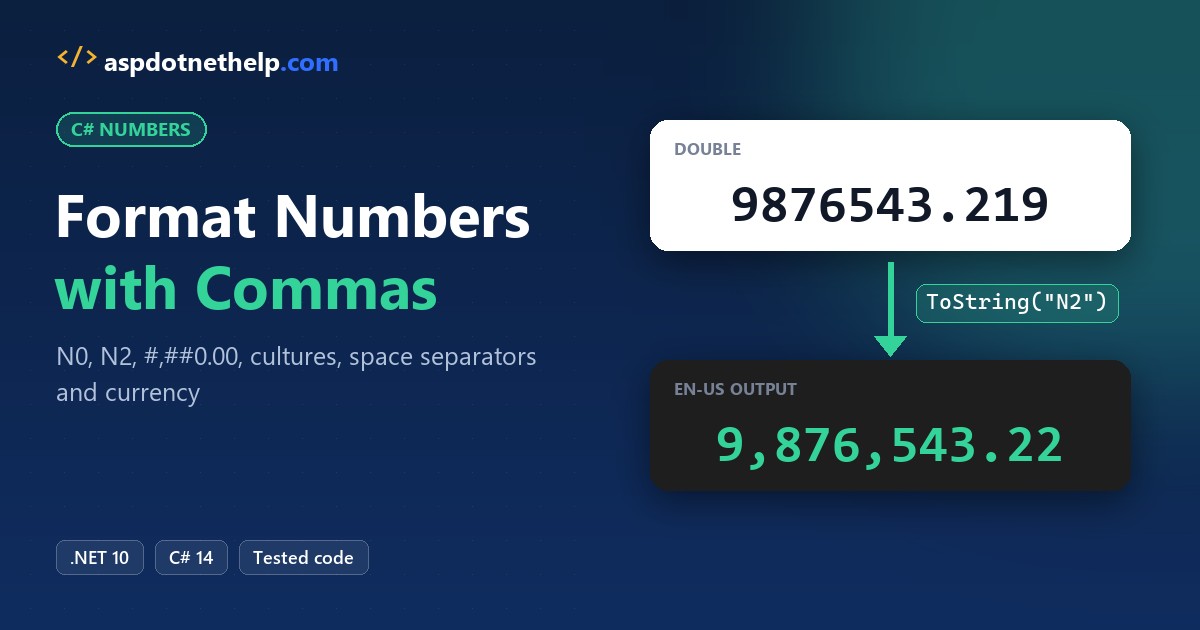
C# format number with commas: 9876543.219 formatted with ToString("N2") as 9,876,543.22

Need 1234567 to print as 1,234,567? To format a number with commas in C#, call number.ToString(“N0”) for whole numbers or ToString(“N2”) for two decimals, and pass an en-US culture so the separator doesn’t change from machine to machine. In this tutorial, I’ll cover each case I’ve hit in production code for C# format number with … Read more >>

C# Array: How to Declare, Use and Add Values to Arrays in C#

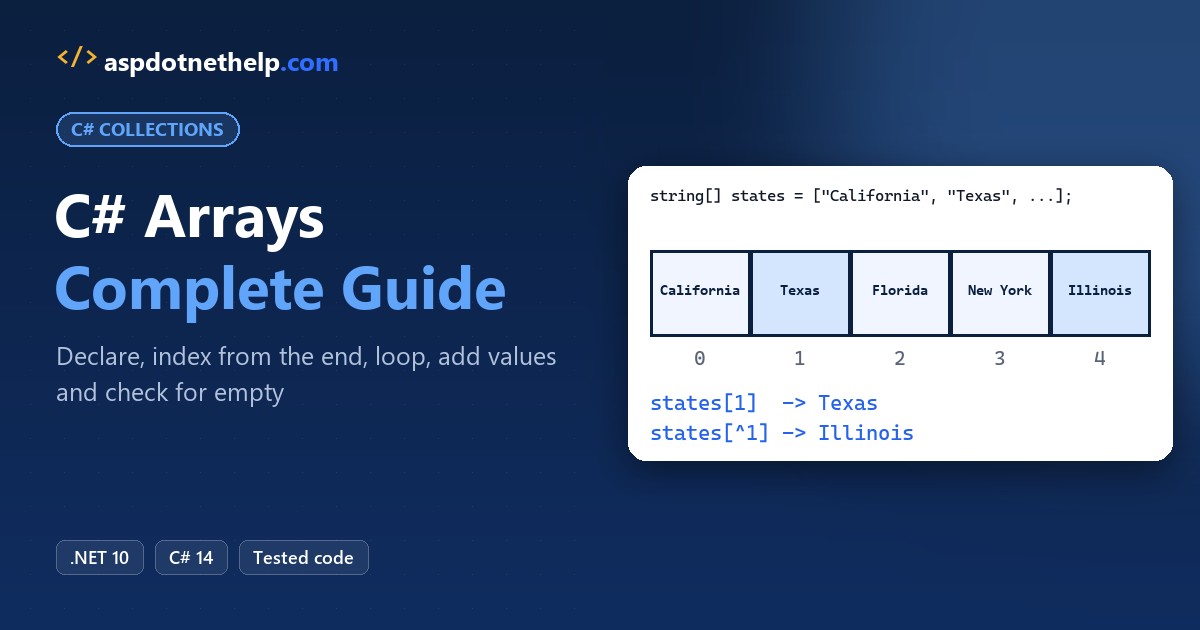
C# array of five US states with indexes, states[1] and states[^1]

Last spring, a sales dashboard I was building for a US retail client crashed on one innocent line: regions[4]. The array held four regions, and index 4 simply doesn’t exist. Here’s the quick answer. A C# array is a fixed-size, zero-indexed block of values of one type, such as string[] regions = [“West”, “South”];. You … Read more >>