
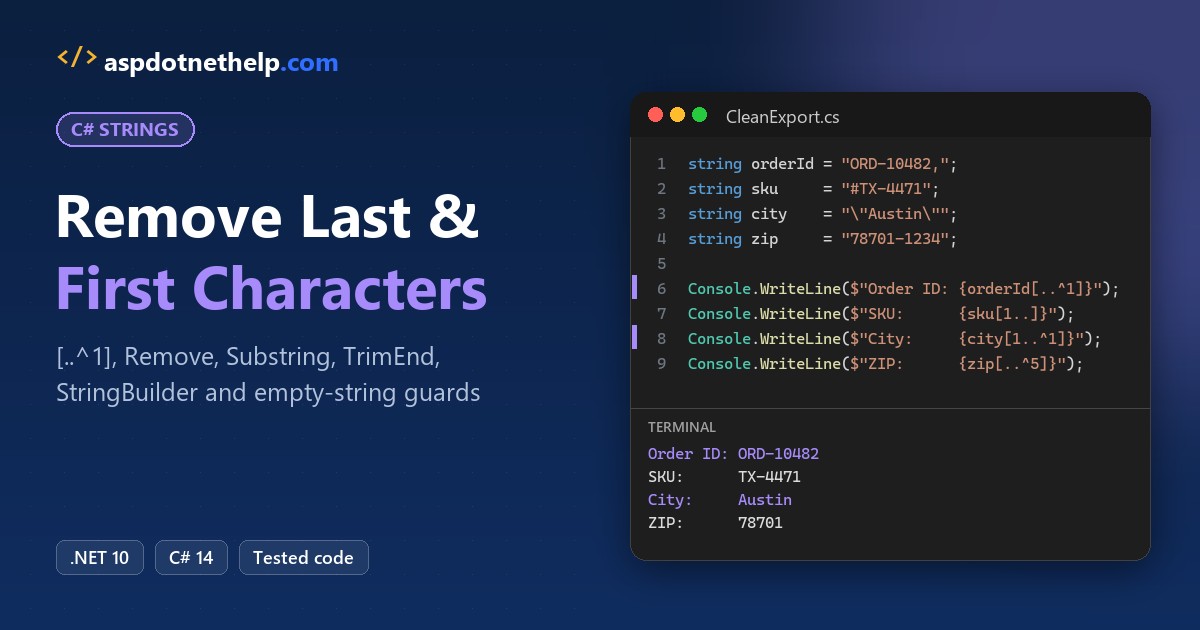
Exported order data almost never comes out clean. To remove the last character from a string in C#, call s.Remove(s.Length - 1), or on C# 8 and later use the range operator s[..^1]. Both return a new string and leave the original alone.
string orderId = "ORD-10482,";
string clean = orderId[..^1];   // "ORD-10482"
In this tutorial, I’ll answer the classic C# remove last character from string question, then build a small cleaner for a US online store’s export: trailing commas, SKU prefixes, CSV quotes and ZIP+4 suffixes.
You’ll see real dotnet run output from .NET 10 under every snippet.
The Result: Remove Characters from Order IDs, SKUs and Cities
Here’s where you’re headed. Each raw value gets one range expression:
// Raw values from a US online store's order export
string orderId = "ORD-10482,";   // trailing comma
string sku     = "#TX-4471";     // '#' prefix
string city    = "\"Austin\"";   // CSV quotes
string batch   = "[[CA-2026]]";  // double brackets
string zip     = "78701-1234";   // ZIP+4

Console.WriteLine($"Order ID: {orderId[..^1]}");
Console.WriteLine($"SKU:      {sku[1..]}");
Console.WriteLine($"City:     {city[1..^1]}");
Console.WriteLine($"Batch:    {batch[2..^2]}");
Console.WriteLine($"ZIP:      {zip[..^5]}");
Output:
Order ID: ORD-10482
SKU:      TX-4471
City:     Austin
Batch:    CA-2026
ZIP:      78701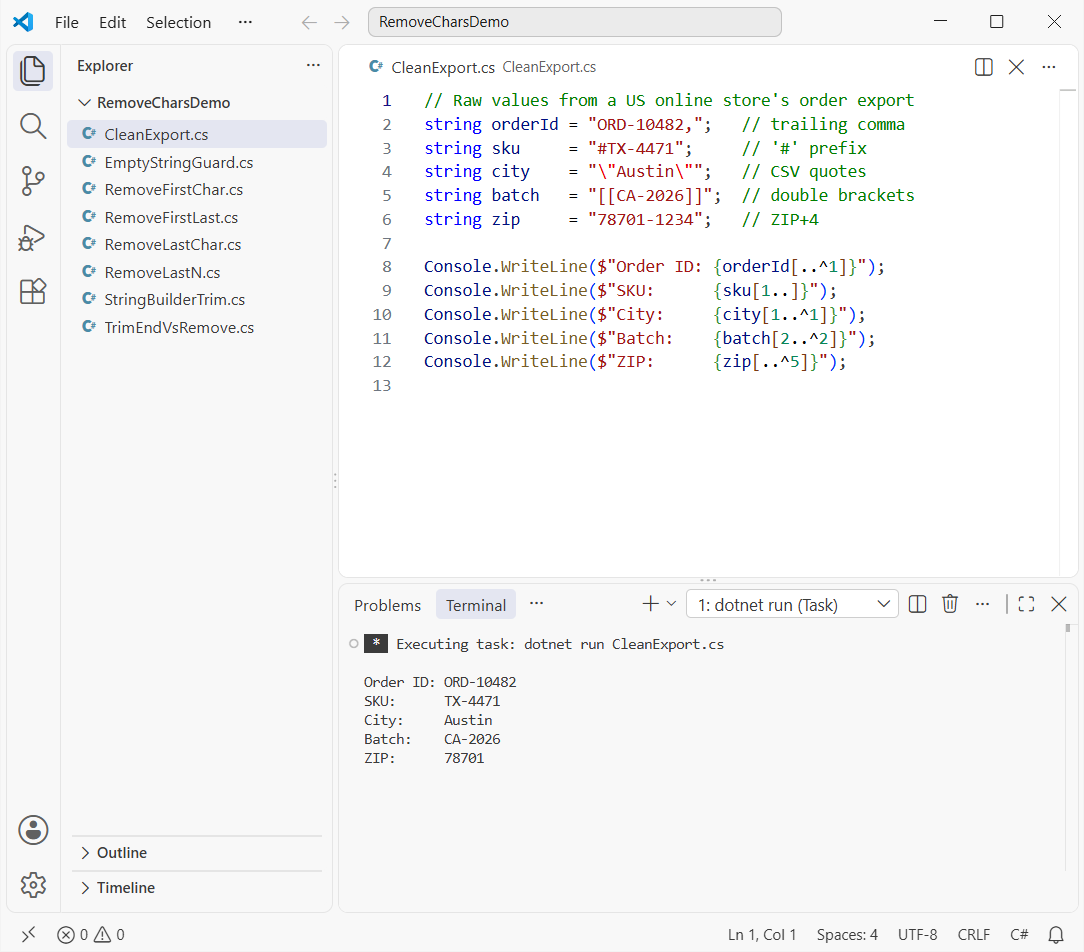
The steps below build each fix. To keep a prefix instead, you’d grab the first N characters of a string.
Step 1: Remove the Last Character from a String in C#
The order ID ORD-10482, ends with a stray comma. There are three ways to drop it, and they give the same result:
string orderId = "ORD-10482,";

string viaRemove    = orderId.Remove(orderId.Length - 1);
string viaSubstring = orderId.Substring(0, orderId.Length - 1);
string viaRange     = orderId[..^1];   // C# 8 and later

Console.WriteLine($"Remove:    {viaRemove}");
Console.WriteLine($"Substring: {viaSubstring}");
Console.WriteLine($"Range:     {viaRange}");
Console.WriteLine($"Original:  {orderId}");
Output:
Remove:    ORD-10482
Substring: ORD-10482
Range:     ORD-10482
Original:  ORD-10482,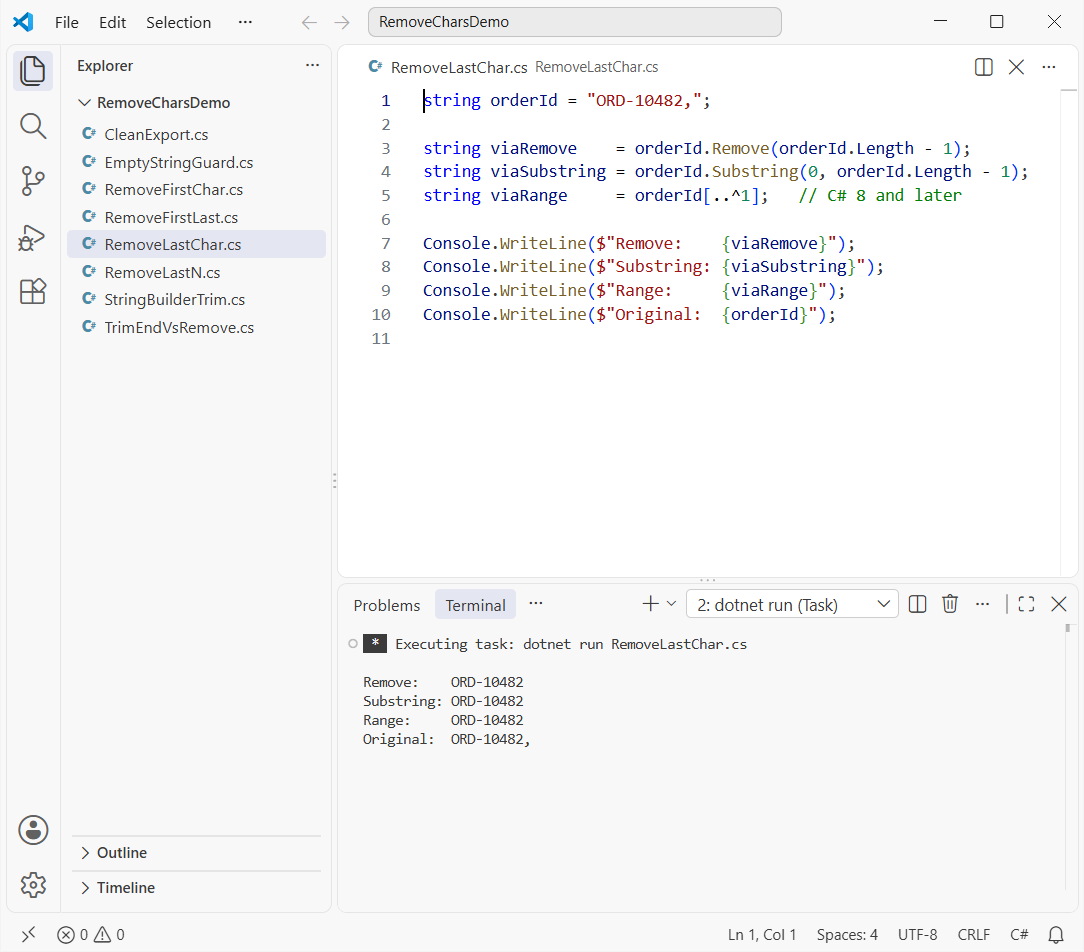
Remove(startIndex) deletes from that index to the end, and Substring(0, Length - 1) keeps everything before it. In [..^1], ^1 means “one from the end,” and the end of a range is exclusive.
Checkpoint: the original still prints its comma. Strings are immutable, so always assign the result.
Step 2: Remove the Last 2, 3 or 4 Characters (ZIP+4 and Size Codes)
Removing the last N characters is the same code with a bigger number. Here the ZIP+4 and the SKU size code go:
string zip = "78701-1234";
string sku = "TX-4471-XL";

Console.WriteLine(zip[..^5]);                       // drop the "-1234" suffix
Console.WriteLine(sku.Remove(sku.Length - 3));      // drop "-XL"
Console.WriteLine(sku.Substring(0, sku.Length - 2)); // drop "XL"
Output:
78701
TX-4471
TX-4471-
Use [..^n], Remove(Length - n) or Substring(0, Length - n). If the part you’re dropping is a word rather than a fixed count, it’s easier to remove the last word from a string by finding the last space.
Step 3: Remove the First Character (the # SKU Prefix)
Some SKUs arrive as #TX-4471. To remove the first character, start the copy at index 1:
string sku = "#TX-4471";

Console.WriteLine($"Range:     {sku[1..]}");
Console.WriteLine($"Substring: {sku.Substring(1)}");
Console.WriteLine($"Remove:    {sku.Remove(0, 1)}");
Console.WriteLine($"TrimStart: {"##TX-4471".TrimStart('#')}");
Output:
Range:     TX-4471
Substring: TX-4471
Remove:    TX-4471
TrimStart: TX-4471
sku[1..] compiles to Substring(1). TrimStart('#') is different: it removes every leading #, which helps when your export doubled them.
Step 4: Remove the First and Last Character from a String in C#
CSV exports wrap text in quotes, so the city comes in as "Austin". Combine both ends with [1..^1], or use Substring(1, Length - 2) on older code:
string[] cities = { "\"Austin\"", "\"Denver\"", "\"Boston\"" };

foreach (string city in cities)
{
    string viaRange     = city[1..^1];
    string viaSubstring = city.Substring(1, city.Length - 2);
    Console.WriteLine($"{city,-10} -> {viaRange} | {viaSubstring}");
}

string batch = "[[CA-2026]]";
Console.WriteLine(batch[2..^2]);
Console.WriteLine(batch.Substring(2, batch.Length - 4));
Output:
"Austin"   -> Austin | Austin
"Denver"   -> Denver | Denver
"Boston"   -> Boston | Boston
CA-2026
CA-2026
Before you strip quotes, confirm they’re there with StartsWith('"'). My post on how to check if a string contains a character covers those checks.
Remove the First and Last 2 Characters
The batch code [[CA-2026]] has two brackets on each side. [2..^2] drops two from each end, and the Substring version subtracts 4, because you’re removing four characters in total.
Should You Use TrimEnd or Remove Exactly One Character?
TrimEnd(',') and [..^1] look interchangeable, but they aren’t. Watch a value with three commas, then one with none:
string state   = "Texas,,,";
string orderId = "ORD-10482";   // this one has no comma

Console.WriteLine($"[..^1]:       {state[..^1]}");
Console.WriteLine($"TrimEnd(','): {state.TrimEnd(',')}");
Console.WriteLine($"[..^1]:       {orderId[..^1]}");
Console.WriteLine($"TrimEnd(','): {orderId.TrimEnd(',')}");

string safe = orderId.EndsWith(',') ? orderId[..^1] : orderId;
Console.WriteLine($"EndsWith:     {safe}");
Output:
[..^1]:       Texas,,
TrimEnd(','): Texas
[..^1]:       ORD-1048
TrimEnd(','): ORD-10482
EndsWith:     ORD-10482
[..^1] always removes one character, even a real digit, so ORD-10482 became ORD-1048. TrimEnd(',') removes every trailing comma and nothing else.
When you need exactly one, guard it with EndsWith. To strip a character from the middle too, see how to remove a particular character from a string.
Step 5: Guard Against Empty and Short Strings
Exports always have blank cells. Calling Remove(Length - 1) or [..^1] on an empty string throws, and here’s the real exception:
string empty = "";
Func<string>[] attempts = { () => empty.Remove(empty.Length - 1), () => empty[..^1] };

foreach (Func<string> attempt in attempts)
{
    try { attempt(); }
    catch (ArgumentOutOfRangeException ex)
    {
        Console.WriteLine($"{ex.GetType().Name}: {ex.Message.Split('\n')[0]}");
    }
}

foreach (string? value in new[] { "ORD-10482,", "7", "", null })
    Console.WriteLine($"'{value}' -> '{DropLast(value)}'");

static string DropLast(string? s, int count = 1) =>
    s is null || s.Length <= count ? string.Empty : s[..^count];
Output:
ArgumentOutOfRangeException: StartIndex cannot be less than zero. (Parameter 'startIndex')
ArgumentOutOfRangeException: length ('-1') must be a non-negative value. (Parameter 'length')

'ORD-10482,' -> 'ORD-10482'
'7' -> ''
'' -> ''
'' -> ''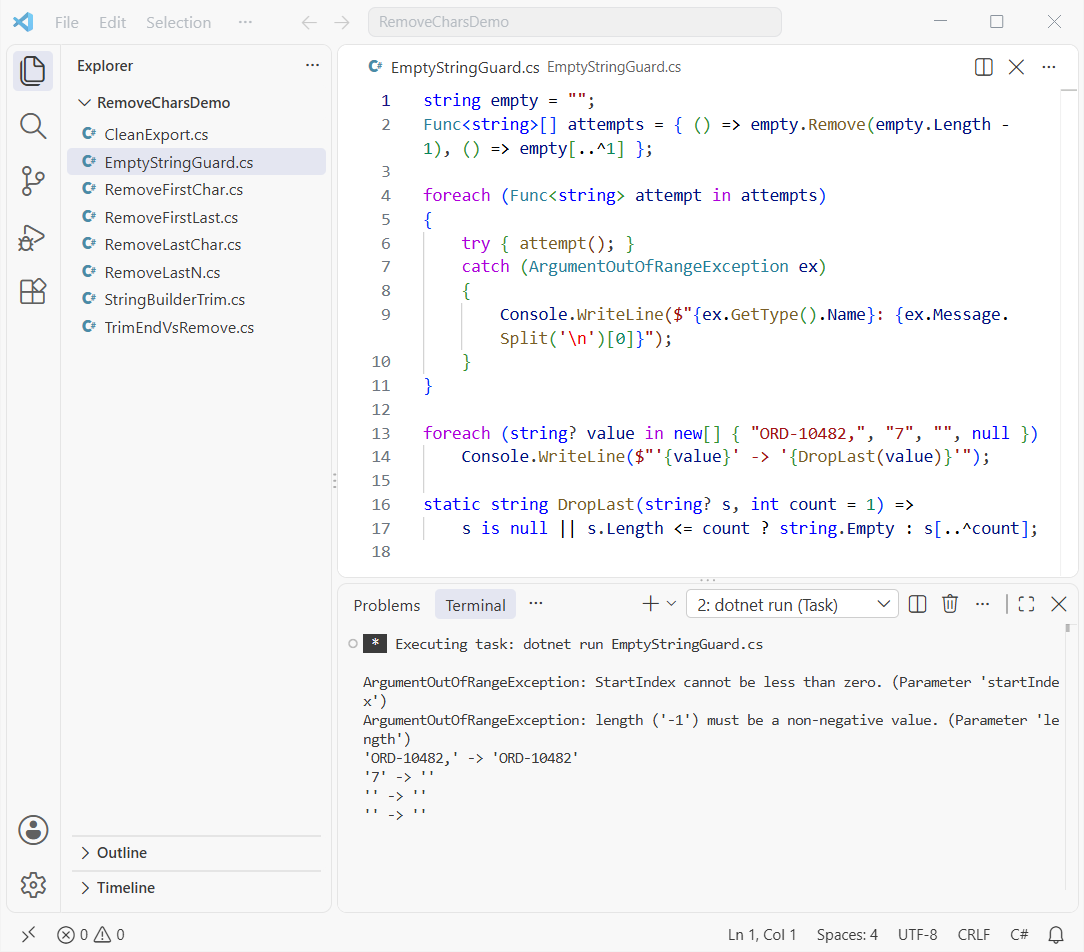
An empty string has length 0, so Length - 1 is -1. Notice the range version complains about length: it calls Substring(0, -1) behind the scenes.
DropLast returns an empty string for null, empty or too-short input. It’s the same habit as when you check if a string is null or empty first.
Checkpoint: "7" comes back empty, and the null row prints '' without a crash.
Step 6: Remove the First and Last Character from a StringBuilder
When you build a list of states in a loop, you end up with an extra ", " at the end. A StringBuilder fixes that in place:
using System.Text;

string[] states = { "Texas", "Ohio", "Florida" };
var list = new StringBuilder();
foreach (string state in states)
    list.Append(state).Append(", ");

if (list.Length >= 2) list.Length -= 2;   // drop the trailing ", "
Console.WriteLine(list);

var city = new StringBuilder("\"New York\"");
if (city.Length >= 2)
{
    city.Remove(0, 1);               // first character
    city.Remove(city.Length - 1, 1); // last character
}
Console.WriteLine(city);
Output:
Texas, Ohio, Florida
New York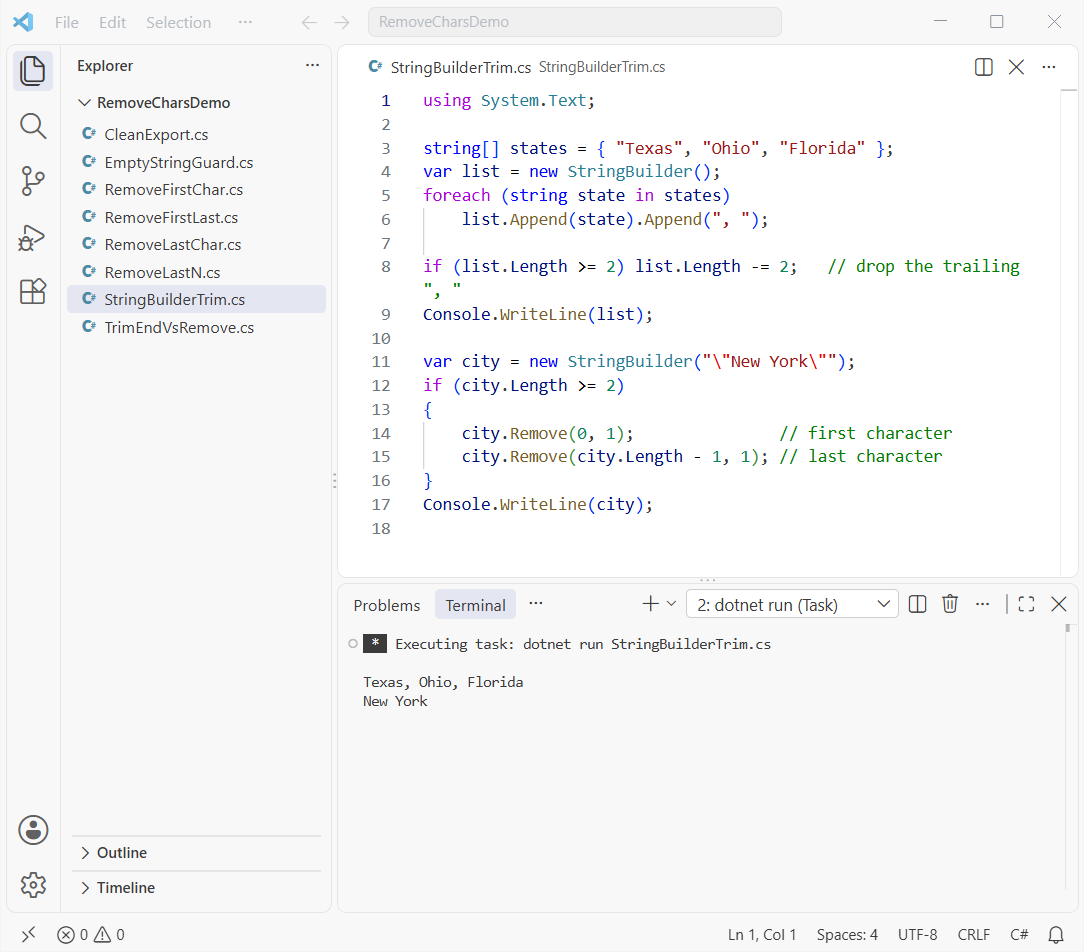
Setting Length lower truncates the builder, and Remove(index, count) deletes characters in place. Both change the same object, which is the key difference between string and StringBuilder.
For a plain list, string.Join(", ", states) never adds the trailing comma. Here’s how to convert a list to a comma-separated string.
Which Method Should You Use to Remove Characters in C#?
| Task | Range (C# 8+) | Classic method |
|---|---|---|
| Last character | s[..^1] | s.Remove(s.Length - 1) |
| Last N characters | s[..^n] | s.Substring(0, s.Length - n) |
| First character | s[1..] | s.Substring(1) |
| First and last | s[1..^1] | s.Substring(1, s.Length - 2) |
| First and last 2 | s[2..^2] | s.Substring(2, s.Length - 4) |
| All trailing commas | n/a | s.TrimEnd(',') |
| StringBuilder | n/a | sb.Length--, sb.Remove(0, 1) |
I use ranges in new code. Reach for TrimEnd when the count varies, and add a length check when input comes from a file.
Still cleaning up strings? These pick up where this one stops:
- Get the first character of each word in C#
- Add leading zeros to a string
- Compare two strings character by character
- Convert a char array to a string
Frequently Asked Questions
How do I remove the last character from a string in C#?
Use s[..^1] on C# 8 or later, or s.Remove(s.Length - 1) on any version. Check that the string isn’t empty first.
Why does Remove(s.Length – 1) throw ArgumentOutOfRangeException?
The string is empty, so the start index is -1. The String.Remove documentation on Microsoft Learn lists a negative index as the cause.
What’s the difference between TrimEnd and Remove for the last character?
TrimEnd(',') removes every trailing comma and only commas. Remove or [..^1] removes exactly one character, whatever it is.
How do I remove the last comma from a StringBuilder?
Check sb.Length > 0, then decrement sb.Length. That truncates the builder in place.
Does s[..^1] work in .NET Framework?
Not out of the box. Ranges need C# 8 and the System.Range type, which .NET Framework lacks. Use Substring or Remove there.

Bijay Kumar is a renowned software engineer, accomplished author, and distinguished Microsoft Most Valuable Professional (MVP) specializing in SharePoint. With a rich professional background spanning over 15 years, Bijay has established himself as an authority in the field of information technology. He possesses unparalleled expertise in multiple programming languages and technologies such as ASP.NET, ASP.NET MVC, C#.NET, and SharePoint, which has enabled him to develop innovative and cutting-edge solutions for clients across the globe. Read more…