
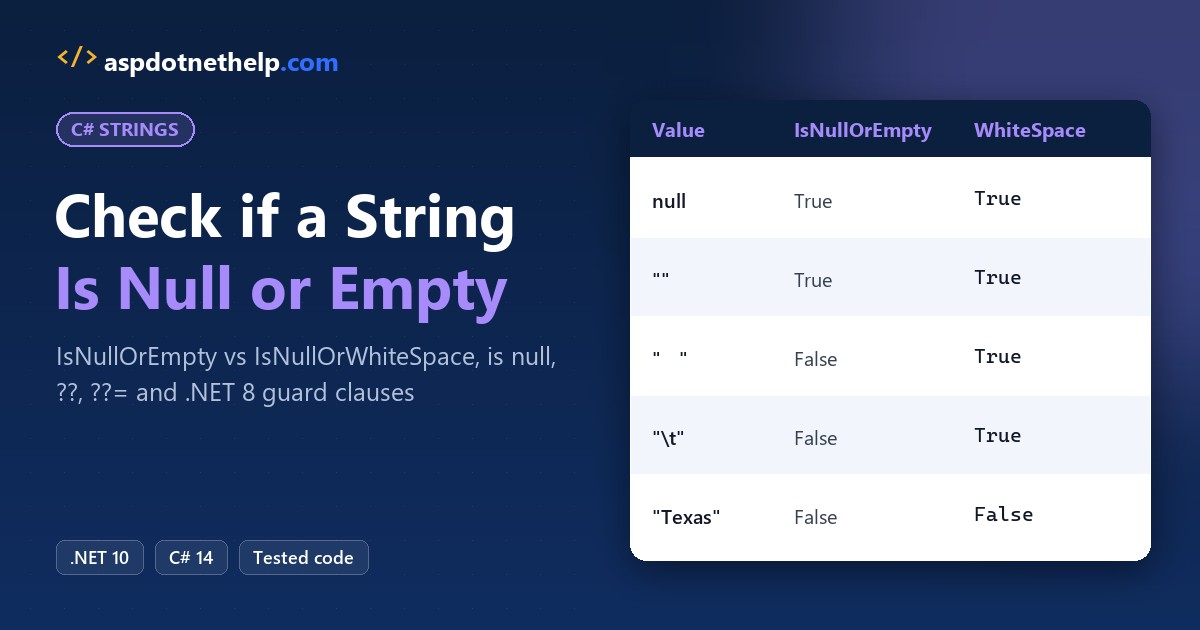
Blank customer names kept slipping into a Dallas client’s CRM import because my code only tested for null. For a C# check if string is null or empty, call string.IsNullOrEmpty(value). If spaces should count as empty too, use string.IsNullOrWhiteSpace(value).
bool missing = string.IsNullOrWhiteSpace(customerName); // true for null, "", " "In this tutorial, I’ll go through the C# check if string is null or empty options I actually use: the two built-in methods, is null, nullable warnings, ?? fallbacks and guard clauses, all run on .NET 10.
string.IsNullOrEmpty vs IsNullOrWhiteSpace: What’s the Difference?
IsNullOrEmpty is true for null and "" only. IsNullOrWhiteSpace is also true for spaces, tabs or line breaks. Here’s the truth table I ran:
string?[] values = [null, "", "   ", "\t", "Texas"];

Console.WriteLine($"{"Value",-9} {"IsNullOrEmpty",-14} IsNullOrWhiteSpace");

foreach (string? value in values)
{
    string label = value switch
    {
        null => "null",
        "\t" => "\"\\t\"",
        _ => $"\"{value}\""
    };
    Console.WriteLine($"{label,-9} {string.IsNullOrEmpty(value),-14} {string.IsNullOrWhiteSpace(value)}");
}
Output:
Value     IsNullOrEmpty  IsNullOrWhiteSpace
null      True           True
""        True           True
"   "     False          True
"\t"      False          True
"Texas"   False          False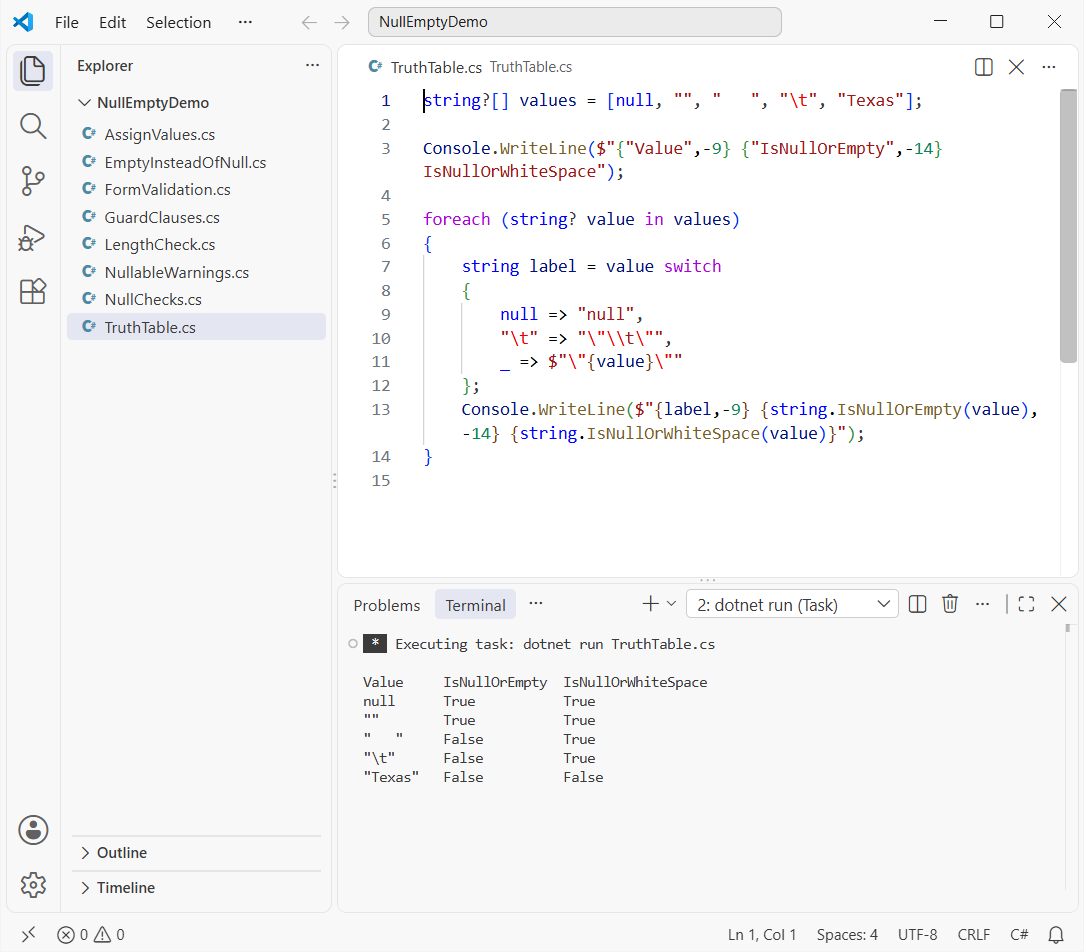
For anything a person types, I use IsNullOrWhiteSpace. The same choice comes up when you check if a string array contains a specific element.
Why Does Checking string.Length Throw a NullReferenceException?
Checking value.Length == 0 alone works for "", but a null string has no object to read Length from:
string? zipCode = GetZipFromForm();   // ZIP field left blank

// Safe: || stops at the null check, so Length is never read
if (zipCode == null || zipCode.Length == 0)
    Console.WriteLine("Safe check: ZIP code is missing");

// Unsafe: reads Length on a null reference
if (zipCode.Length == 0)
    Console.WriteLine("You never get here");

static string? GetZipFromForm() => null;
Output:
C:\DotNetDemo\NullEmptyDemo\LengthCheck.cs(8,5): warning CS8602: Dereference of a possibly null reference.
Safe check: ZIP code is missing
Unhandled exception. System.NullReferenceException: Object reference not set to an instance of an object.
   at Program.<Main>$(String[] args) in C:\DotNetDemo\NullEmptyDemo\LengthCheck.cs:line 8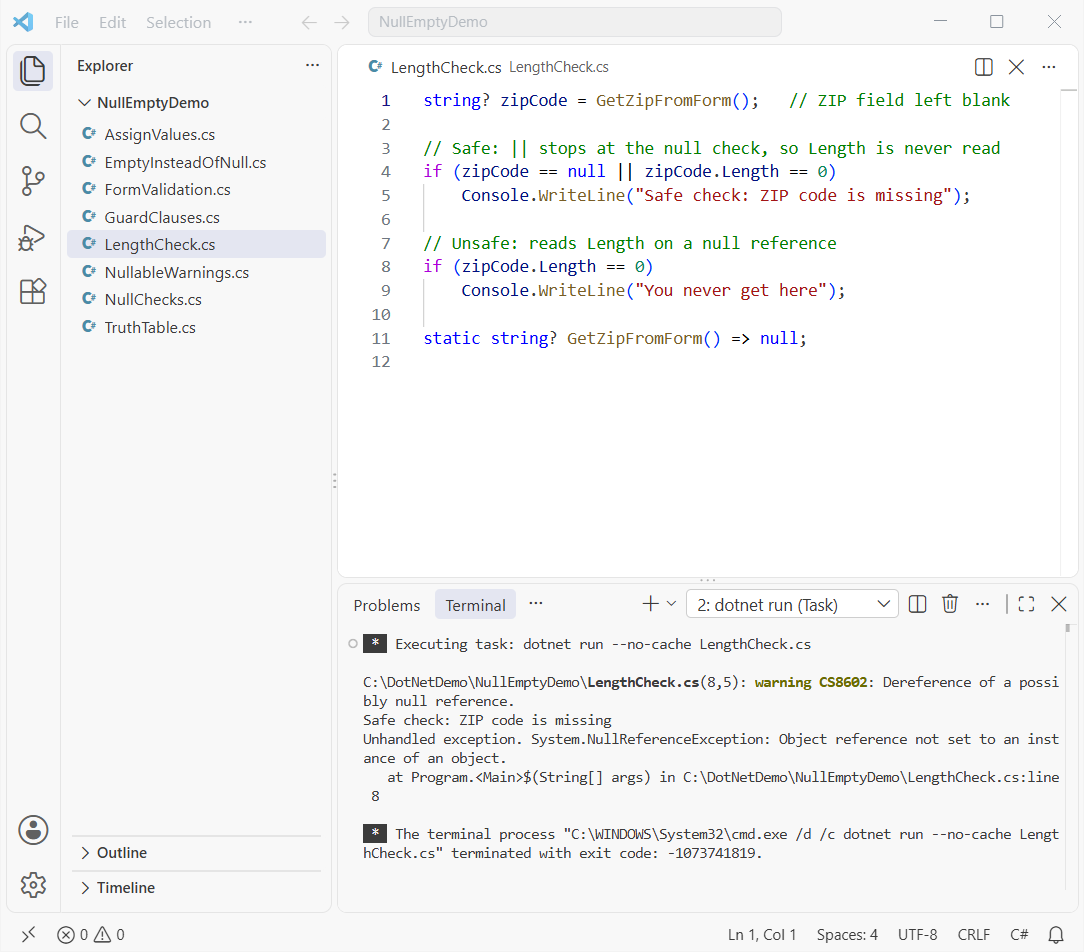
The first if is safe because || short-circuits once zipCode == null is true. Fix this with a check, not a try-catch block.
Check if a String Is Null with is null, is not null and == null
When only null matters, use the is null pattern. Patterns can also test for empty in one expression:
string? middleName = null;
string state = "Texas";
string notes = "";

Console.WriteLine($"middleName is null:      {middleName is null}");
Console.WriteLine($"state is not null:       {state is not null}");
Console.WriteLine($"middleName == null:      {middleName == null}");
Console.WriteLine($"notes is null or \"\":     {notes is null or ""}");
Console.WriteLine($"state has text:          {state is { Length: > 0 }}");
Console.WriteLine($"middleName?.Length ?? 0: {middleName?.Length ?? 0}");
Output:
middleName is null:      True
state is not null:       True
middleName == null:      True
notes is null or "":     True
state has text:          True
middleName?.Length ?? 0: 0
I prefer is null over == null because it can’t be overloaded. state is { Length: > 0 } means not null and not empty, and ?.Length ?? 0 is a crash-free length.
Here’s how to check for null values in C# for other types, and how to check if an object is empty or null.
How Do You Assign Null or an Empty String in C#?
Assign null when there’s no value, and string.Empty or "" when it’s a string with no characters. Use string? if it may hold null:
string? nickname = null;          // no string at all
string suffix = string.Empty;     // a real string with zero characters
string title = "";                // the same empty string
string? fromDefault = default;    // default for a string is null

Console.WriteLine($"nickname is null:        {nickname is null}");
Console.WriteLine($"suffix == title:         {suffix == title}");
Console.WriteLine($"Same object in memory:   {ReferenceEquals(string.Empty, "")}");
Console.WriteLine($"title.Length:            {title.Length}");
Console.WriteLine($"default(string) is null: {fromDefault is null}");
Output:
nickname is null:        True
suffix == title:         True
Same object in memory:   True
title.Length:            0
default(string) is null: True
string.Empty and "" are the same object here, so pick either. Strings can be null because they’re reference types; see C# data types.
Nullable Reference Types: string? and the CS8600/CS8602 Warnings
With nullable reference types on, string means never null and string? means maybe null, and the compiler warns you:
string customerName = null;        // warning CS8600
string? middleName = GetMiddleName();

int letters = middleName.Length;   // warning CS8602

Console.WriteLine($"Customer: {customerName ?? "(missing)"}");
Console.WriteLine($"Middle name letters: {letters}");

static string? GetMiddleName() => "Zoe";
Output:
C:\DotNetDemo\NullEmptyDemo\NullableWarnings.cs(1,23): warning CS8600: Converting null literal or possible null value to non-nullable type.
C:\DotNetDemo\NullEmptyDemo\NullableWarnings.cs(4,15): warning CS8602: Dereference of a possibly null reference.
Customer: (missing)
Middle name letters: 3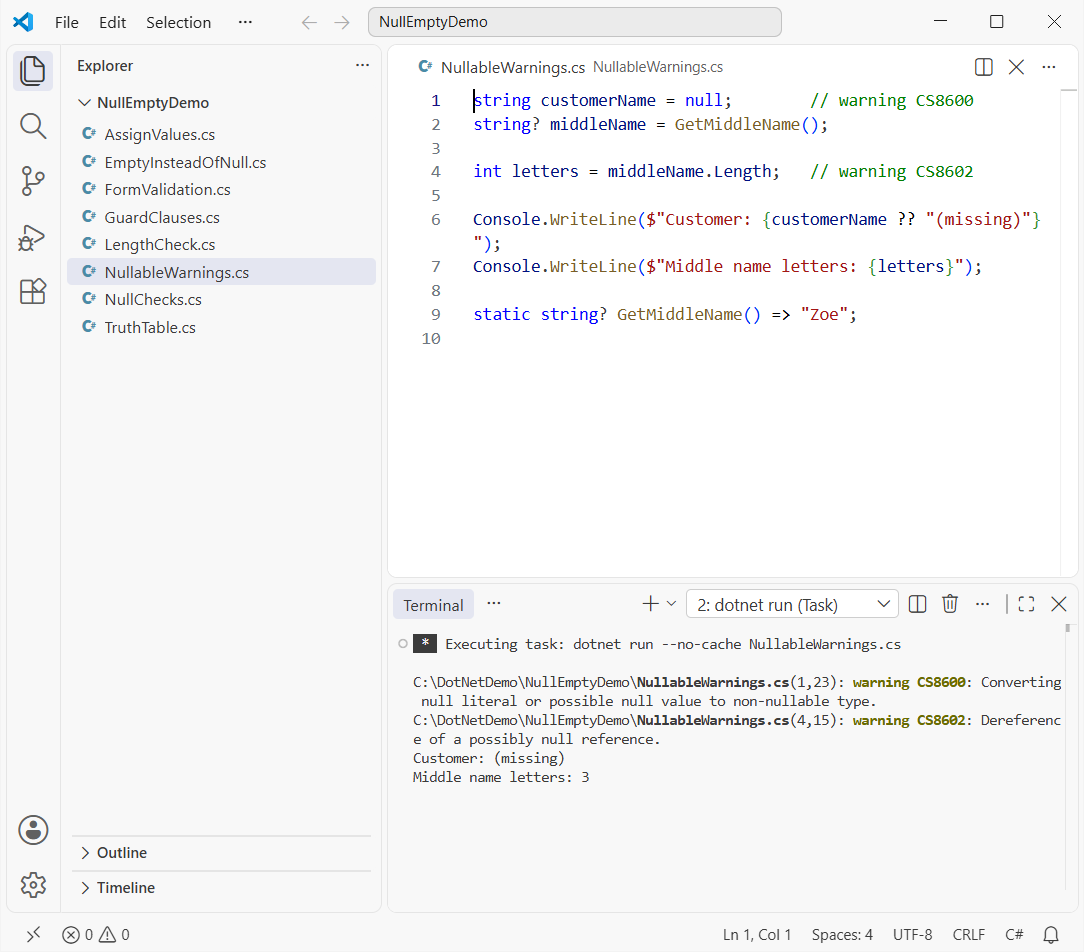
File-based apps have it on by default. Projects need <Nullable>enable</Nullable> in the .csproj, which the console application template already adds.
I used --no-cache because a cached dotnet run doesn’t print the warnings again.
Return an Empty String Instead of Null with ?? and ??=
Sometimes you’d rather swap null for an empty string so the rest of the code never sees null:
Customer ryan = new("Ryan Carter", null);

string middle = ryan.MiddleName ?? "";          // "" when MiddleName is null
Console.WriteLine($"Middle: [{middle}], length {middle.Length}");

string? city = null;
city ??= string.Empty;                          // assigns only when city is null
Console.WriteLine($"City is empty: {city.Length == 0}");

Console.WriteLine($"[{CleanCity(null)}] [{CleanCity("  Seattle ")}]");

static string CleanCity(string? input) => input?.Trim() ?? string.Empty;

record Customer(string Name, string? MiddleName);
Output:
Middle: [], length 0
City is empty: True
[] [Seattle]
?? returns the right side only when the left is null, and ??= assigns only when the variable is null. input?.Trim() ?? string.Empty is my usual one-line return.
The same trick works when you convert null to an int in C#.
Throw on Null or Empty Strings with ArgumentException.ThrowIfNullOrEmpty
For parameters of your C# functions, fail fast. ThrowIfNullOrEmpty came in .NET 7 and ThrowIfNullOrWhiteSpace in .NET 8:
foreach (string? name in new[] { "Jenna Moore", null, "", "   " })
{
    try
    {
        AddCustomer(name);
    }
    catch (ArgumentException ex)
    {
        Console.WriteLine($"{ex.GetType().Name}: {ex.Message}");
    }
}

static void AddCustomer(string? customerName)
{
    ArgumentException.ThrowIfNullOrWhiteSpace(customerName);
    Console.WriteLine($"Added {customerName}");
}
Output:
Added Jenna Moore
ArgumentNullException: Value cannot be null. (Parameter 'customerName')
ArgumentException: The value cannot be an empty string or composed entirely of whitespace. (Parameter 'customerName')
ArgumentException: The value cannot be an empty string or composed entirely of whitespace. (Parameter 'customerName')
Null throws ArgumentNullException; blank throws ArgumentException. The compiler fills in the parameter name for you.
Validate Empty Strings in a US Customer Form (Name and ZIP Code)
Here’s the pattern I use for form input, with a customer name and a five-digit ZIP code:
(string? Name, string? Zip)[] forms =
[
    ("Chloe Brady", "98052"), ("   ", "75201"),
    ("Ryan Carter", null), ("Jenna Moore", "9805"),
];

foreach (var (name, zip) in forms)
{
    var who = string.IsNullOrWhiteSpace(name) ? "(blank)" : name;
    Console.WriteLine($"{who}: {Check(name, zip)}");
}

static string Check(string? name, string? zip)
{
    if (string.IsNullOrWhiteSpace(name)) return "name required";
    if (string.IsNullOrEmpty(zip)) return "ZIP code required";
    if (zip.Length != 5 || !zip.All(char.IsAsciiDigit))
        return "ZIP code must be 5 digits";
    return "OK";
}
Output:
Chloe Brady: OK
(blank): name required
Ryan Carter: ZIP code required
Jenna Moore: ZIP code must be 5 digits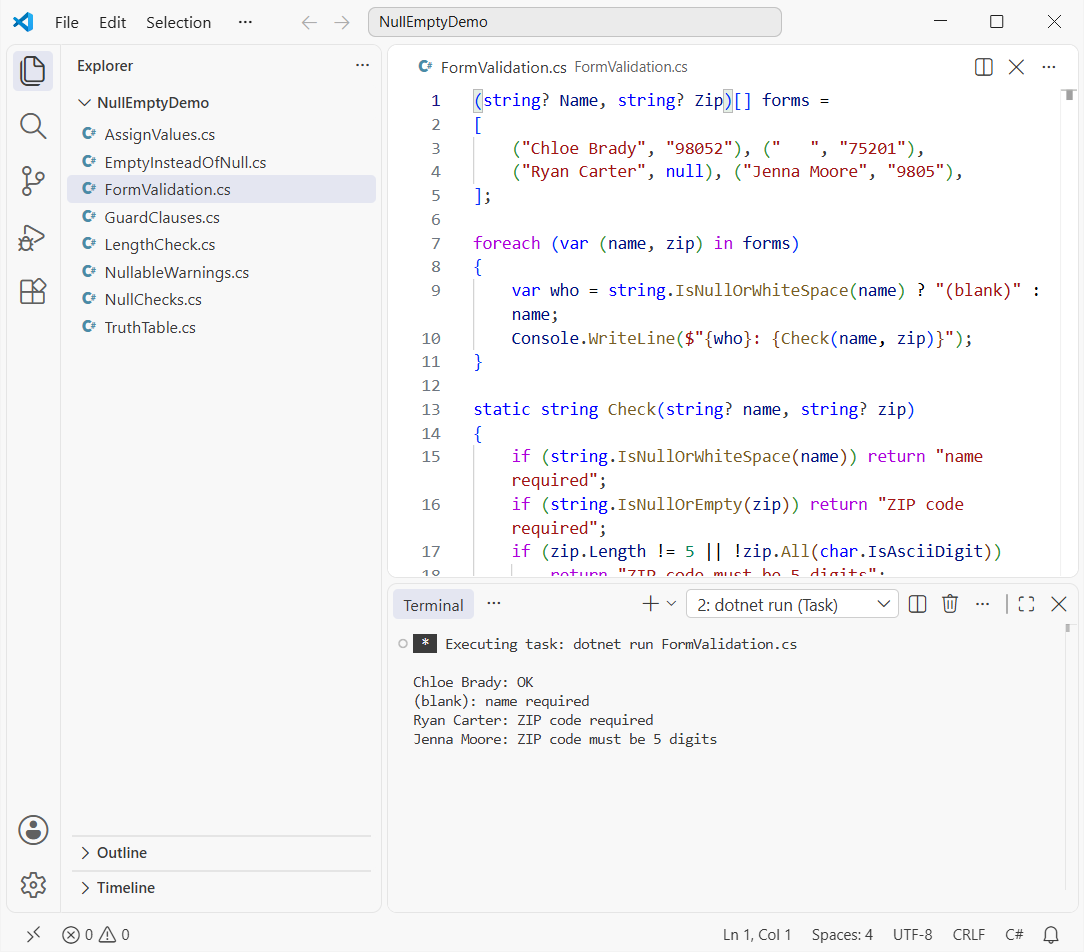
There’s no warning on zip.Length: when these methods return false, the compiler knows the string isn’t null. For ZIP+4 input, get the first N characters of a string.
Which Null or Empty String Check Should You Use?
| Situation | Use |
|---|---|
| User input (forms, CSV, APIs) | string.IsNullOrWhiteSpace(s) |
| Values your own code produced | string.IsNullOrEmpty(s) |
| Only null matters | s is null / s is not null |
| Need a safe length | s?.Length ?? 0 |
| Replace null with empty | s ?? string.Empty or s ??= "" |
| Reject bad method arguments | ArgumentException.ThrowIfNullOrWhiteSpace(s) |
Got more string cleanup on your plate? These are the next ones I’d open:
- Remove the last character from a string in C#
- Check if a string contains a character
- Compare two strings character by character
- How ToString() works in C#
Frequently Asked Questions
What’s the difference between a null string and an empty string in C#?
A null string doesn’t point to any object, so reading Length on it throws. An empty string is a real string with zero characters, and its Length is 0.
Does string.IsNullOrEmpty check for whitespace?
No. IsNullOrEmpty(" ") returns false. Use IsNullOrWhiteSpace, which treats spaces, tabs and line breaks as empty. See String.IsNullOrWhiteSpace on Microsoft Learn.
How do I check if a string is not null or empty in C#?
Negate the method: if (!string.IsNullOrEmpty(s)). With pattern matching you can write if (s is { Length: > 0 }), which means the same thing.
Which .NET version added ArgumentException.ThrowIfNullOrEmpty?
ThrowIfNullOrEmpty is available from .NET 7 and ThrowIfNullOrWhiteSpace from .NET 8. On older targets, write the check by hand and throw ArgumentException.
How do I return an empty string instead of null from a method?
Return value ?? string.Empty. If you also want to trim, use value?.Trim() ?? string.Empty.

Bijay Kumar is a renowned software engineer, accomplished author, and distinguished Microsoft Most Valuable Professional (MVP) specializing in SharePoint. With a rich professional background spanning over 15 years, Bijay has established himself as an authority in the field of information technology. He possesses unparalleled expertise in multiple programming languages and technologies such as ASP.NET, ASP.NET MVC, C#.NET, and SharePoint, which has enabled him to develop innovative and cutting-edge solutions for clients across the globe. Read more…