
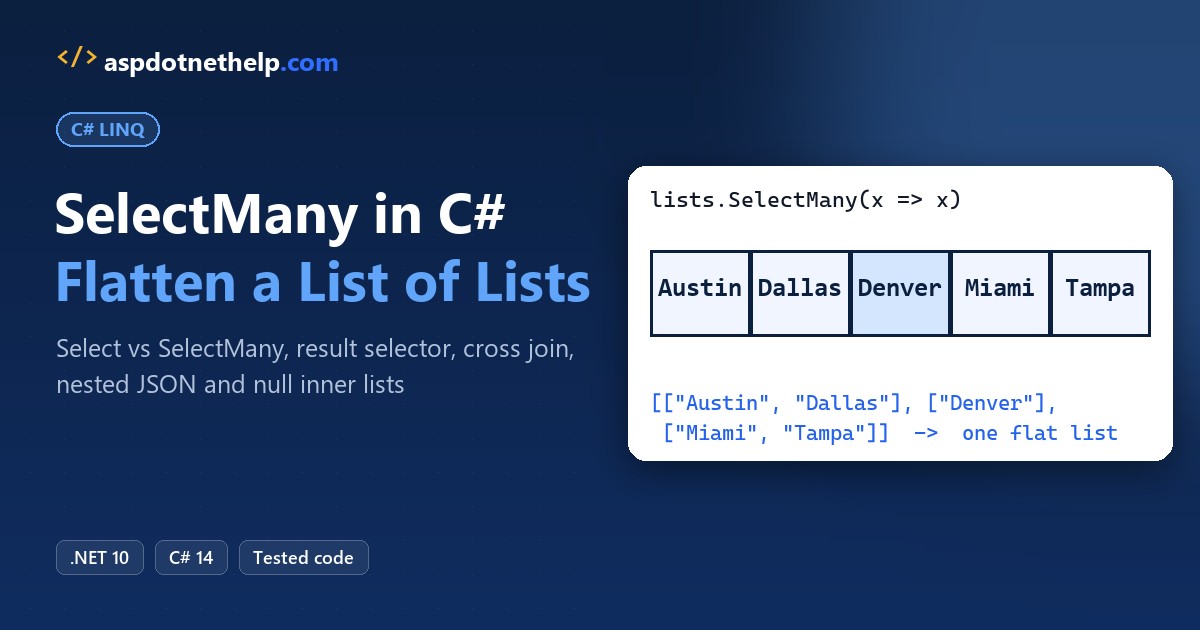
The C# LINQ SelectMany method flattens a sequence of sequences into one sequence, so a list of lists becomes a single list with one call, lists.SelectMany(x => x):
#:property PublishAot=false
List<List<string>> lists = [["Austin", "Dallas"], ["Denver"], ["Miami", "Tampa"]];

List<string> cities = lists.SelectMany(x => x).ToList();
Console.WriteLine(string.Join(", ", cities));
// Output: Austin, Dallas, Denver, Miami, Tampa
Quick answer: use Select when each item maps to one value, and SelectMany when each item holds a collection you want as one flat list. I ran every snippet here on .NET 10 against a small office-supply store’s orders.
Select vs SelectMany in C#: What’s the Difference?
A client in Columbus, Ohio asked me for a pick list: every product on every open order, one per line. Each order holds a list of line items, and that nesting is exactly where Select stops being enough.
#:property PublishAot=false
List<Order> orders =
[
    new(1001, "Jenna Morales", [new("Desk Lamp", 39.99m), new("USB-C Cable", 12.50m)]),
    new(1002, "Tyler Brooks", [new("Office Chair", 249.00m)]),
    new(1003, "Ava Chen", [new("Monitor Arm", 89.95m), new("Keyboard", 74.99m)]),
];

var nested = orders.Select(o => o.Items);       // one list per order
var flat = orders.SelectMany(o => o.Items);     // one sequence of items

Console.WriteLine($"Select:     {nested.Count()} x {nested.First().GetType().Name}");
Console.WriteLine($"SelectMany: {flat.Count()} x {flat.First().GetType().Name}");
foreach (LineItem item in flat)
    Console.WriteLine($"  {item.Product}");

record Order(int Id, string Customer, List<LineItem> Items);
record LineItem(string Product, decimal Price);
Output:
Select:     3 x List`1
SelectMany: 5 x LineItem
  Desk Lamp
  USB-C Cable
  Office Chair
  Monitor Arm
  Keyboard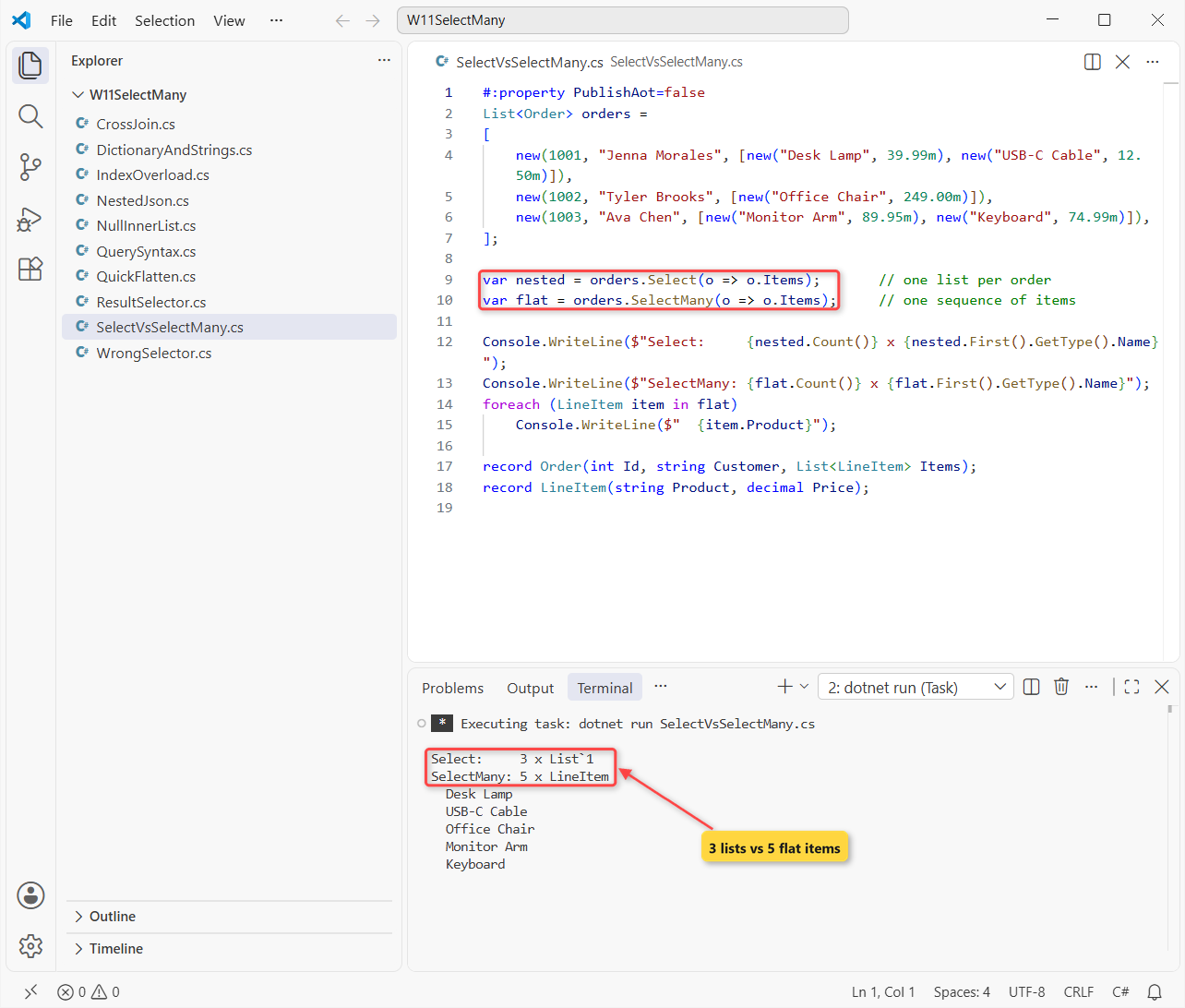
Select returned 3 whole lists. SelectMany returned the 5 line items themselves, so you’ll need only one loop. If lambdas are new to you, start with my LINQ in C# guide.
Keep the Parent with the SelectMany Result Selector
A flat list of products loses the order number, and the warehouse can’t pick without it. The second overload takes a result selector that receives the parent and the child:
#:property PublishAot=false
using System.Globalization;
List<Order> orders =
[
    new(1001, "Jenna Morales", [new("Desk Lamp", 39.99m), new("USB-C Cable", 12.50m)]),
    new(1002, "Tyler Brooks", [new("Office Chair", 249.00m)]),
    new(1003, "Ava Chen", [new("Monitor Arm", 89.95m), new("Keyboard", 74.99m)]),
];

CultureInfo.CurrentCulture = CultureInfo.GetCultureInfo("en-US");
var rows = orders.SelectMany(
    o => o.Items,                                   // collection selector
    (o, item) => new { o.Id, o.Customer, item.Product, item.Price });

foreach (var r in rows)
    Console.WriteLine($"{r.Id}  {r.Customer,-14} {r.Product,-13} {r.Price,8:C}");
Console.WriteLine($"Total: {rows.Sum(r => r.Price):C}");

record Order(int Id, string Customer, List<LineItem> Items);
record LineItem(string Product, decimal Price);
Output:
1001  Jenna Morales  Desk Lamp       $39.99
1001  Jenna Morales  USB-C Cable     $12.50
1002  Tyler Brooks   Office Chair   $249.00
1003  Ava Chen       Monitor Arm     $89.95
1003  Ava Chen       Keyboard        $74.99
Total: $466.43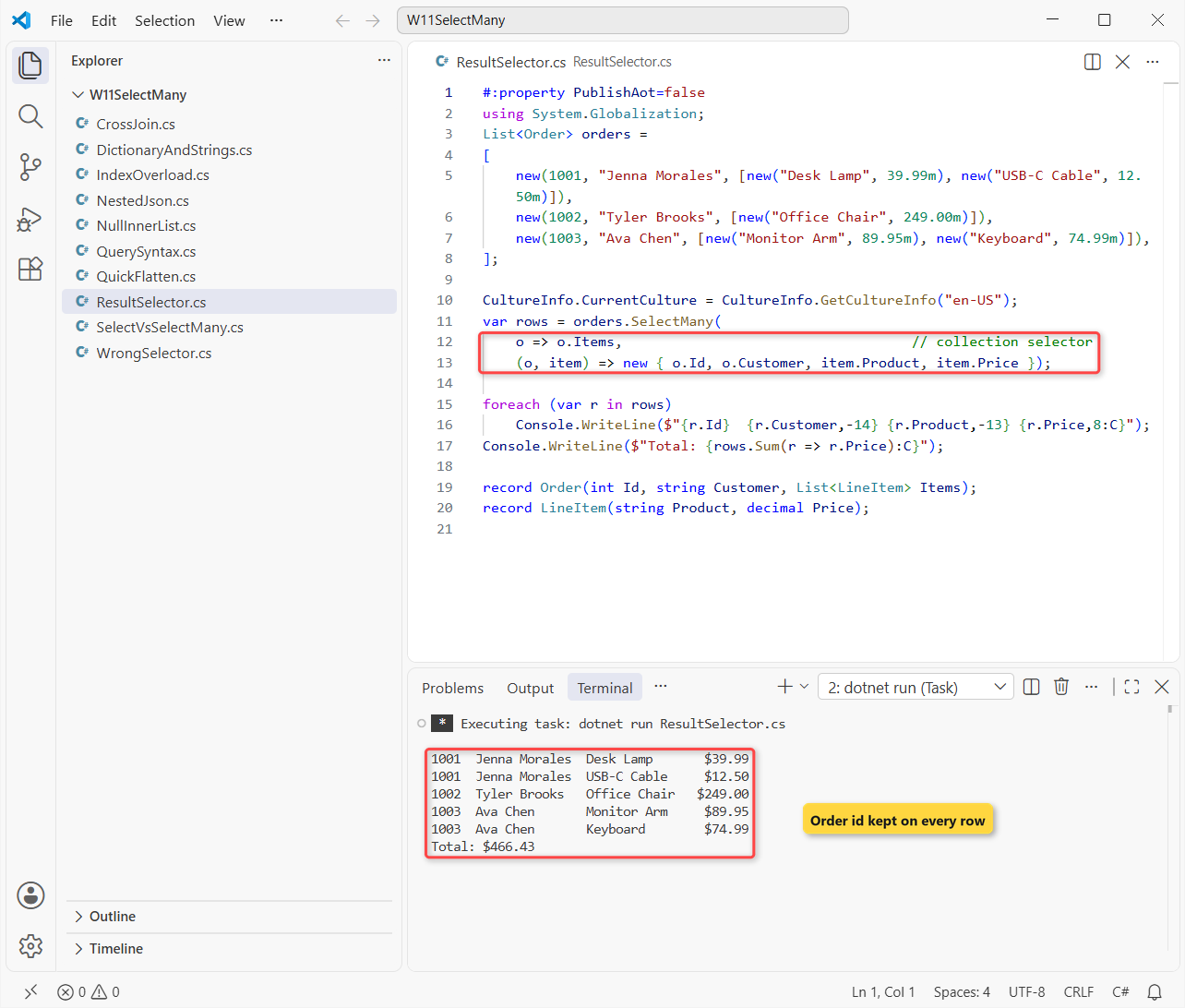
Five rows, one per line item, and the total comes to $466.43. When two separate lists need matching keys, use a LINQ Join instead.
SelectMany with the Index Overload
Two more overloads pass the outer item’s zero-based index. I use it to number delivery trucks:
#:property PublishAot=false
string[][] routes = [["Austin", "Waco"], ["Denver"], ["Miami", "Orlando"]];

var stops = routes.SelectMany(
    (route, i) => route.Select(city => $"Truck {i + 1}: {city}"));

foreach (string stop in stops)
    Console.WriteLine(stop);
Output:
Truck 1: Austin
Truck 1: Waco
Truck 2: Denver
Truck 3: Miami
Truck 3: Orlando
SelectMany in LINQ Query Syntax (Two from Clauses)
Query syntax has no selectmany keyword. Every from after the first one compiles to a SelectMany call, which reads well with a filter:
#:property PublishAot=false
List<Order> orders =
[
    new(1001, "Jenna Morales", [new("Desk Lamp", 39.99m), new("USB-C Cable", 12.50m)]),
    new(1002, "Tyler Brooks", [new("Office Chair", 249.00m)]),
    new(1003, "Ava Chen", [new("Monitor Arm", 89.95m), new("Keyboard", 74.99m)]),
];

var bigItems =
    from o in orders
    from item in o.Items                 // second from = SelectMany
    where item.Price > 50m
    select $"{o.Id} {item.Product}";

Console.WriteLine(string.Join(Environment.NewLine, bigItems));

record Order(int Id, string Customer, List<LineItem> Items);
record LineItem(string Product, decimal Price);
Output:
1002 Office Chair
1003 Monitor Arm
1003 Keyboard
Only the 3 items over $50 come back. You can add a group by after the second from as well, as I show in the LINQ GroupBy tutorial.
Cross Join (Cartesian Product) with SelectMany
When the collection selector ignores the outer item, you get every combination. That’s how I build the SKU list for a T-shirt that comes in 3 sizes and 3 colors:
#:property PublishAot=false
string[] sizes = ["S", "M", "L"];
string[] colors = ["Navy", "Heather Gray", "Red"];

var skus = sizes.SelectMany(
    size => colors,
    (size, color) => $"TEE-{size}-{color}");

foreach (string sku in skus)
    Console.WriteLine(sku);
Console.WriteLine($"{sizes.Length} sizes x {colors.Length} colors = {skus.Count()} SKUs");
Output:
TEE-S-Navy
TEE-S-Heather Gray
TEE-S-Red
TEE-M-Navy
TEE-M-Heather Gray
TEE-M-Red
TEE-L-Navy
TEE-L-Heather Gray
TEE-L-Red
3 sizes x 3 colors = 9 SKUs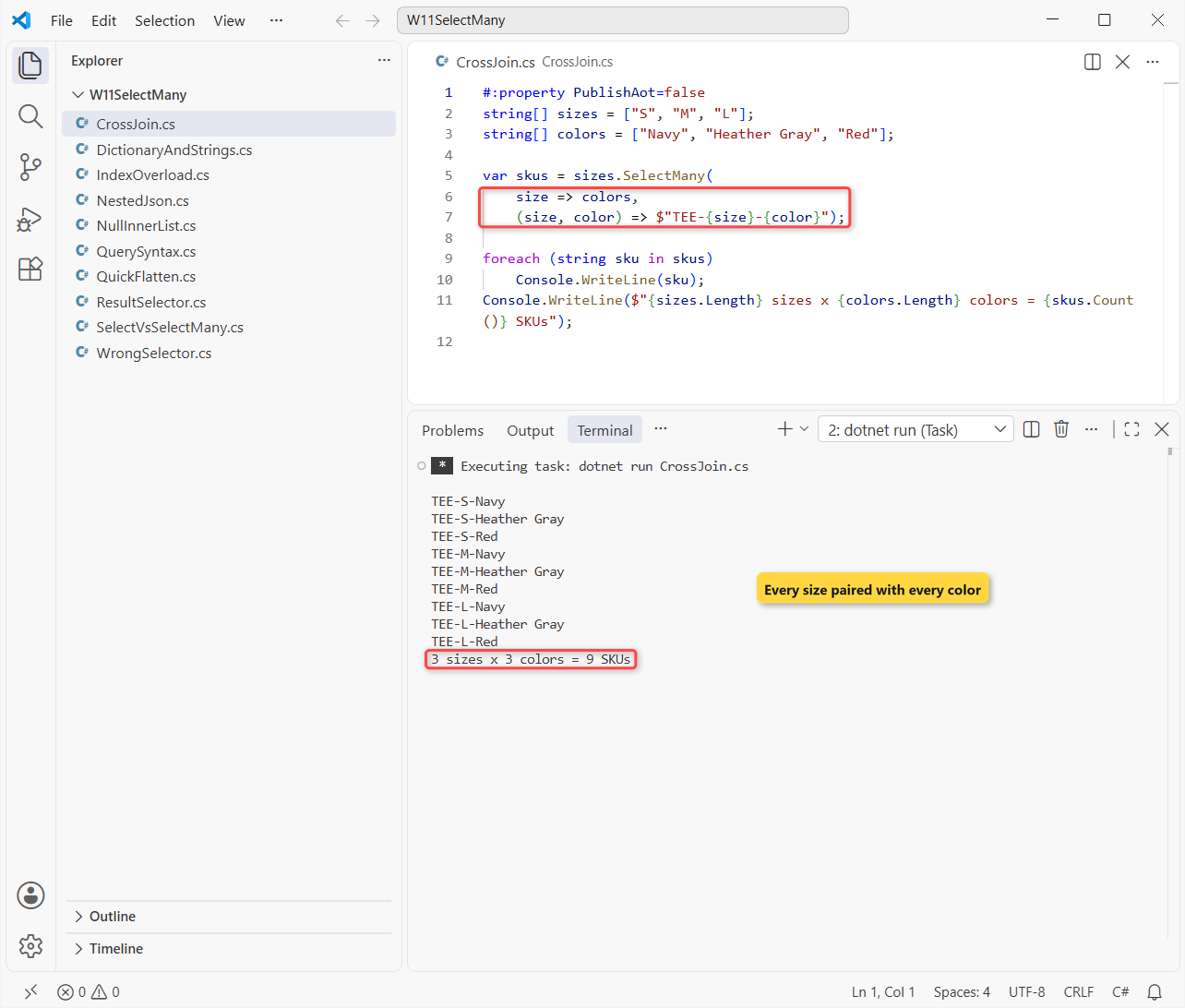
The arrays use C# 12 collection expressions. Watch the size: 1,000 customers times 1,000 products is a million rows.
Flatten a Dictionary of Lists and Strings with SelectMany
A Dictionary is a sequence of key/value pairs, so SelectMany over its values turns states and cities into flat pairs. A string is a sequence of chars, so the same call splits strings:
#:property PublishAot=false
Dictionary<string, List<string>> offices = new()
{
    ["TX"] = ["Austin", "Houston"],
    ["CO"] = ["Denver"],
    ["FL"] = ["Miami", "Tampa"],
};

var pairs = offices.SelectMany(kv => kv.Value, (kv, city) => $"{city}, {kv.Key}");
Console.WriteLine(string.Join(" | ", pairs));

string[] codes = ["TX", "CO", "FL"];
Console.WriteLine(string.Join(" ", codes.SelectMany(s => s)));
Output:
Austin, TX | Houston, TX | Denver, CO | Miami, FL | Tampa, FL
T X C O F L
SelectMany(s => s) on strings gives characters, not words. Chain Distinct() after it when you only want each value once, because SelectMany keeps duplicates.
Flatten Nested JSON into Rows with SelectMany
This API export nests items inside each order, and my CSV needs one row per item:
#:property PublishAot=false
using System.Text.Json;

string json = """
[
  { "id": 2001, "state": "OH", "items": [ { "sku": "LMP-01", "qty": 2 }, { "sku": "CBL-07", "qty": 5 } ] },
  { "id": 2002, "state": "WA", "items": [ { "sku": "CHR-10", "qty": 1 } ] }
]
""";

var orders = JsonSerializer.Deserialize<List<Order>>(json, JsonSerializerOptions.Web)!;
var rows = orders.SelectMany(o => o.Items, (o, i) => $"{o.Id},{o.State},{i.Sku},{i.Qty}");

Console.WriteLine("OrderId,State,Sku,Qty");
foreach (string row in rows)
    Console.WriteLine(row);

record Order(int Id, string State, List<Item> Items);
record Item(string Sku, int Qty);
Output:
OrderId,State,Sku,Qty
2001,OH,LMP-01,2
2001,OH,CBL-07,5
2002,WA,CHR-10,1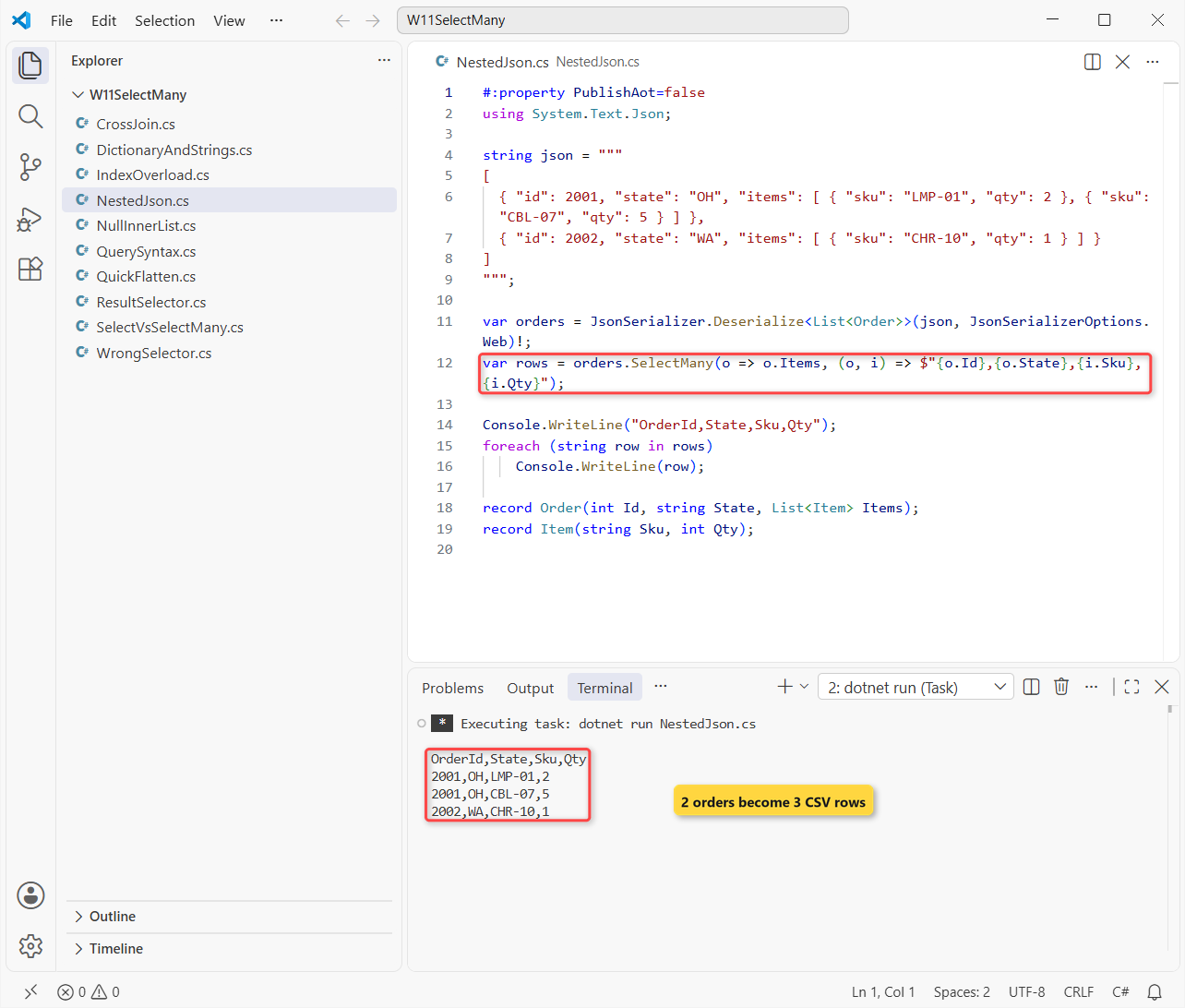
JsonSerializerOptions.Web (.NET 9+) maps the camelCase JSON to my records. More on that in my System.Text.Json guide.
SelectMany vs Concat vs a Nested foreach
All three give the same flat sequence. What differs is how many lists you have and what you do per item:
| Approach | Use it when |
|---|---|
SelectMany | Any number of inner lists, or a list property on each object |
Concat | Exactly two or three lists you can name in code |
Nested foreach | You need break, early exits or several side effects per item |
Common SelectMany Errors and How to Fix Them
A null inner list
API data often has orders with no items list at all, and SelectMany doesn’t skip a null:
#:property PublishAot=false
List<Order> orders =
[
    new(1001, ["Desk Lamp", "USB-C Cable"]),
    new(1004, null),                       // order saved before items loaded
    new(1002, ["Office Chair"]),
];

try { foreach (string item in orders.SelectMany(o => o.Items!)) { } }
catch (Exception ex) { Console.WriteLine($"foreach: {ex.GetType().Name}"); }
try { Console.WriteLine(orders.SelectMany(o => o.Items!).Count()); }
catch (Exception ex) { Console.WriteLine($"Count(): {ex.GetType().Name}"); }

var safe = orders.SelectMany(o => o.Items ?? []);
Console.WriteLine($"Fixed: {safe.Count()} items -> {string.Join(", ", safe)}");

record Order(int Id, List<string>? Items);
Output:
foreach: NullReferenceException
Count(): ArgumentNullException
Fixed: 3 items -> Desk Lamp, USB-C Cable, Office Chair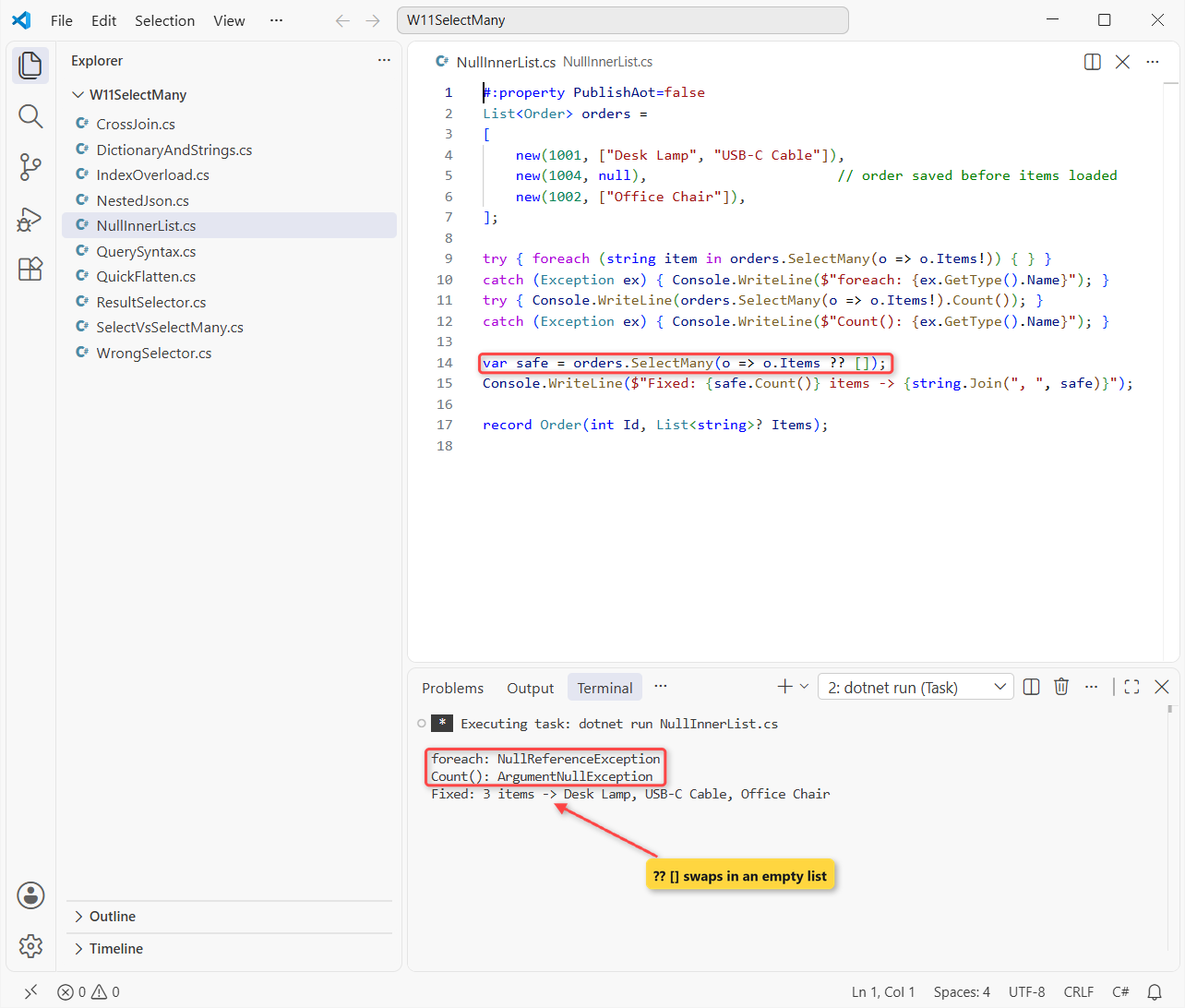
The exception depends on what reads the query: foreach threw NullReferenceException, while Count() threw ArgumentNullException. o.Items ?? [] swaps in an empty list. More null patterns are in checking for null values in C#.
CS0411: the selector doesn’t return a collection
Return a single value from the selector and the compiler can’t infer the types. weeks.SelectMany(w => w.Count) fails to build with:
#:property PublishAot=false
List<List<int>> weeks = [[12, 9], [15], [7, 11]];
var bad = weeks.SelectMany(w => w.Count);
CS0411: The type arguments for method 'Enumerable.SelectMany<TSource, TResult>(IEnumerable<TSource>, Func<TSource, IEnumerable<TResult>>)' cannot be inferred from the usage. Try specifying the type arguments explicitly.Use Select for one value per item. SelectMany won’t accept anything that isn’t enumerable.
Which Way Should You Flatten a List of Lists in C#?
Use lists.SelectMany(x => x).ToList() by default, the result selector when you need the parent, and ?? [] when inner lists can be null. It’s deferred, so call ToList() once if you loop more than once (see my List in C# post).
More LINQ recipes are on my C# tutorials page.
Want to keep going with collections? These pair well with SelectMany:
- Dynamic arrays in C# with examples
- C# arrays from declaration to sorting
- Convert a list to a comma-separated string
- Run C# files with dotnet run (file-based apps)
Frequently Asked Questions
What does SelectMany do in C#?
It maps each item to a collection and joins those collections into one flat IEnumerable<T>.
What is the difference between Select and SelectMany in LINQ?
Select returns one result per item, so a list property gives a sequence of lists; SelectMany flattens them. The Enumerable.SelectMany reference lists all four overloads.
How do I flatten a list of lists in C#?
Call lists.SelectMany(x => x).ToList(). For a list property on objects, use orders.SelectMany(o => o.Items).
Does SelectMany remove duplicates?
No. Add .Distinct() after it to keep each value once.
Does SelectMany work with Entity Framework Core?
Yes. EF Core translates it to a CROSS JOIN, an INNER JOIN or a CROSS APPLY depending on the collection selector, as described in EF Core complex query operators.

Bijay Kumar is a renowned software engineer, accomplished author, and distinguished Microsoft Most Valuable Professional (MVP) specializing in SharePoint. With a rich professional background spanning over 15 years, Bijay has established himself as an authority in the field of information technology. He possesses unparalleled expertise in multiple programming languages and technologies such as ASP.NET, ASP.NET MVC, C#.NET, and SharePoint, which has enabled him to develop innovative and cutting-edge solutions for clients across the globe. Read more…