
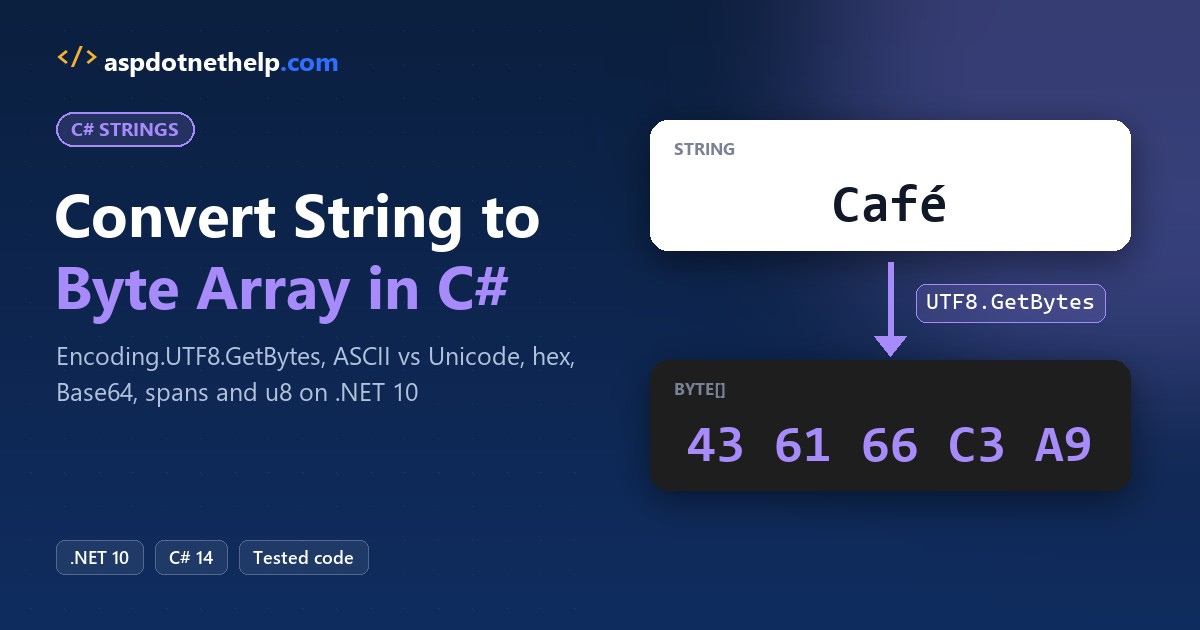
Need to convert string to byte array in C#? Call Encoding.UTF8.GetBytes(text). UTF-8 can store every character, and it’s what web APIs, JSON and most files expect:
using System.Text;

byte[] bytes = Encoding.UTF8.GetBytes("Café");
Console.WriteLine(bytes.Length);                  // 5
Console.WriteLine(Convert.ToHexString(bytes));    // 436166C3A9
Four characters became 5 bytes, because é needs two. I ran every example below on .NET 10, from the ASCII trap to hex input, spans and the BOM.
Encoding.UTF8.GetBytes: The Default Way to Convert a String to Bytes
A C# string holds UTF-16 characters, not bytes. To get bytes you have to pick an encoding, and System.Text.Encoding gives you a ready-made object for each one.
GetBytes takes the string and returns a new byte[] sized exactly for that encoding. It’s not a cast: the type casting rules in C# don’t apply, because one character can turn into one, two, three or four bytes.
Pass null and it throws ArgumentNullException, so check user input first. Empty text returns an empty array.
ASCII vs UTF-8 vs Unicode: How Many Bytes Does Each Encoding Produce?
The encoding you pick changes both the length and the bytes. Here’s the name José, a customer in San Antonio, TX, through four encodings:
using System.Text;

string name = "José";   // customer in San Antonio, TX
Console.WriteLine($"Characters: {name.Length}");

Show("UTF8", Encoding.UTF8);
Show("ASCII", Encoding.ASCII);
Show("Unicode", Encoding.Unicode);
Show("UTF32", Encoding.UTF32);

void Show(string label, Encoding enc)
{
    byte[] bytes = enc.GetBytes(name);
    Console.WriteLine($"{label,-8}{bytes.Length,3}  {Convert.ToHexString(bytes)}");
}
Output:
Characters: 4
UTF8      5  4A6F73C3A9
ASCII     4  4A6F733F
Unicode   8  4A006F007300E900
UTF32    16  4A0000006F00000073000000E9000000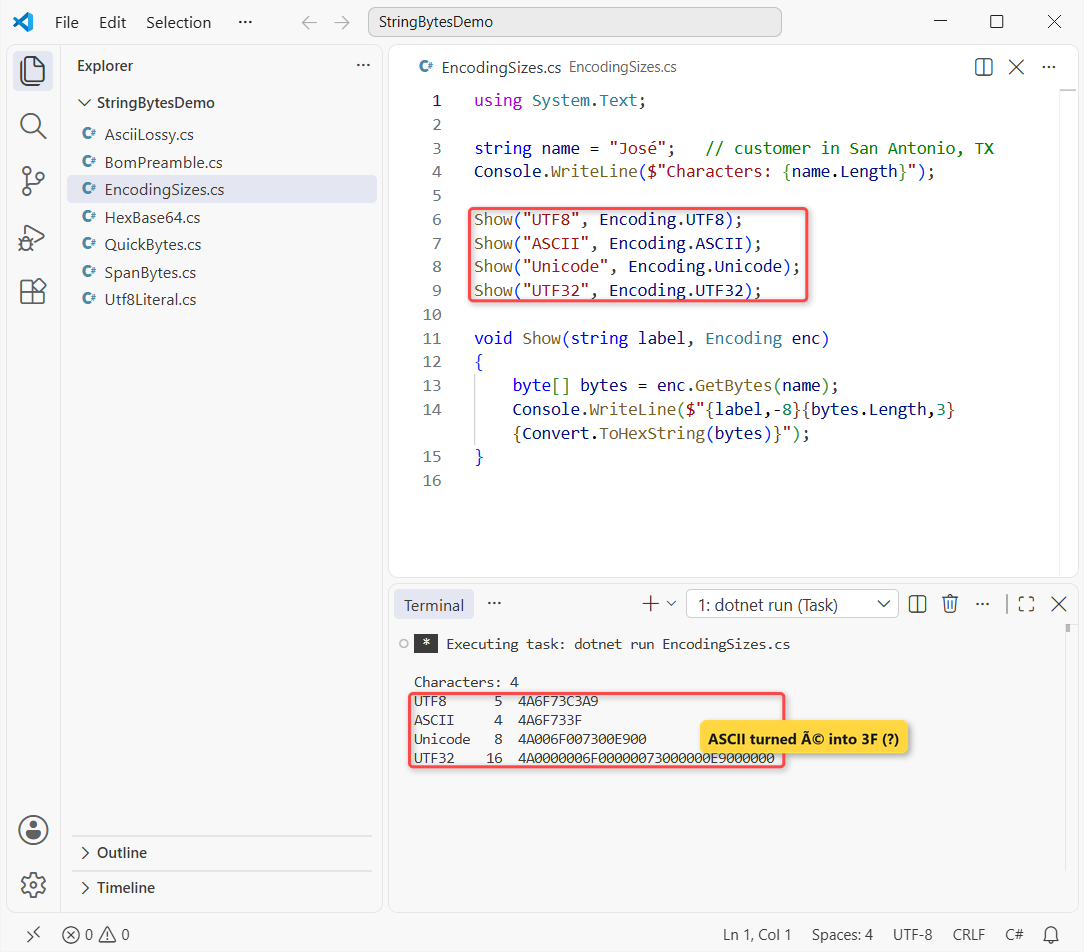
Four characters gave 5, 4, 8 and 16 bytes. Only UTF-8 and UTF-16 kept the é; ASCII quietly swapped it for 3F.
| Encoding | Bytes per character | José | Use it for |
|---|---|---|---|
Encoding.UTF8 | 1-4 | 5 bytes | Files, HTTP, JSON, databases (default) |
Encoding.ASCII | 1 (A-Z, 0-9 only) | 4 bytes, é lost | Old protocols that demand 7-bit text |
Encoding.Unicode | 2 or 4 (UTF-16 LE) | 8 bytes | Windows APIs, matching .NET’s own memory layout |
Encoding.UTF32 | 4 | 16 bytes | Rarely; fixed width per code point |
Encoding.Unicode is little-endian UTF-16, so J becomes 4A 00. For the size of each built-in type in memory, see the data types in C# guide.
Convert the Byte Array Back to a String with GetString
GetString reverses GetBytes, but only with the same encoding. Same name, now round-tripped and decoded three ways:
using System.Text;

string name = "José";
byte[] ascii = Encoding.ASCII.GetBytes(name);
byte[] utf8 = Encoding.UTF8.GetBytes(name);
var latin1 = Encoding.Latin1;

Console.WriteLine($"ASCII byte for é: {ascii[^1]}");
Console.WriteLine(Encoding.ASCII.GetString(ascii));
Console.WriteLine(Encoding.UTF8.GetString(utf8));
Console.WriteLine(latin1.GetString(utf8));
Output:
ASCII byte for é: 63
Jos?
José
José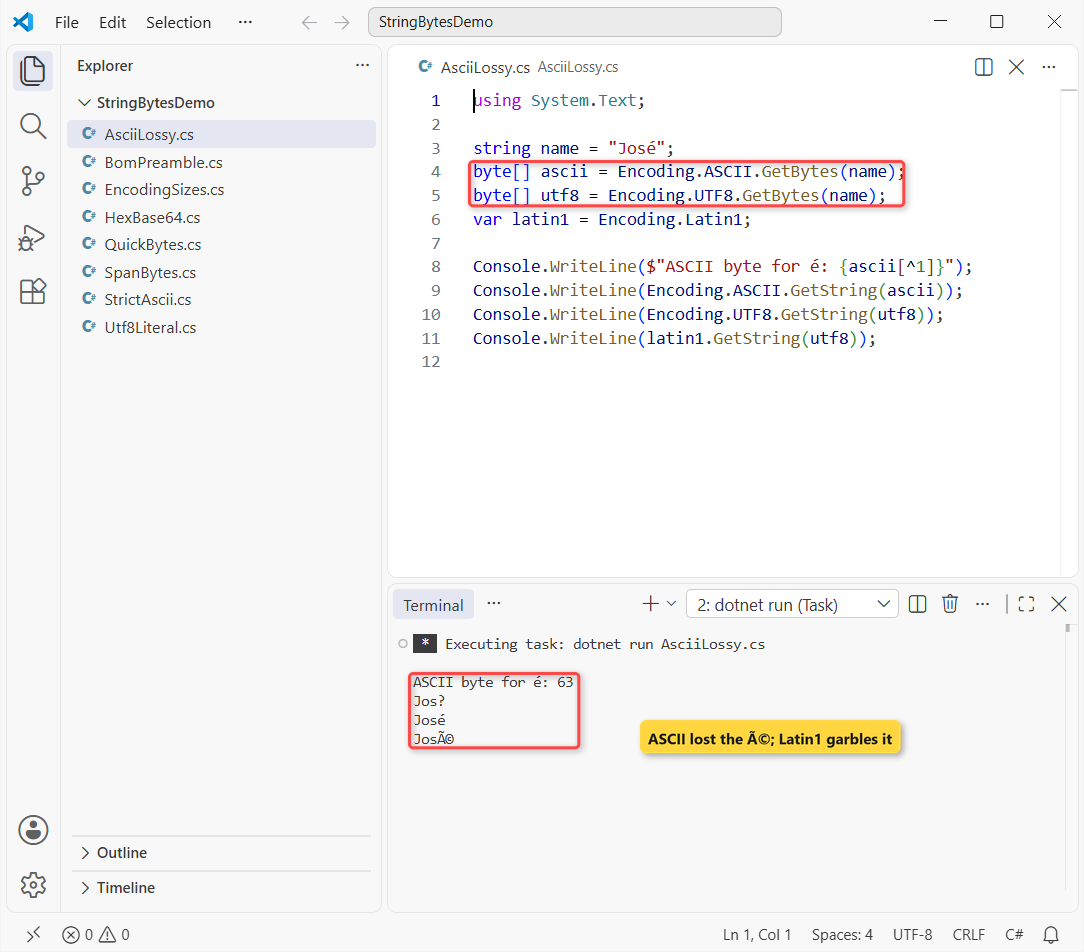
ASCII stored é as 63, the code for ?, so it comes back as Jos?. That data is gone. Decoding UTF-8 bytes with Latin1 prints José, the classic mojibake you see in old CSV exports.
Important: Encoding.ASCII and Encoding.UTF8 use replacement fallback, so they never throw on bad input. If you’d rather fail loudly, create the encoding with EncoderExceptionFallback:
using System.Text;

var strict = Encoding.GetEncoding("us-ascii",
    new EncoderExceptionFallback(), new DecoderExceptionFallback());
try { strict.GetBytes("José"); }
catch (EncoderFallbackException ex)
{
    Console.WriteLine($"Strict ASCII throws at index {ex.Index}");
}
Output:
Strict ASCII throws at index 3It threw at index 3, the é, instead of writing a question mark you’d only find weeks later.
If you have a char[] instead of bytes, you don’t need an encoding at all; convert the char array to a string with new string(chars).
Is Your String Hex or Base64? Use Convert, Not Encoding
Sometimes the string already represents bytes, like a hash or key written as hex. Then GetBytes is the wrong tool. Same Café bytes, now arriving as hex text:
using System.Text;

string hex = "436166C3A9";      // hex text, not words
byte[] fromHex = Convert.FromHexString(hex);
byte[] asText = Encoding.UTF8.GetBytes(hex);
string word = Encoding.UTF8.GetString(fromHex);
Console.WriteLine($"FromHexString: {fromHex.Length}");
Console.WriteLine($"UTF8.GetBytes: {asText.Length}");
Console.WriteLine($"Decoded: {word}");

string b64 = Convert.ToBase64String(fromHex);
byte[] back = Convert.FromBase64String(b64);
Console.WriteLine($"Base64: {b64}");
Console.WriteLine(Convert.ToHexStringLower(back));
Output:
FromHexString: 5
UTF8.GetBytes: 10
Decoded: Café
Base64: Q2Fmw6k=
436166c3a9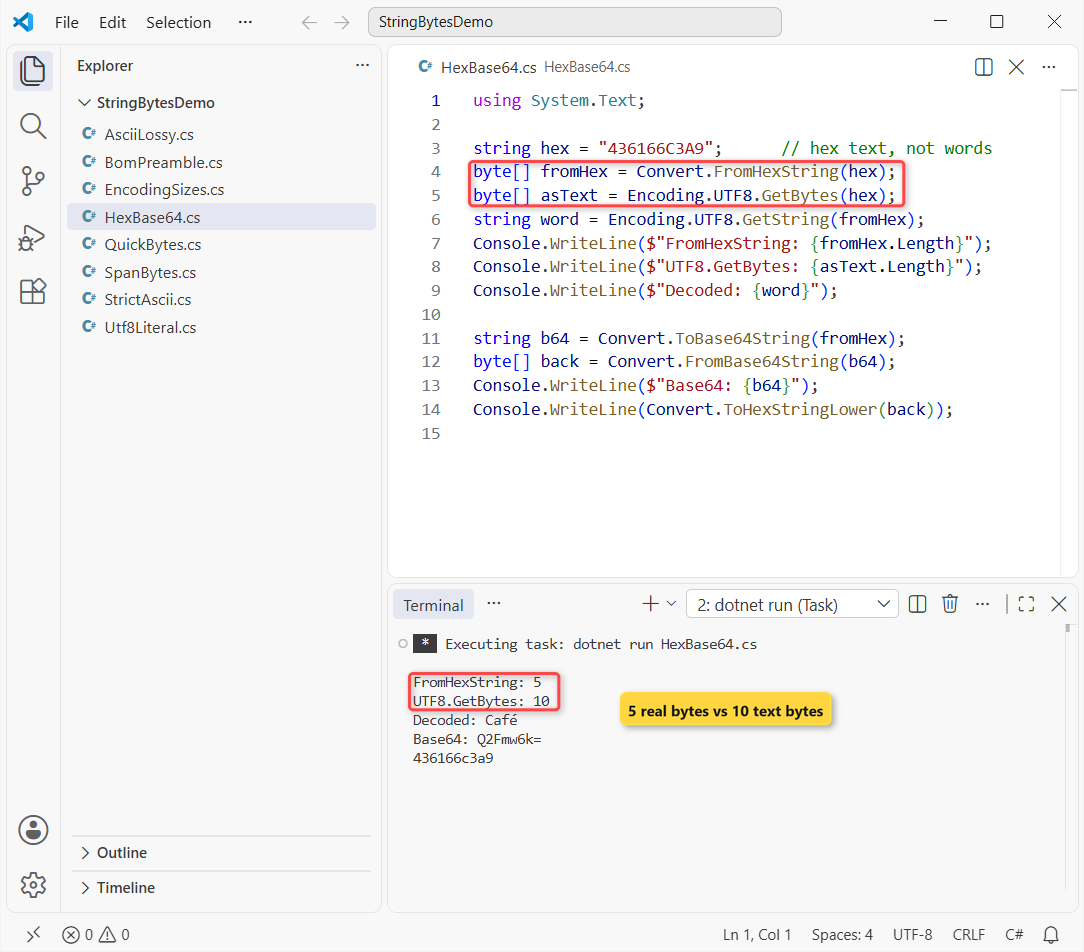
Convert.FromHexString (.NET 5+) returned 5 bytes that decode to Café. GetBytes on the same text returned 10 bytes, one per hex digit, which is almost never what you want.
Base64 works the same way: ToBase64String gave Q2Fmw6k= and FromBase64String brought back the original bytes. FromHexString throws FormatException on an odd length or a non-hex character.
Going the other way, from numbers to hex text, is covered in how to convert an int to a hex string with leading zeros.
Encode into a Span<byte> with GetByteCount and TryGetBytes
In hot code (parsers, network loops) you can skip the new array and write into a buffer you already own. Here’s an order line from Austin, TX, encoded into a stack buffer:
using System.Text;

var utf8 = Encoding.UTF8;
string order = "Order 1042, Austin, TX, Café";
int needed = utf8.GetByteCount(order);
Span<byte> buffer = stackalloc byte[64];

int written = utf8.GetBytes(order, buffer);
Console.WriteLine($"{order.Length} chars, {needed} bytes");
Console.WriteLine($"Written: {written}");
Span<byte> tail = buffer[(written - 5)..written];
Console.WriteLine(Convert.ToHexString(tail));

bool fits = utf8.TryGetBytes("Café", buffer[..4], out int n);
Console.WriteLine($"TryGetBytes, 4 bytes: {fits} ({n})");
Console.WriteLine($"Max for 4 chars: {utf8.GetMaxByteCount(4)}");
Output:
28 chars, 29 bytes
Written: 29
436166C3A9
TryGetBytes, 4 bytes: False (0)
Max for 4 chars: 15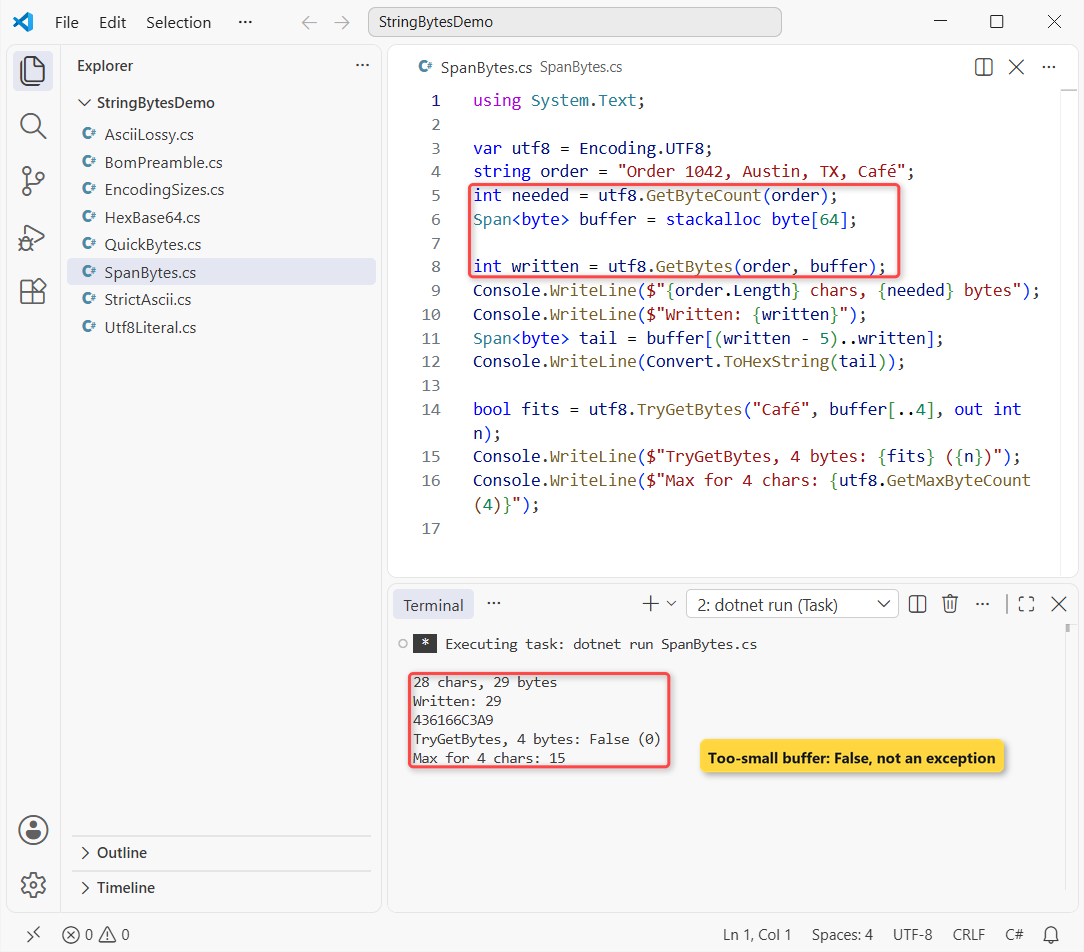
The 28-character line needs 29 bytes, and GetBytes(ReadOnlySpan<char>, Span<byte>) wrote all 29. The last five are 436166C3A9, the Café bytes again.
TryGetBytes (.NET 8+) returned False for a 4-byte buffer, because Café needs 5. GetMaxByteCount(4) returned 15, a safe upper bound when you size a buffer without counting first.
UTF-8 String Literals: “Café”u8 in C# 11 and Later
When the text is a constant in your code, add the u8 suffix and the compiler stores it as UTF-8 for you. Same Café:
using System.Text;

ReadOnlySpan<byte> header = "Content-Type: "u8;
byte[] cafe = "Café"u8.ToArray();

Console.WriteLine($"Header bytes: {header.Length}");
Console.WriteLine($"Café as u8:   {Convert.ToHexString(cafe)}");
Console.WriteLine(cafe.SequenceEqual(Encoding.UTF8.GetBytes("Café")));
Output:
Header bytes: 14
Café as u8:   436166C3A9
True
"Café"u8 gives the same 436166C3A9 as GetBytes, with no encoding work at run time. Its type is ReadOnlySpan<byte>, so call ToArray() when you need a byte[].
You can’t use u8 with an interpolated $ string, and it isn’t a compile-time constant. It works on any C# 11+ project, including C# 14 on .NET 10 (what is new in C# 14 lists the latest additions).
The BOM Gotcha: GetPreamble vs GetBytes
Encoding.UTF8 has a byte order mark (EF BB BF), but GetBytes never adds it. Files are where it shows up. Here’s “Hi” written two ways:
using System.Text;

byte[] bom = Encoding.UTF8.GetPreamble();
Console.WriteLine($"Preamble: {Convert.ToHexString(bom)}");
Console.WriteLine($"GetBytes: {Convert.ToHexString(Encoding.UTF8.GetBytes("Hi"))}");

string path = Path.Combine(Path.GetTempPath(), "bom-demo.txt");
File.WriteAllText(path, "Hi", Encoding.UTF8);
Console.WriteLine($"File (UTF8): {Convert.ToHexString(File.ReadAllBytes(path))}");
File.WriteAllText(path, "Hi");
Console.WriteLine($"File (default): {Convert.ToHexString(File.ReadAllBytes(path))}");
File.Delete(path);

byte[] withBom = [.. bom, .. Encoding.UTF8.GetBytes("Hi")];
Console.WriteLine($"GetString length: {Encoding.UTF8.GetString(withBom).Length}");
var noBom = new UTF8Encoding(encoderShouldEmitUTF8Identifier: false);
Console.WriteLine($"No-BOM preamble: {noBom.GetPreamble().Length} bytes");
Output:
Preamble: EFBBBF
GetBytes: 4869
File (UTF8): EFBBBF4869
File (default): 4869
GetString length: 3
No-BOM preamble: 0 bytes
GetPreamble() returned EFBBBF, yet GetBytes("Hi") was just 4869. File.WriteAllText with Encoding.UTF8 wrote the BOM; the default overload didn’t.
The trap: GetString keeps the BOM as an invisible character, so “Hi” came back with length 3. Strip the first 3 bytes, or use new UTF8Encoding(false) when you write files another system will read.
To print bytes for debugging, Convert.ToHexString is clearer than looping with ToString in C# and the X2 format.
More conversions in the same family:
- Converting a string to double in C#
- Turning a string into an int without int.Parse
- When to use string vs StringBuilder
- Reversing a string in C#
Frequently Asked Questions
What is the best way to convert a string to a byte array in C#?
Use Encoding.UTF8.GetBytes(text). UTF-8 stores every Unicode character and is the default for files, HTTP and JSON. Use another encoding only when a protocol or file format requires it.
Why does Encoding.ASCII give me question marks?
ASCII covers only characters 0-127. Anything else, like é or ñ, is replaced with byte 63, the question mark, and can’t be recovered. Switch to Encoding.UTF8.
How do I convert a byte array back to a string?
Call GetString on the same encoding you used for GetBytes, for example Encoding.UTF8.GetString(bytes). Decoding with a different encoding garbles non-ASCII characters.
Can I cast each char to byte instead?
Only for plain ASCII text. (byte)c keeps the low 8 bits of the UTF-16 value, so characters above 255 get silently changed. An encoding handles them correctly.
How do I convert a hex string to a byte array in C#?
Use Convert.FromHexString("436166C3A9") on .NET 5 or later; it returns 5 bytes. The Convert.FromHexString reference on Microsoft Learn lists the span overloads and exceptions.

Bijay Kumar is a renowned software engineer, accomplished author, and distinguished Microsoft Most Valuable Professional (MVP) specializing in SharePoint. With a rich professional background spanning over 15 years, Bijay has established himself as an authority in the field of information technology. He possesses unparalleled expertise in multiple programming languages and technologies such as ASP.NET, ASP.NET MVC, C#.NET, and SharePoint, which has enabled him to develop innovative and cutting-edge solutions for clients across the globe. Read more…