
Interviewers love this one: turn “4815” into an int without calling int.Parse. To convert a string to int without Parse in C#, loop over the characters and build the number yourself:
foreach (char c in s) result = result * 10 + (c - '0');In this tutorial, I’ll write my own convert string to int without parse in C# routine, then add a sign, invalid-character checks and overflow handling until it behaves like a TryParse clone.
After that I’ll cover the built-in options people mean by “without Parse”: Convert.ToInt32, int.TryParse and a LINQ one-liner. Each output below comes from a real dotnet run on .NET 10.
Method 1: Convert a String to Int with a Manual Digit Loop
Here’s the core idea. I print the running total so you can watch each digit land:
string units = "4815";   // units shipped from Denver
int result = 0;

foreach (char c in units)
{
    int digit = c - '0';            // '4' is 52, '0' is 48
    result = result * 10 + digit;
    Console.WriteLine($"'{c}' -> {digit}, result = {result}");
}

Console.WriteLine($"Plus one: {result + 1}");
Console.WriteLine($"(int)'4' = {(int)'4'}");
Output:
'4' -> 4, result = 4
'8' -> 8, result = 48
'1' -> 1, result = 481
'5' -> 5, result = 4815
Plus one: 4816
(int)'4' = 52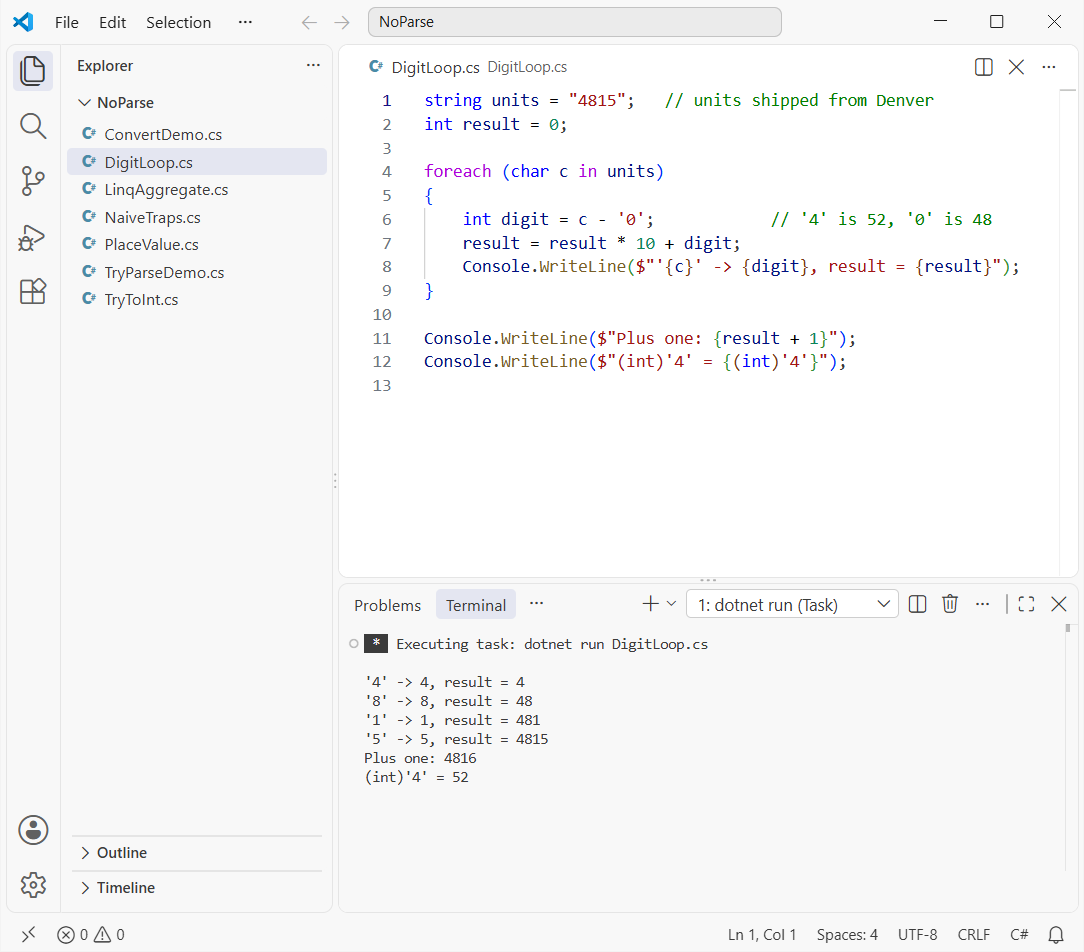
How does this code work?
A char in C# is a UTF-16 code unit, so '4' is really the number 52 and '0' is 48. Subtracting '0' turns any ASCII digit into its value, 0 through 9.
result * 10 shifts what you have one place to the left, and the new digit fills the ones place. That’s place value, the same thing you’d do on paper.
The last line shows the classic mistake: a cast like (int)'4' gives you 52, not 4. My type casting in C# guide explains why char-to-int casts work that way.
Variation: read the digits right to left with a place value
Some textbooks multiply each digit by 1, 10, 100 and so on, walking backward with a for loop in C#:
string units = "4815";
int result = 0, place = 1;

for (int i = units.Length - 1; i >= 0; i--)
{
    result += (units[i] - '0') * place;
    place *= 10;
}

Console.WriteLine(result);
Output:
4815It gives the same 4815, but place itself overflows on long inputs, so I stick with the left-to-right version.
What Goes Wrong with a Bare String to Int Loop?
The loop above trusts its input. Feed it real-world data and it fails quietly instead of throwing:
Console.WriteLine($"\"12a4\"       -> {Naive("12a4")}");
Console.WriteLine($"\"-273\"       -> {Naive("-273")}");
Console.WriteLine($"\" 42\"        -> {Naive(" 42")}");
Console.WriteLine($"\"3000000000\" -> {Naive("3000000000")}");

static int Naive(string s)
{
    int r = 0;
    foreach (char c in s) r = r * 10 + (c - '0');
    return r;
}
Output:
"12a4"       -> 1694
"-273"       -> -2727
" 42"        -> -1558
"3000000000" -> -1294967296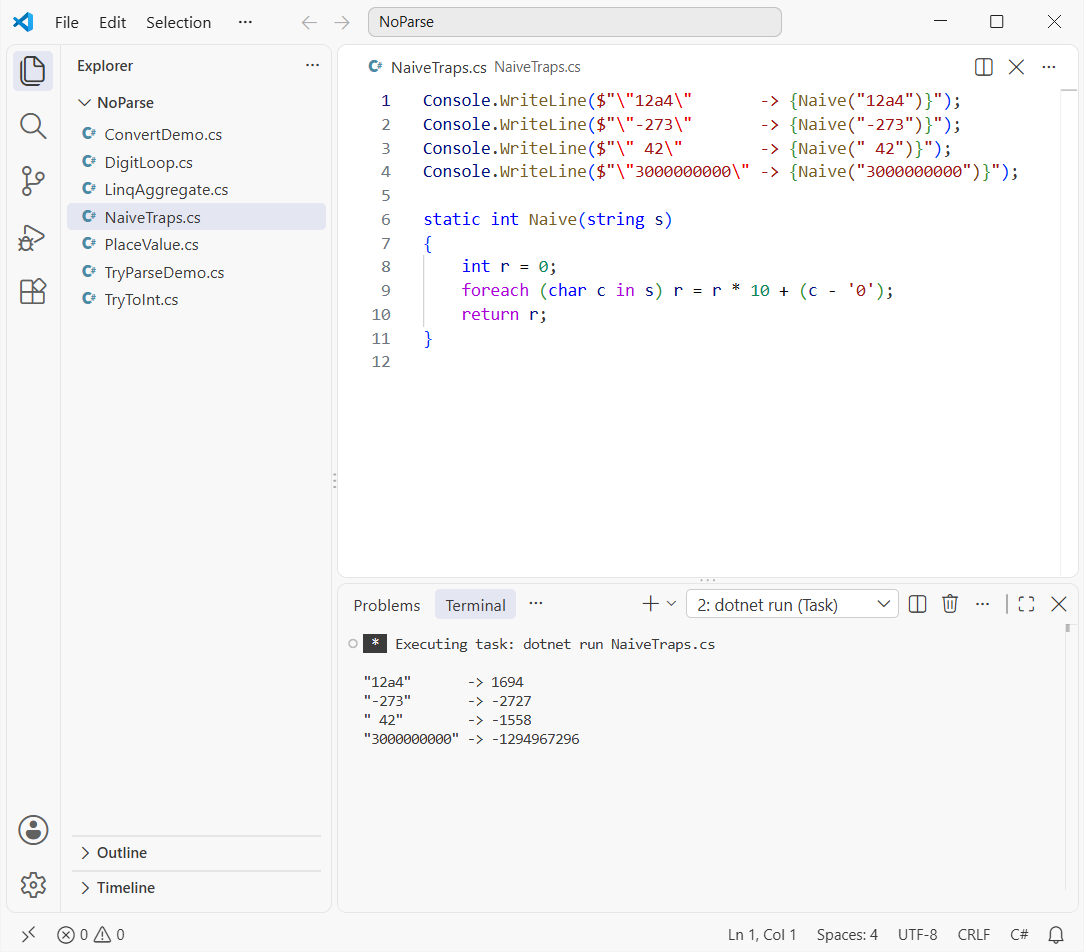
The letter a counts as 49, the minus sign and the space become negative “digits”, and 3000000000 wraps past int.MaxValue into a negative number. That’s worse than a crash, because nothing tells you it happened.
Method 2: Build a TryParse Clone with Sign, Invalid Character and Overflow Checks
This version handles a leading + or -, rejects anything that isn’t 0-9, and returns false on overflow, just like int.TryParse:
string?[] inputs = ["4815", "-273", "+98", "2147483647", "-2147483648",
                    "2147483648", "12a4", "", "-", " 42", null];

foreach (string? s in inputs)
{
    bool ok = TryToInt(s, out int n);
    string shown = s is null ? "null" : $"\"{s}\"";
    Console.WriteLine($"{shown,-14} ok = {ok,-5} value = {n}");
}

static bool TryToInt(string? s, out int value)
{
    value = 0;
    if (string.IsNullOrEmpty(s)) return false;

    int i = 0, sign = 1;
    if (s[0] is '+' or '-')
    {
        sign = s[0] == '-' ? -1 : 1;
        i = 1;
    }
    if (i == s.Length) return false;          // just a sign

    try
    {
        for (; i < s.Length; i++)
        {
            char c = s[i];
            if (c < '0' || c > '9') { value = 0; return false; }
            value = checked(value * 10 + sign * (c - '0'));
        }
    }
    catch (OverflowException)
    {
        value = 0;
        return false;
    }
    return true;
}
Output:
"4815"         ok = True  value = 4815
"-273"         ok = True  value = -273
"+98"          ok = True  value = 98
"2147483647"   ok = True  value = 2147483647
"-2147483648"  ok = True  value = -2147483648
"2147483648"   ok = False value = 0
"12a4"         ok = False value = 0
""             ok = False value = 0
"-"            ok = False value = 0
" 42"          ok = False value = 0
null           ok = False value = 0
How does this code work?
The sign is read once, then multiplied into each digit, so negative numbers are built downward. That’s why -2147483648 works: its positive twin doesn’t fit in an int.
checked(...) makes the multiply-and-add throw OverflowException instead of wrapping. The catch turns it into false, the same contract as TryParse. See try-catch in C# if that block is new to you.
I left out whitespace on purpose, so " 42" fails. Call s.Trim() first if your input needs it.
Pro Tip: In an interview, say out loud that you’re handling the sign, bad characters and overflow. That’s usually what’s being graded, not the loop itself.
Method 3: Convert String to Int with Convert.ToInt32
If “without Parse” just means you don’t want to type int.Parse, Convert.ToInt32 is the built-in answer. Here’s how it handles the tricky inputs:
string?[] inputs = ["4815", " 42 ", null, "12a4", "3000000000"];

foreach (string? s in inputs)
{
    string shown = s is null ? "null" : $"\"{s}\"";
    try { Console.WriteLine($"{shown,-13} -> {Convert.ToInt32(s)}"); }
    catch (Exception ex) { Console.WriteLine($"{shown,-13} -> {ex.GetType().Name}"); }
}

try { int.Parse((string)null!); }
catch (Exception ex) { Console.WriteLine($"int.Parse(null) -> {ex.GetType().Name}"); }
Output:
"4815"        -> 4815
" 42 "        -> 42
null          -> 0
"12a4"        -> FormatException
"3000000000"  -> OverflowException
int.Parse(null) -> ArgumentNullException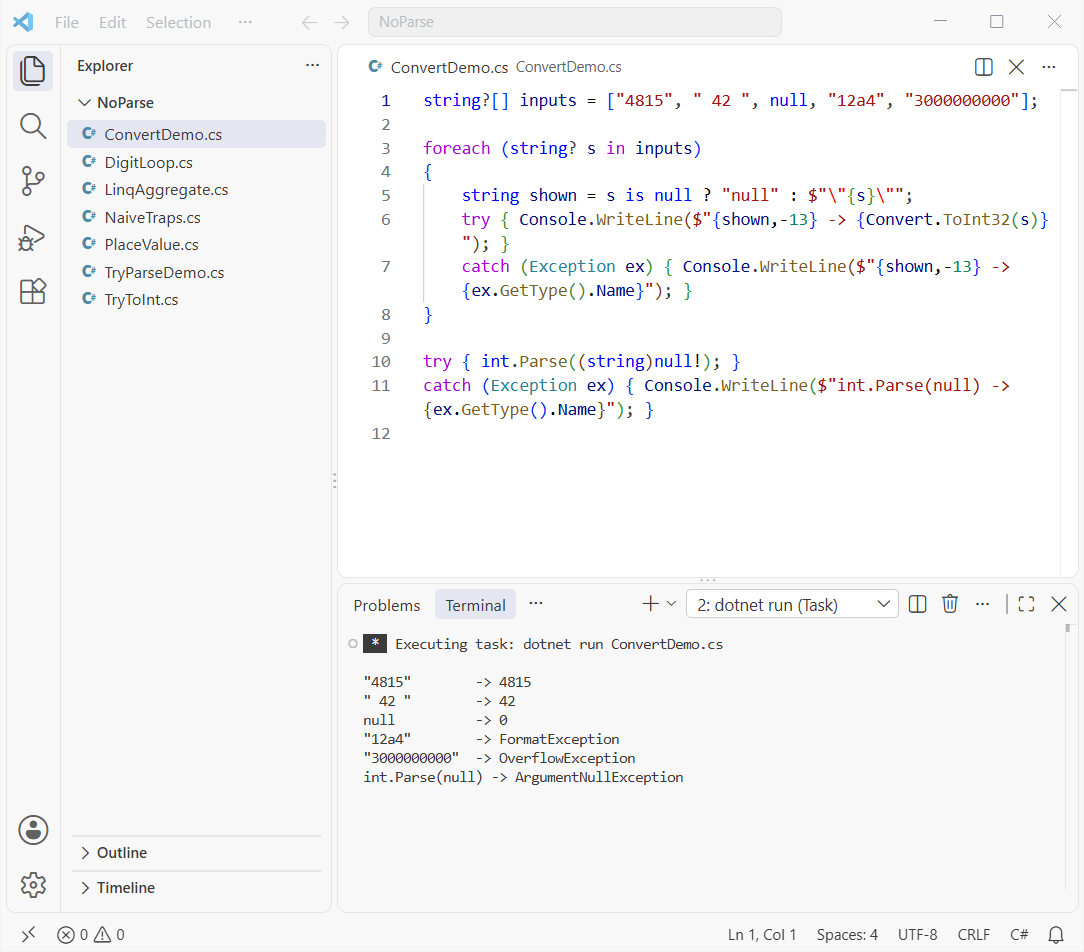
How does this code work?
Microsoft’s docs say Convert.ToInt32(string) is equivalent to passing the value to Int32.Parse, so it isn’t really parse-free. It trims surrounding spaces and throws FormatException or OverflowException exactly like Parse.
The one difference is null: Convert returns 0, while int.Parse(null) throws ArgumentNullException. I cover more of that in converting null to int in C#.
Method 4: Use int.TryParse as the Safe Built-in Alternative
For production code, this is the one I reach for. It never throws for bad input; it returns false and sets the out value to 0:
string?[] inputs = ["4815", " 42 ", null, "12a4", "3000000000"];

foreach (string? s in inputs)
{
    bool ok = int.TryParse(s, out int n);
    string shown = s is null ? "null" : $"\"{s}\"";
    Console.WriteLine($"{shown,-13} ok = {ok,-5} n = {n}");
}

int qty = int.TryParse("12a4", out int q) ? q : 0;
Console.WriteLine($"Fallback quantity: {qty}");
Output:
"4815"        ok = True  n = 4815
" 42 "        ok = True  n = 42
null          ok = False n = 0
"12a4"        ok = False n = 0
"3000000000"  ok = False n = 0
Fallback quantity: 0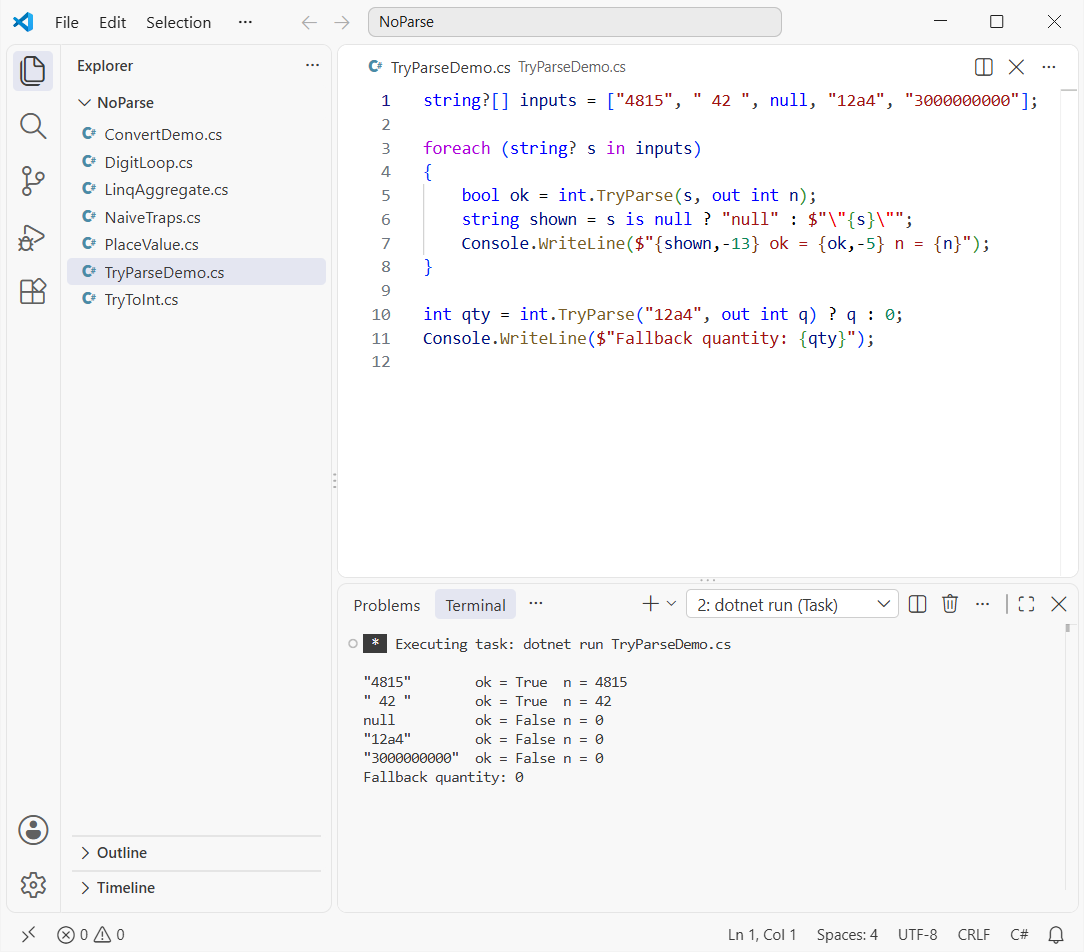
How does this code work?
TryParse accepts the same text as Parse, including the spaces in " 42 ". The ternary on the last lines is my go-to pattern for a default value.
User input from a form or CSV file goes through this method. The string to double in C# tutorial uses the same pattern with double.TryParse.
Pro Tip: Reading data written by another system? Use the overload with NumberStyles.Integer and CultureInfo.InvariantCulture so the server’s culture can’t change the result.
Method 5: Convert a String to Int with LINQ Aggregate
The digit loop also fits in one LINQ line. Here it is, plus the input checks it needs:
int units = "4815".Aggregate(0, (acc, c) => acc * 10 + (c - '0'));
Console.WriteLine($"\"4815\"  -> {units}");
Console.WriteLine($"\"Hello\" -> {"Hello".Aggregate(0, (acc, c) => acc * 10 + (c - '0'))}");

string eastern = "\u0664\u0662";      // Arabic-Indic digits for 42
Console.WriteLine($"IsDigit: {eastern.All(char.IsDigit)}, IsAsciiDigit: {eastern.All(char.IsAsciiDigit)}");

string input = "12a4";
int? safe = input.Length > 0 && input.All(char.IsAsciiDigit)
    ? input.Aggregate(0, (acc, c) => checked(acc * 10 + (c - '0')))
    : null;
Console.WriteLine(safe?.ToString() ?? $"\"{input}\" is not a number");
Output:
"4815"  -> 4815
"Hello" -> 299663
IsDigit: True, IsAsciiDigit: False
"12a4" is not a number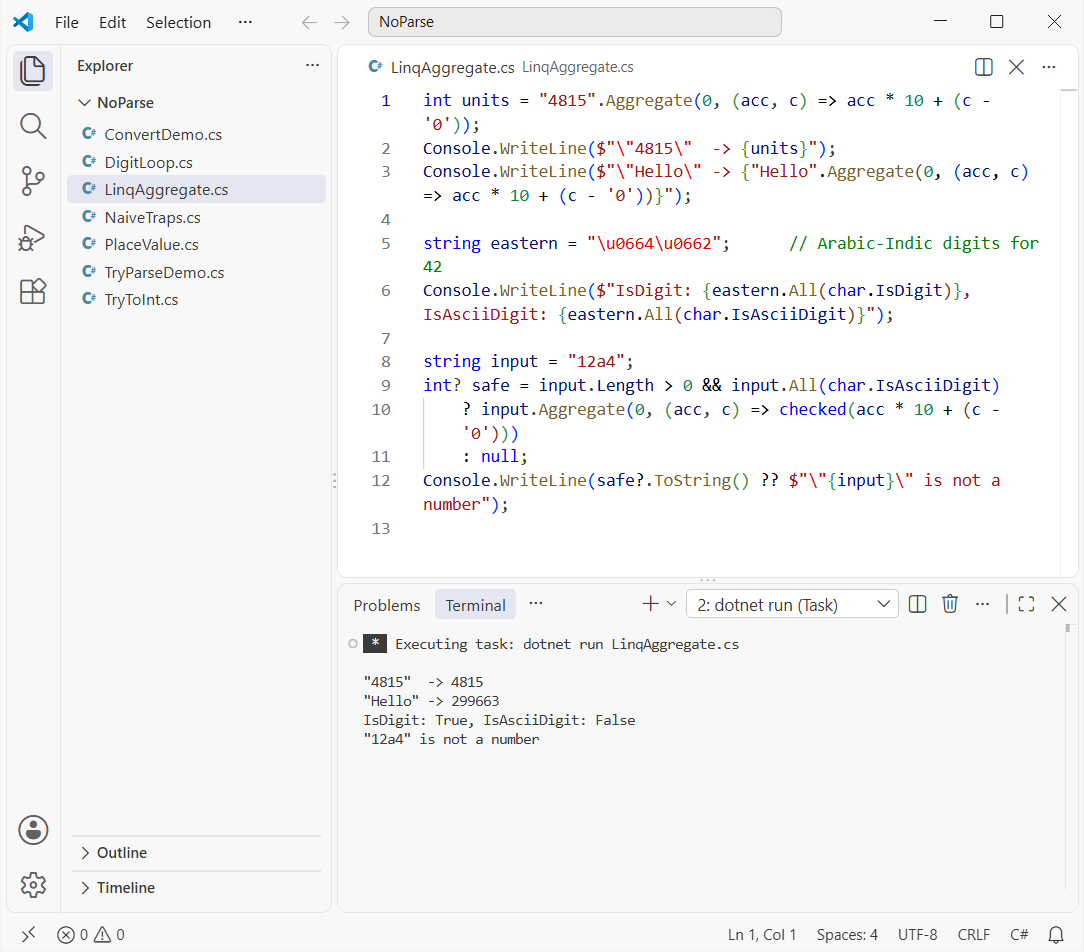
How does this code work?
Aggregate(0, ...) starts at 0 and runs acc * 10 + (c - '0') for each char. It’s Method 1 folded into a lambda.
“Hello” doesn’t throw; it quietly returns 299663. So guard it with char.IsAsciiDigit (.NET 7 and later), not char.IsDigit, which also says yes to Arabic-Indic digits that c - '0' would turn into garbage.
This one-liner doesn’t handle a sign. Leading zeros are harmless, since each one adds nothing; for keeping them in the output, see string to int with leading zeros in C#.
String to Int Without int.Parse: Comparison Table
| Approach | null | “12a4” | Overflow | Best for |
|---|---|---|---|---|
| Manual digit loop | Crashes | Wrong number | Wraps silently | Learning, interviews |
| TryParse clone (Method 2) | false | false | false | Interviews, no-BCL rules |
Convert.ToInt32 | 0 | FormatException | OverflowException | Mixed types, null as 0 |
int.TryParse | false | false | false | Production input |
LINQ Aggregate | Crashes | Wrong number | Wraps silently | Clean digit strings |
Not sure why int stops at 2,147,483,647? The data types in C# reference lists every numeric range.
Which Method Should You Use: Interview Question or Production Code?
In an interview, write Method 2. Start with the bare loop, then add the sign, the 0-9 check and checked arithmetic, and explain each step as you go.
It sits in the same family as reversing a number in C# with a for loop, so practice them together.
In real code, use int.TryParse. It’s tested, culture-aware and fast, and there’s no prize for maintaining your own parser.
Reach for Convert.ToInt32 only when you want null to become 0 or you’re converting an object of unknown type.
If you’re working through more conversion exercises, these pair well with this one:
- Convert a char array to a string in C#
- C# interview questions for freshers
- Check if a string is not null or empty in C#
- Convert a string to DateTime in C#
Frequently Asked Questions
How do you convert a string to int without int.Parse in C#?
Loop over the characters and use result = result * 10 + (c - '0'). Add a sign check, reject anything outside 0-9 and use checked arithmetic so overflow is caught.
Does Convert.ToInt32 use int.Parse internally?
Yes. Microsoft Learn says Convert.ToInt32(string) is equivalent to Int32.Parse, except that it returns 0 for null.
Why does (int)’5′ return 53 in C#?
Casting a char gives its UTF-16 code, and ‘5’ is 53. Subtract ‘0’ (48) to get the digit value 5.
How do I detect overflow when converting a string to int myself?
Wrap the multiply-and-add in checked(...). It throws OverflowException instead of wrapping, as the checked and unchecked docs describe.
Is a manual digit loop faster than int.TryParse?
A bare loop skips checks, so it can be quicker on tiny inputs. Once you add the sign, validation and overflow checks, the gain is too small to matter. Use TryParse in real code.

Bijay Kumar is a renowned software engineer, accomplished author, and distinguished Microsoft Most Valuable Professional (MVP) specializing in SharePoint. With a rich professional background spanning over 15 years, Bijay has established himself as an authority in the field of information technology. He possesses unparalleled expertise in multiple programming languages and technologies such as ASP.NET, ASP.NET MVC, C#.NET, and SharePoint, which has enabled him to develop innovative and cutting-edge solutions for clients across the globe. Read more…