
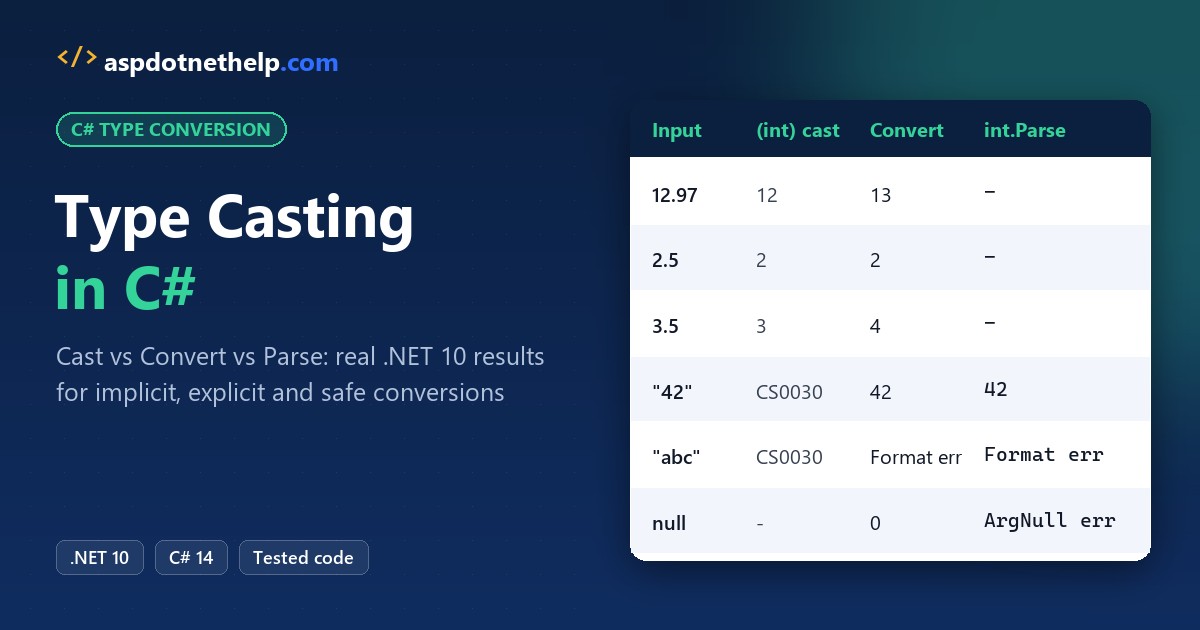
Type casting in C# changes a value from one type to another. Widening casts like int to long happen implicitly, while narrowing casts like (int)12.97 need explicit syntax and can lose data: that one returns 12, not 13.
In this tutorial, I’ll build up a little US shipping calculator and use it to show type casting in C# step by step: implicit and explicit casts, overflow, Convert, Parse, as, is and boxing. I ran every file on .NET 10.
What Is Type Casting in C#?
Casting asks the compiler to treat a value as another type. If the built-in types are new to you, skim data types in C# first.
| Kind | Syntax | Can it fail or lose data? |
|---|---|---|
| Implicit (widening) | long x = myInt; | No (int/long to float can lose precision) |
| Explicit (narrowing) | (int)myDouble | Yes: truncation, overflow, InvalidCastException |
| Helper methods | Convert.ToInt32, int.Parse | Yes: FormatException, OverflowException |
| Safe type tests | as, is | No: null or false instead of an exception |
Step 1: Implicit Casting (Widening Conversions)
My calculator starts with a box count. Copying an int into a bigger numeric type needs no syntax at all:
using System.Globalization;
CultureInfo.CurrentCulture = new CultureInfo("en-US");

int boxes = 3;
long totalBoxes = boxes;        // int -> long
double avgPounds = boxes;       // int -> double
decimal unitCost = boxes;       // int -> decimal
float big = 123_456_789;        // int -> float: may lose precision

Console.WriteLine($"long {totalBoxes}, double {avgPounds}, decimal {unitCost}");
Console.WriteLine($"float of 123,456,789 = {big:F0}");
Output:
long 3, double 3, decimal 3
float of 123,456,789 = 123456792
Notice the float line: 123,456,789 came back as 123,456,792. Microsoft’s docs say int/long to float (and long to double) can lose precision but never magnitude. Here’s the full widening table:
| From | Implicitly converts to |
|---|---|
| sbyte | short, int, long, float, double, decimal, nint |
| byte | short, ushort, int, uint, long, ulong, float, double, decimal, nint, nuint |
| short | int, long, float, double, decimal, nint |
| ushort | int, uint, long, ulong, float, double, decimal, nint, nuint |
| int | long, float, double, decimal, nint |
| uint | long, ulong, float, double, decimal, nuint |
| long / ulong | float, double, decimal |
| float | double |
There’s no implicit conversion from double or decimal, and none between decimal and float/double. The compiler stops you before the program runs:
int pounds = 12.97;     // no implicit double -> int
int qty = (int)"3";     // a cast can't turn text into a number
Build errors:
CastErrors.cs(1,14): error CS0266: Cannot implicitly convert type 'double' to 'int'. An explicit conversion exists (are you missing a cast?)
CastErrors.cs(2,11): error CS0030: Cannot convert type 'string' to 'int'
CS0266 says a cast exists but you must write it. CS0030 means no cast exists; text needs Parse or Convert. See variables in C# for the typing rules.
Step 2: Explicit Casting in C# and Data Loss
Next, the parcel weight. A cast puts the target type in parentheses and accepts the risk:
double weight = 12.97;
decimal price = 19.99m;
long orders = 3_000_000_000;
int big = 300;

Console.WriteLine($"(int)12.97     -> {(int)weight}");
Console.WriteLine($"(int)-12.97    -> {(int)-weight}");
Console.WriteLine($"(int)19.99m    -> {(int)price}");
Console.WriteLine($"(int)3 billion -> {(int)orders}");
Console.WriteLine($"(byte)300      -> {(byte)big}");
Output:
(int)12.97     -> 12
(int)-12.97    -> -12
(int)19.99m    -> 19
(int)3 billion -> -1294967296
(byte)300      -> 44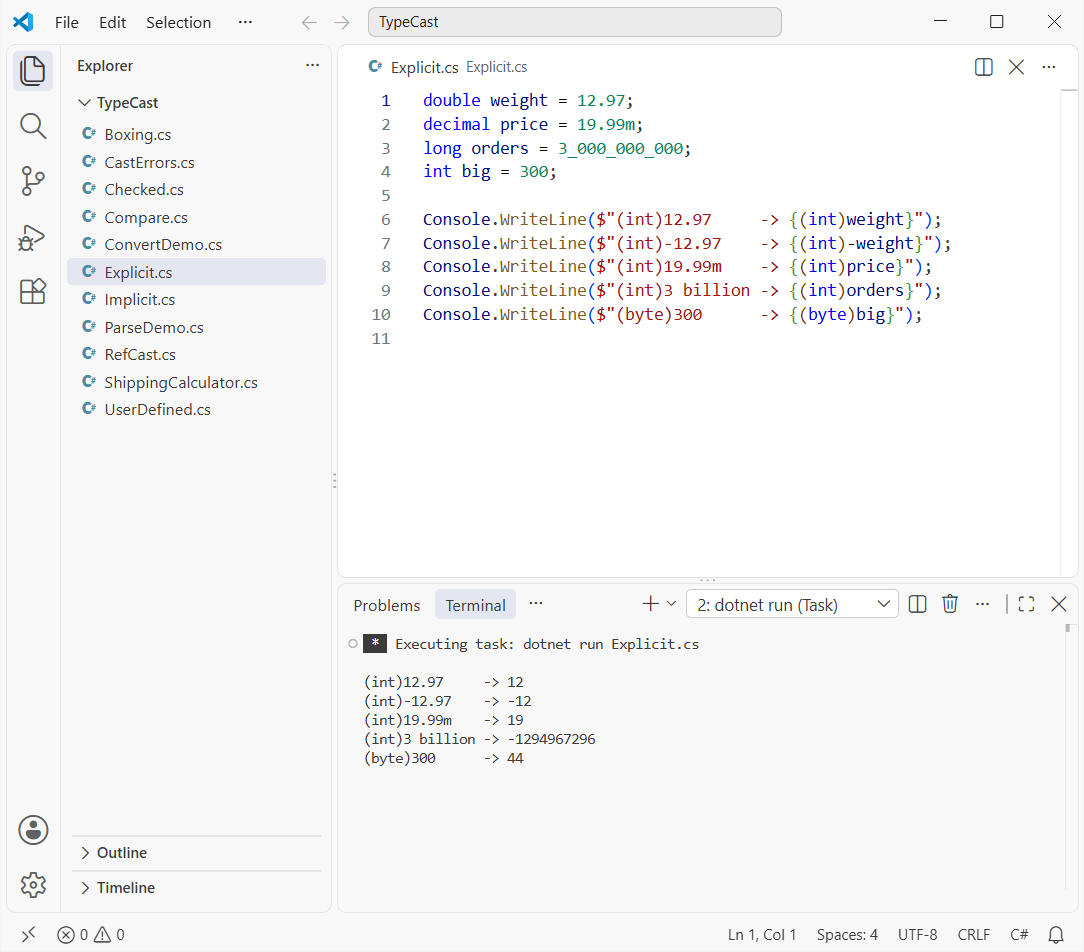
A double or decimal cast rounds toward zero, so -12.97 becomes -12. Integer casts are worse: 3 billion doesn’t fit in an int, so the high bits are dropped and you get a negative number.
Step 3: Checked vs Unchecked Casts (OverflowException)
Silent wrapping is bad for invoices. Wrap the cast in checked and C# throws instead:
long orders = 3_000_000_000;
double huge = 1e12;

Console.WriteLine($"unchecked (int)3 billion: {unchecked((int)orders)}");
Console.WriteLine($"(int)1e12 on .NET 10:     {(int)huge}");

try
{
    Console.WriteLine(checked((int)orders));
}
catch (OverflowException ex)
{
    Console.WriteLine($"checked: {ex.GetType().Name}");
    Console.WriteLine(ex.Message);
}
Output:
unchecked (int)3 billion: -1294967296
(int)1e12 on .NET 10:     2147483647
checked: OverflowException
Arithmetic operation resulted in an overflow.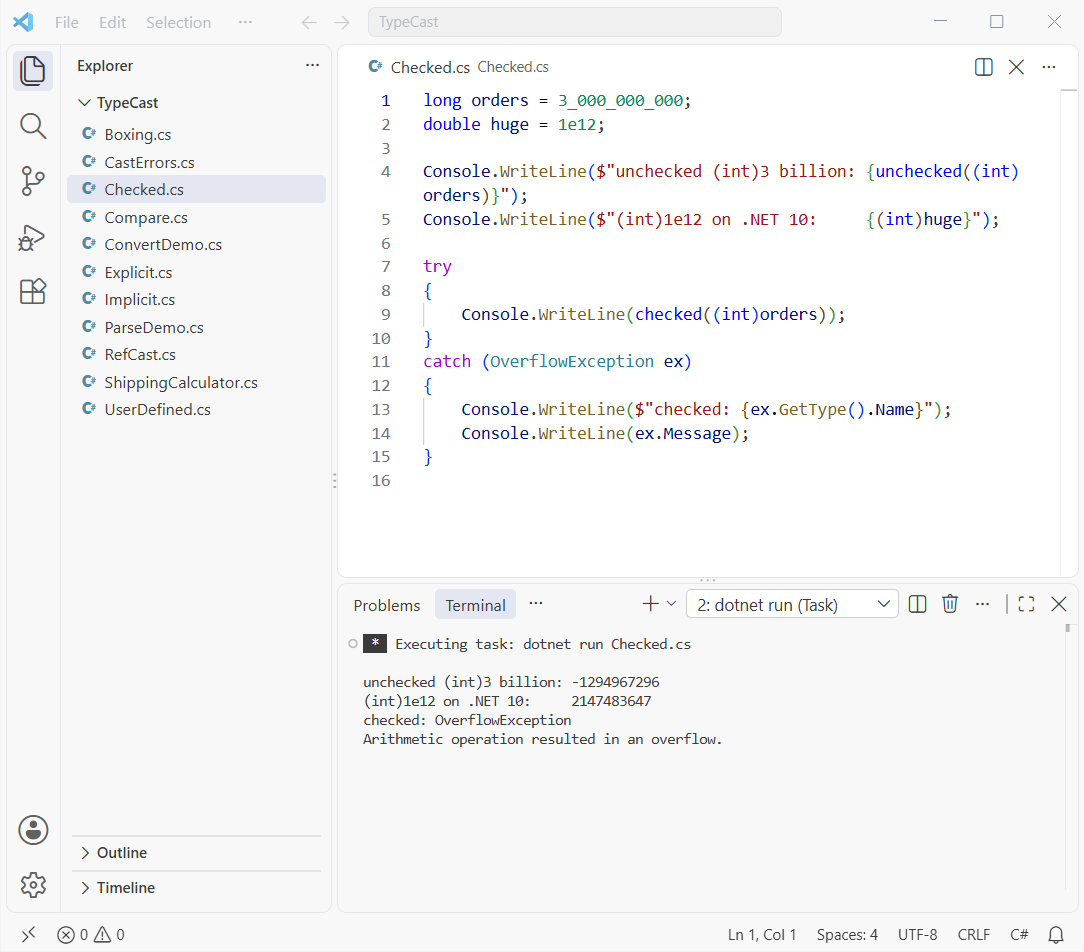
Integer casts are unchecked by default. The double line surprised me the first time: since .NET 9, out-of-range floating-point casts saturate on x86/x64, so 1e12 becomes int.MaxValue.
Catch OverflowException like any other error; my guide to try-catch in C# shows the patterns.
Step 4: Convert Class vs Cast (Rounds to Even)
Now the billing rule. Convert.ToInt32(double) rounds instead of truncating, but it uses banker’s rounding: a .5 goes to the nearest even number.
foreach (double d in new[] { 1.5, 2.5, 3.5, 12.97 })
{
    int c = (int)d;
    int v = Convert.ToInt32(d);
    int r = (int)Math.Round(d,
        MidpointRounding.AwayFromZero);
    Console.WriteLine($"{d}: cast {c}, Convert {v}, Round {r}");
}

string? missing = null;
int fromText = Convert.ToInt32("42");
int fromNull = Convert.ToInt32(missing);
Console.WriteLine($"{fromText}, null -> {fromNull}");
Output:
1.5: cast 1, Convert 2, Round 2
2.5: cast 2, Convert 2, Round 3
3.5: cast 3, Convert 4, Round 4
12.97: cast 12, Convert 13, Round 13
42, null -> 0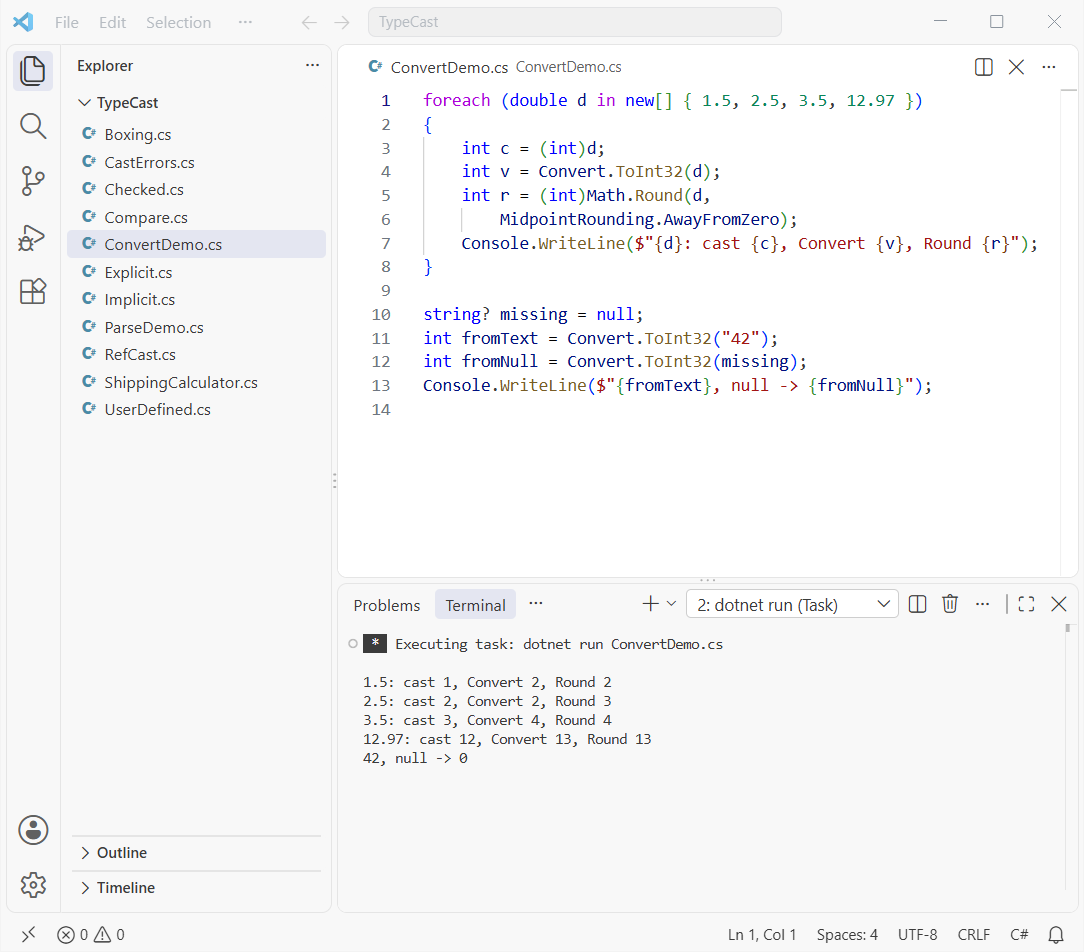
If your customers expect 2.5 to become 3, use Math.Round(d, MidpointRounding.AwayFromZero) and then cast.
Convert also handles a null string by returning 0, which is handy for optional form fields. I go deeper on that in converting null to int in C#.
Step 5: Parse and TryParse for String Conversion
Form data arrives as text, and you can’t cast text to a number. Use Parse when bad input is a bug and TryParse when it’s expected:
using System.Globalization;
var us = CultureInfo.GetCultureInfo("en-US");

int zip = int.Parse("80202");
decimal total = decimal.Parse("$1,249.50", NumberStyles.Currency, us);
Console.WriteLine($"zip {zip}, total {total.ToString("C", us)}");

foreach (string s in new[] { "12", "12.5", "twelve", "" })
{
    bool ok = int.TryParse(s, out int qty);
    Console.WriteLine($"TryParse(\"{s}\") -> {ok}, {qty}");
}

try { int.Parse("1,250"); }
catch (FormatException ex) { Console.WriteLine($"int.Parse(\"1,250\"): {ex.GetType().Name}"); }
Output:
zip 80202, total $1,249.50
TryParse("12") -> True, 12
TryParse("12.5") -> False, 0
TryParse("twelve") -> False, 0
TryParse("") -> False, 0
int.Parse("1,250"): FormatException
TryParse returns false and sets the value to 0 instead of throwing. For currency, pass NumberStyles and a culture.
There’s more in converting a string to a double in C# and converting a number with commas into a decimal.
Step 6: Reference Type Casting with as and is
Air and Ground shipments share a base record. Upcasting is implicit; downcasting needs a cast that can fail at run time:
Shipment parcel = new Air("Seattle", 4.2); // upcast
Air air = (Air)parcel;                     // downcast
Console.WriteLine($"Air to {air.To}, {air.Lb} lb");

Ground? ground = parcel as Ground;  // null, no throw
Console.WriteLine($"as Ground is null: {ground is null}");

if (parcel is Air { Lb: > 4 } heavy)
    Console.WriteLine($"is: heavy parcel to {heavy.To}");

try { Console.WriteLine((Ground)parcel); }
catch (InvalidCastException ex)
{
    Console.WriteLine(ex.Message);
}

abstract record Shipment(string To, double Lb);
record Air(string To, double Lb) : Shipment(To, Lb);
record Ground(string To, double Lb) : Shipment(To, Lb);
Output:
Air to Seattle, 4.2 lb
as Ground is null: True
is: heavy parcel to Seattle
Unable to cast object of type 'Air' to type 'Ground'.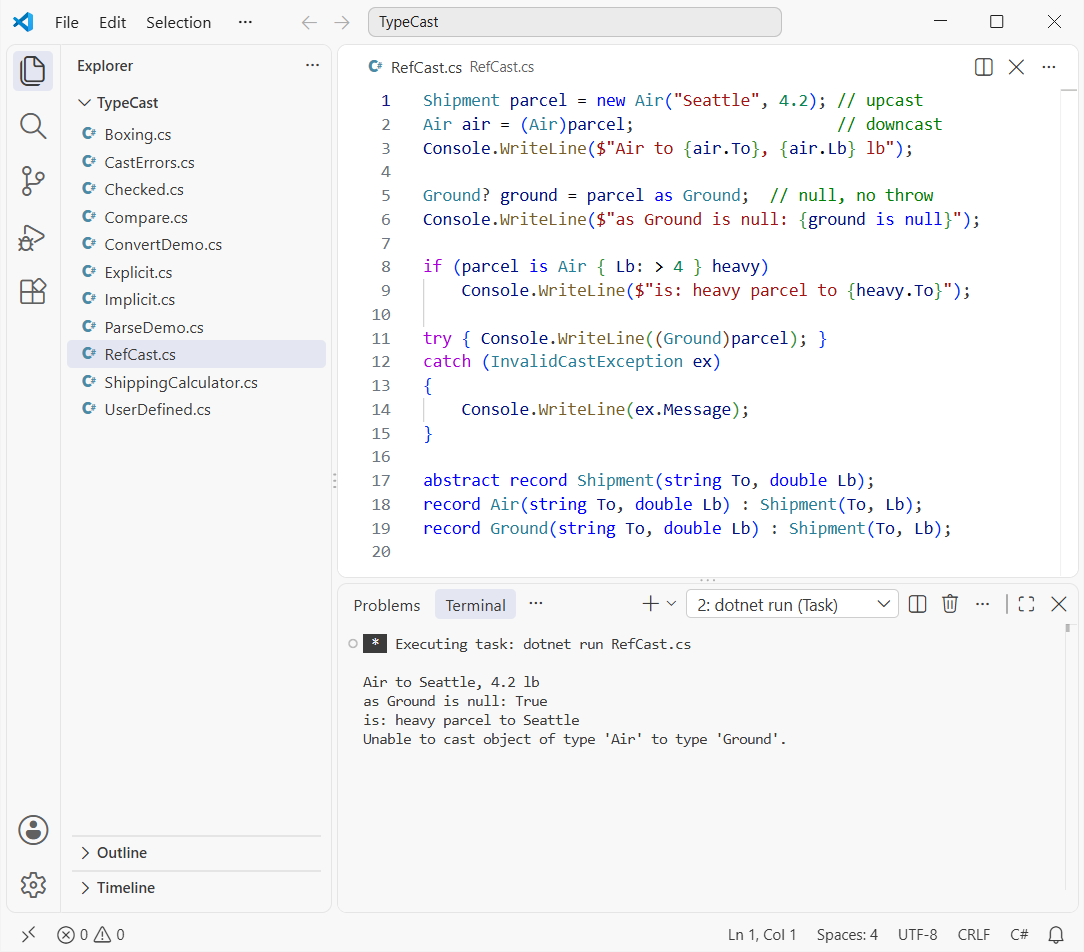
as gives you null instead of an exception, and is Air heavy tests and assigns in one step. The class side is covered in inheritance in C# and interfaces in C#, and both cast the same way.
Step 7: Boxing and Unboxing Casts
Store a value type in an object and C# boxes it. Getting it back is an unboxing cast, and it has to name the exact type:
int boxes = 42;
object boxed = boxes;             // boxing: implicit
int back = (int)boxed;            // unboxing: explicit, exact type
Console.WriteLine($"unboxed int: {back}");

try { Console.WriteLine((long)boxed); }
catch (InvalidCastException ex) { Console.WriteLine($"(long)boxed: {ex.GetType().Name}"); }

Console.WriteLine($"(long)(int)boxed: {(long)(int)boxed}");
Console.WriteLine($"Convert.ToInt64(boxed): {Convert.ToInt64(boxed)}");
Output:
unboxed int: 42
(long)boxed: InvalidCastException
(long)(int)boxed: 42
Convert.ToInt64(boxed): 42
(long)boxed fails because the box holds an int. Unbox first, then widen, or let Convert do it. The full story is in boxing and unboxing in C#.
User-Defined Implicit and Explicit Conversion Operators
Your own types can opt in to casting. Here a Usd struct converts implicitly to and from decimal, but only explicitly to int because the cents get dropped:
using System.Globalization;
CultureInfo.CurrentCulture = new CultureInfo("en-US");

Usd price = 24.99m;          // implicit: decimal -> Usd
decimal raw = price;         // implicit: Usd -> decimal
int dollars = (int)price;    // explicit: drops the cents
Console.WriteLine($"{price} | {raw} | {dollars}");

readonly record struct Usd(decimal Amount)
{
    public static implicit operator Usd(decimal d) => new(d);
    public static implicit operator decimal(Usd u) => u.Amount;
    public static explicit operator int(Usd u) => (int)u.Amount;
    public override string ToString() => Amount.ToString("C");
}
Output:
$24.99 | 24.99 | 24Make a conversion implicit only when it can’t fail or lose data. Small value types like this one are a good fit for a structure in C#.
Program to Demonstrate Type Casting in C#: The Full Calculator
Here’s the finished program. It parses form text, rounds up with Math.Ceiling, casts to int, widens to decimal and boxes the total. Comments mark each conversion:
using System.Globalization;
CultureInfo.CurrentCulture = new("en-US");

string weightText = "12.97", qtyText = "3";
double weight = double.Parse(weightText); // text
int billed = (int)Math.Ceiling(weight);   // 13 lb
int qty = int.TryParse(qtyText, out int q) ? q : 1;
decimal rate = 1.85m;                     // USD/lb
decimal cost = billed * rate * qty;       // widen
object label = cost;                      // box
int cut = (int)weight;                    // 12
int near = Convert.ToInt32(weight);       // 13

Console.WriteLine($"{weight} lb -> {billed} lb x {qty}");
Console.WriteLine($"Shipping: {cost:C}");
Console.WriteLine($"cast {cut}, Convert {near}");
if (label is decimal d && d > 50m)
    Console.WriteLine("Free-shipping threshold met");
Output:
12.97 lb -> 13 lb x 3
Shipping: $72.15
cast 12, Convert 13
Free-shipping threshold met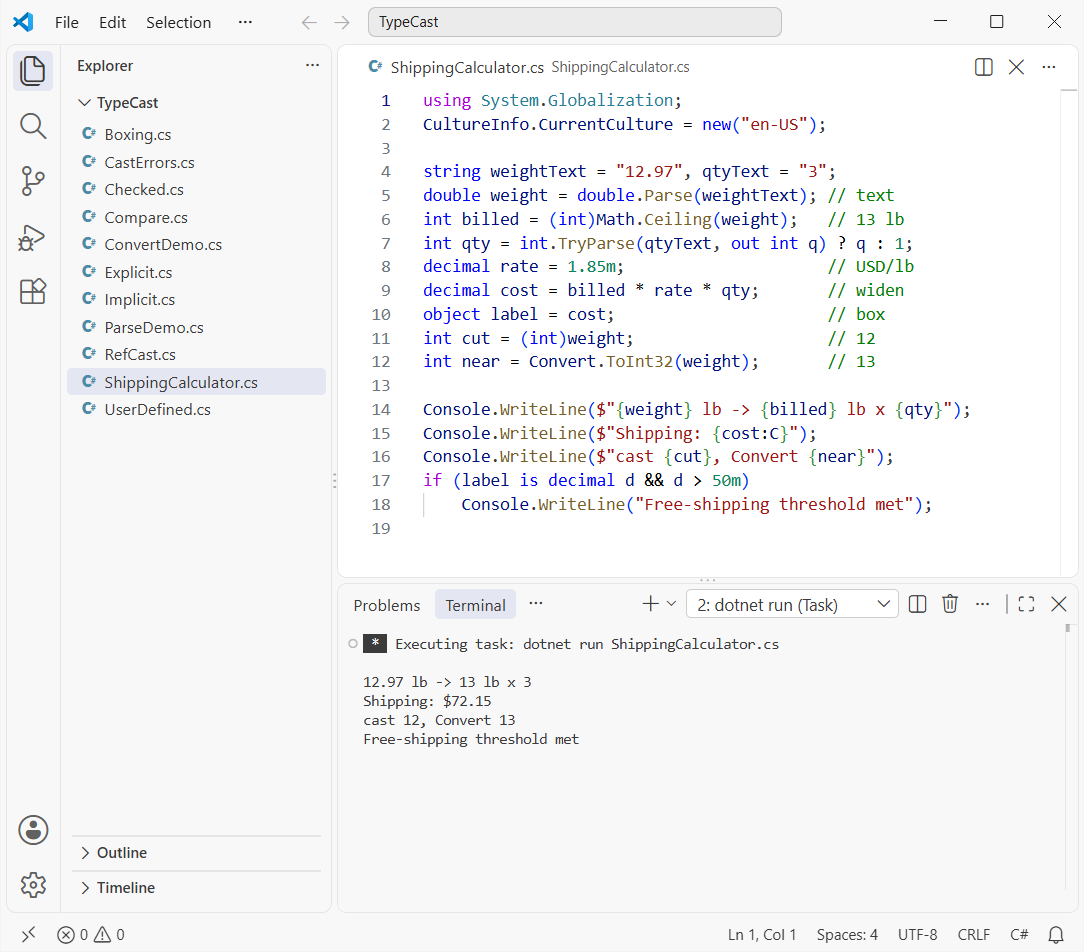
Swap the if for a switch case in C# when you add more shipping tiers.
Cast vs Convert vs Parse vs as: Which Conversion Should You Use?
Feed the same four inputs to each approach and you get this:
string?[] inputs = ["42", "2.5", "abc", null];
foreach (string? s in inputs)
{
    string conv = Try(() => Convert.ToInt32(s).ToString());
    string parse = Try(() => int.Parse(s!).ToString());
    string tryp = int.TryParse(s, out int n) ? n.ToString() : "false";
    Console.WriteLine($"{s ?? "null",-4} | Convert {conv,-15} | Parse {parse,-21} | TryParse {tryp}");
}

static string Try(Func<string> f)
{
    try { return f(); } catch (Exception ex) { return ex.GetType().Name; }
}
Output:
42   | Convert 42              | Parse 42                    | TryParse 42
2.5  | Convert FormatException | Parse FormatException       | TryParse false
abc  | Convert FormatException | Parse FormatException       | TryParse false
null | Convert 0 | Parse ArgumentNullException | TryParse false| Method | Use it for | On bad input |
|---|---|---|
(int)x cast | Numbers and class hierarchies | Truncates, wraps or throws InvalidCastException |
Convert.ToInt32 | Mixed types, null-friendly | FormatException; null gives 0 |
int.Parse | Text you trust | FormatException, ArgumentNullException |
int.TryParse | User input | Returns false |
as / is | Reference and nullable types | null or false |
My rule of thumb: cast numbers you control, TryParse anything a user typed, and use is for objects. Want to see the other side of conversions? Start with these:
- Convert a string to int without Parse
- Format numbers with commas and decimals
- Abstract classes in C#
- Handle division by zero in C#
Frequently Asked Questions
Does casting a double to int round in C#?
No. (int)12.97 truncates toward zero and returns 12. Use Convert.ToInt32 or Math.Round to round.
Why does Convert.ToInt32(2.5) return 2?
Convert.ToInt32 uses banker’s rounding: a value exactly halfway goes to the nearest even number, so 2.5 becomes 2 and 3.5 becomes 4. Use Math.Round(value, MidpointRounding.AwayFromZero) for 3.
What is the difference between implicit and explicit casting in C#?
Implicit casting happens automatically when the conversion is safe, like int to long. Explicit casting needs (type) syntax because data can be lost or the cast can fail, like double to int.
What is the difference between as and a cast in C#?
A cast throws InvalidCastException when the object isn’t the target type; as returns null. as only works with reference and nullable types.
How do I stop silent overflow when casting?
Wrap the cast in checked(...) or enable CheckForOverflowUnderflow, and C# throws OverflowException. Microsoft lists every rule in Built-in numeric conversions.

Bijay Kumar is a renowned software engineer, accomplished author, and distinguished Microsoft Most Valuable Professional (MVP) specializing in SharePoint. With a rich professional background spanning over 15 years, Bijay has established himself as an authority in the field of information technology. He possesses unparalleled expertise in multiple programming languages and technologies such as ASP.NET, ASP.NET MVC, C#.NET, and SharePoint, which has enabled him to develop innovative and cutting-edge solutions for clients across the globe. Read more…