
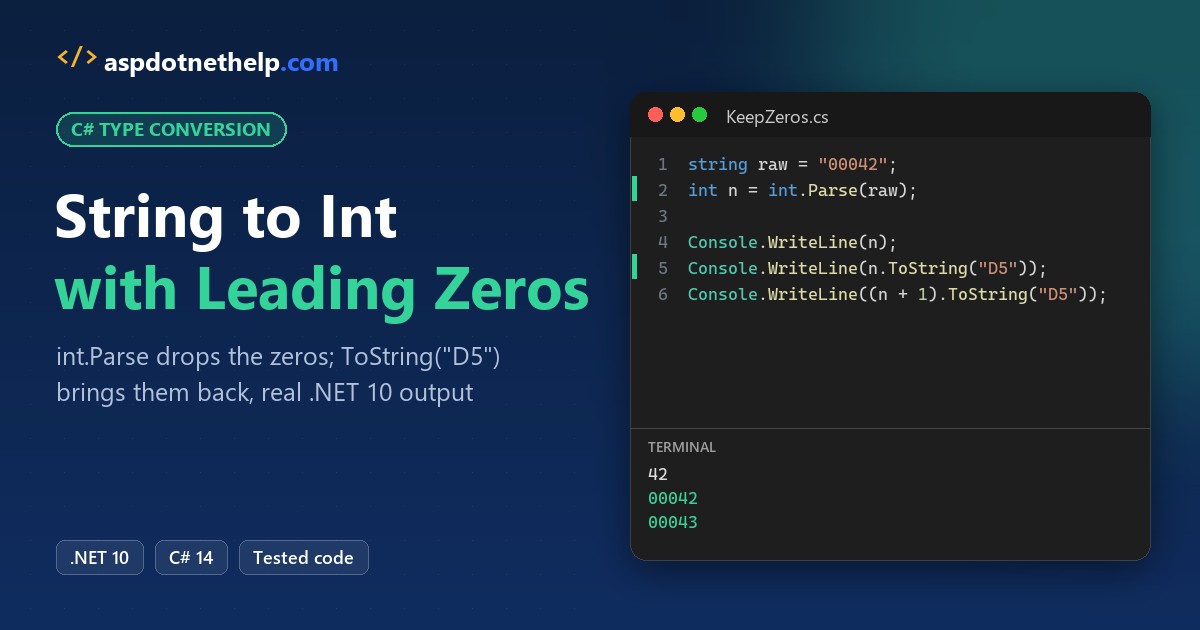
Parsing “00042” in C# gives you 42, every time. When you convert a string to int, leading zeros are dropped, because an int stores a value, not the digits you typed.
In this tutorial, I’ll pin down how to convert string to int with leading zeros in C# on .NET 10: parse the number, then add the zeros back only when you print it. Here’s the short version:
string raw = "00042";

int a = int.Parse(raw);
int.TryParse(raw, out int b);
int c = Convert.ToInt32(raw);

Console.WriteLine($"{a} {b} {c}");
Console.WriteLine(a.ToString("D5"));
Output:
42 42 42
00042int.Parse, int.TryParse and Convert.ToInt32 all return 42, and ToString("D5") rebuilds the five-digit text.
Why Can’t an int Keep Leading Zeros in C#?
An int is 32 bits holding a number. “42”, “042” and “00042” are three ways to write the same number, so they parse to the same value:
int[] values = [int.Parse("42"), int.Parse("042"), int.Parse("00042")];
Console.WriteLine(string.Join(", ", values));
Console.WriteLine($"Distinct values: {values.Distinct().Count()}");

int literal = 00042;          // C# has no octal literals
Console.WriteLine(literal);

Console.WriteLine($"\"00042\" has {"00042".Length} characters");
Console.WriteLine($"42 prints as {42.ToString().Length} characters");
Output:
42, 42, 42
Distinct values: 1
42
"00042" has 5 characters
42 prints as 2 characters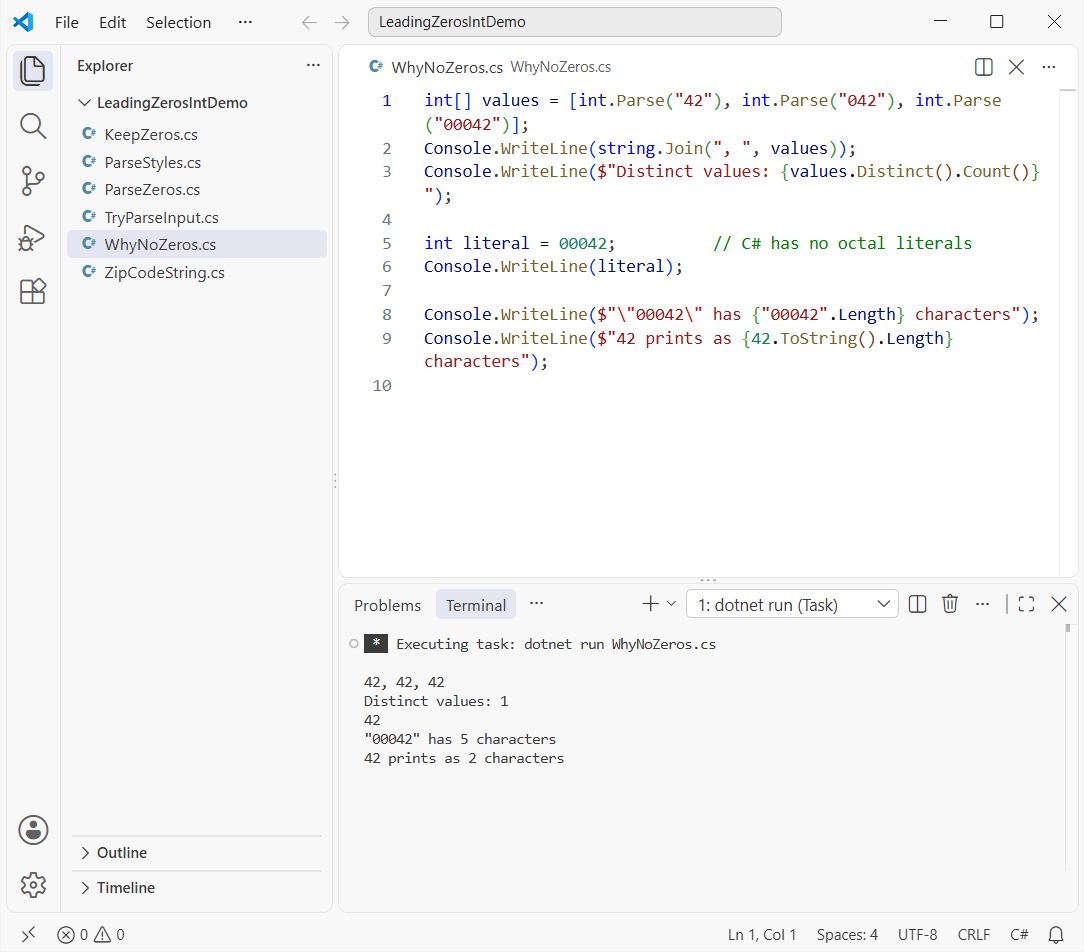
All three print 42 and there’s only 1 distinct value. Even the literal 00042 compiles to 42, because C# doesn’t treat a leading zero as octal.
The zeros only exist in text: “00042” is 5 characters, while 42 prints as 2. That’s true for every integral type in the C# data types list, from byte to long.
So the real job has two steps: parse for math, format for display. It’s the same split you see with any type conversion in C#.
Keep Leading Zeros After Converting with ToString(“D5”) or PadLeft
Same “00042” input. Once you’ve done your math, these four lines put the zeros back:
string raw = "00042";
int n = int.Parse(raw);

Console.WriteLine(n.ToString("D5"));
Console.WriteLine(n.ToString("00000"));
Console.WriteLine($"{n:D5}");
Console.WriteLine(n.ToString().PadLeft(5, '0'));

// Next invoice number, same width as the input
string next = (n + 1).ToString($"D{raw.Length}");
Console.WriteLine($"Next invoice: INV-{next}");
Output:
00042
00042
00042
00042
Next invoice: INV-00043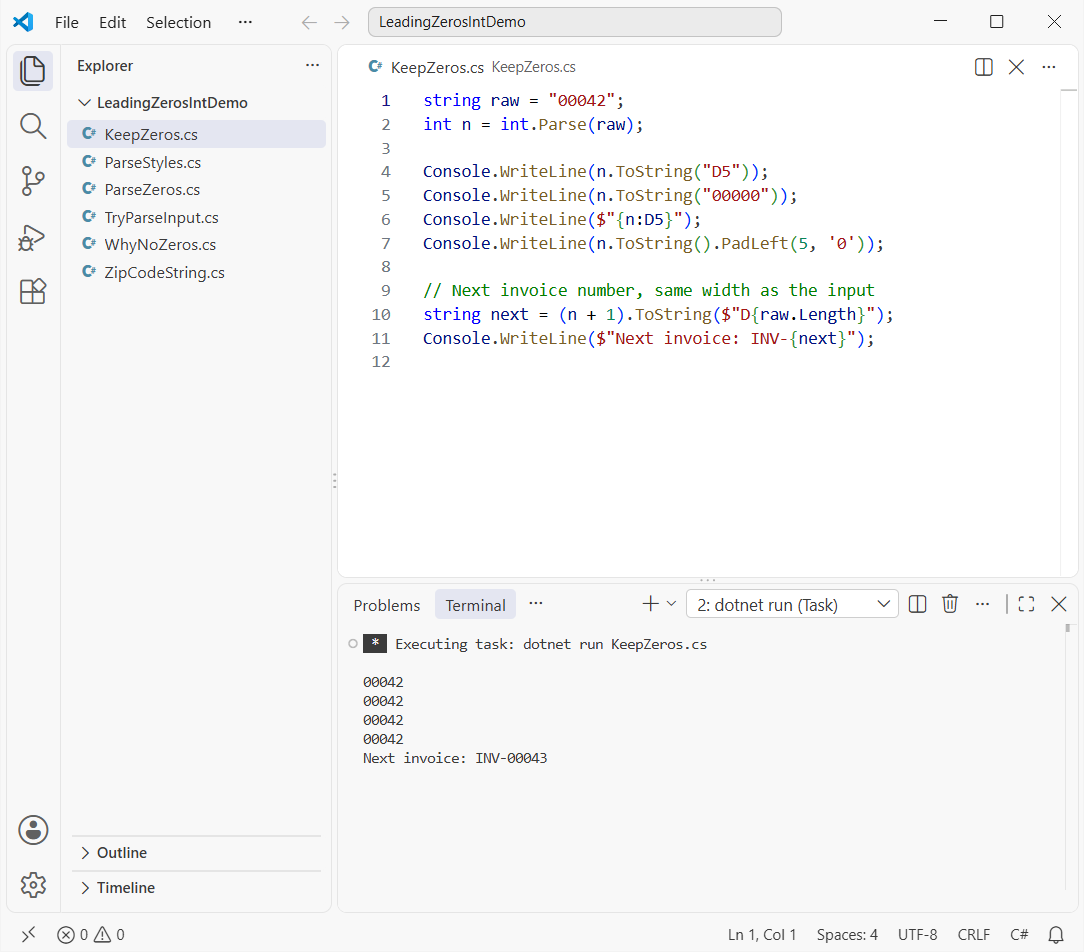
Each line prints 00042. The last one adds 1 and formats with $"D{raw.Length}", so the width follows the input and you get INV-00043.
D5 means “decimal, at least five digits, padded with zeros on the left.” It works on integral types only. I cover negatives, wider values and doubles in the guide to add leading zeros to a string or number in C#.
Pro Tip: prefer D5 over PadLeft for numbers. PadLeft treats a minus sign as a character, so -42 becomes 00-42.
How Do You Parse Leading-Zero Strings Safely with int.TryParse?
Real input isn’t always clean. I fed the same kind of zero-padded values, plus some bad ones, to int.TryParse:
string?[] inputs = ["00042", "  007 ", "-0012", "0042a", "", "09999999999", null];

foreach (string? s in inputs)
{
    bool ok = int.TryParse(s, out int n);
    Console.WriteLine($"{Show(s),-15} -> {(ok ? n.ToString() : "invalid")}");
}

try { int.Parse("09999999999"); }
catch (OverflowException ex) { Console.WriteLine(ex.Message); }
Console.WriteLine($"Convert.ToInt32(null) = {Convert.ToInt32((string?)null)}");

static string Show(string? s) => s is null ? "null" : $"\"{s}\"";
Output:
"00042"         -> 42
"  007 "        -> 7
"-0012"         -> -12
"0042a"         -> invalid
""              -> invalid
"09999999999"   -> invalid
null            -> invalid
Value was either too large or too small for an Int32.
Convert.ToInt32(null) = 0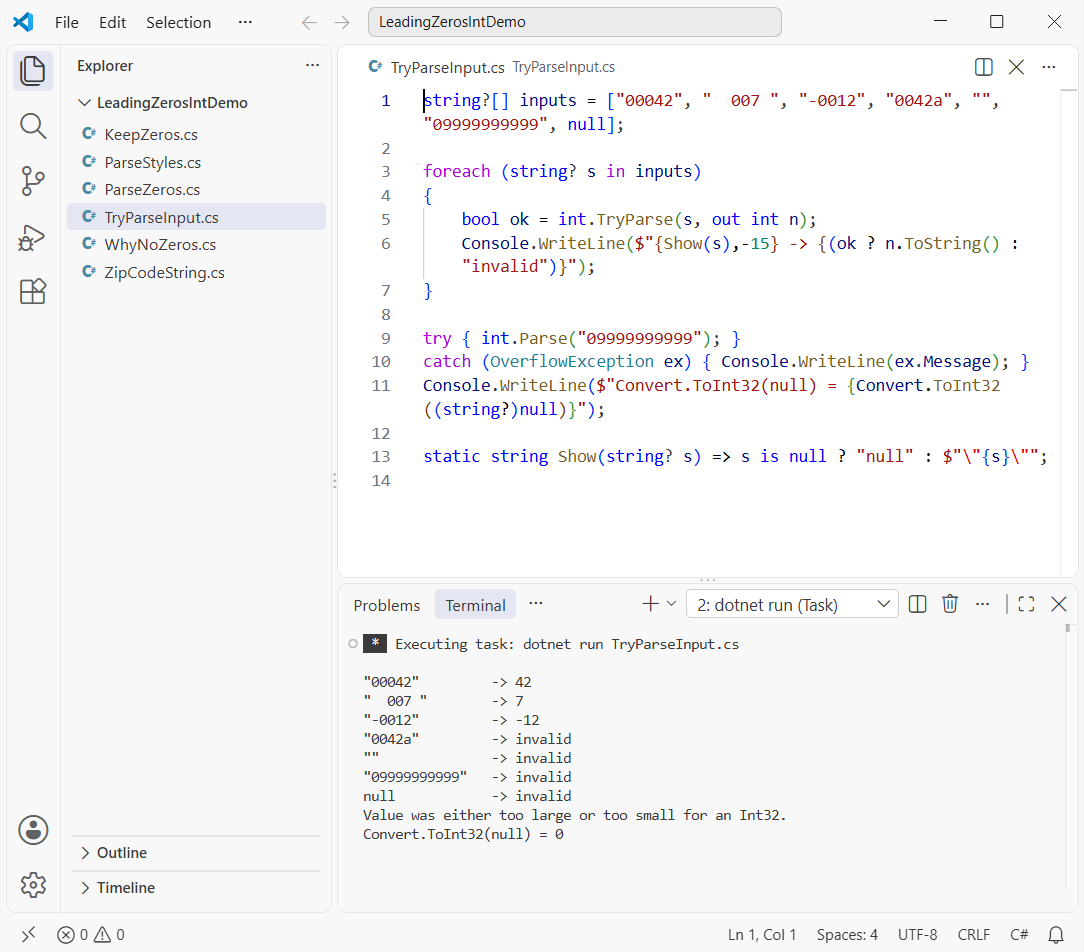
“00042” gives 42, ” 007 ” gives 7 and “-0012” gives -12. “0042a”, the empty string, null and “09999999999” all come back invalid.
That matches Microsoft’s rule for the default NumberStyles.Integer: optional spaces, an optional leading sign, then digits. Leading zeros don’t count toward the limit, but the value still has to fit between -2,147,483,648 and 2,147,483,647.
int.Parse throws OverflowException for that value, so you’d need a try-catch block in C#. Convert.ToInt32(null) returns 0 instead of throwing; see how to convert null to int in C# for that case.
Parse Leading Zeros with NumberStyles and CultureInfo.InvariantCulture
For IDs and codes, I want strict parsing that doesn’t depend on the PC’s culture. Same zero-padded strings, with an explicit style and CultureInfo.InvariantCulture:
using System.Globalization;

var inv = CultureInfo.InvariantCulture;

Console.WriteLine(int.Parse("00042", NumberStyles.None, inv));
Console.WriteLine(int.TryParse(" 00042", NumberStyles.None, inv, out _));
Console.WriteLine(int.TryParse("-0042", NumberStyles.None, inv, out _));
Console.WriteLine(int.Parse("0,042", NumberStyles.AllowThousands, inv));
Console.WriteLine(int.Parse("0002A", NumberStyles.HexNumber, inv));
Console.WriteLine(long.Parse("000012345678901", inv));
Output:
42
False
False
42
42
12345678901
NumberStyles.None accepts digits only, so “00042” parses to 42 while a leading space or a minus sign returns False. That’s what you want for an account number.
AllowThousands reads “0,042” as 42, which ties in with how you format numbers with commas in C#. HexNumber reads “0002A” as 42, the reverse of a hex string with leading zeros.
For values past 2,147,483,647, switch to long.Parse; the 15-character input above becomes 12345678901.
When Should You Keep Leading Zeros as a String Instead of Converting?
If the zeros are part of the identity, don’t convert at all. ZIP codes are the classic case. Boston’s 02134 shows why:
string zip = "02134";                 // Allston, Boston, MA
int asInt = int.Parse(zip);

Console.WriteLine($"Stored as int:  {asInt}");
Console.WriteLine($"Back with D5:   {asInt.ToString("D5")}");
Console.WriteLine($"ZIP+4 parses:   {int.TryParse("02134-1234", out _)}");

// Validate the digits, but keep the string
bool valid = zip.Length == 5 && zip.All(char.IsAsciiDigit);
Console.WriteLine($"Valid ZIP kept as \"{zip}\": {valid}");
Output:
Stored as int:  2134
Back with D5:   02134
ZIP+4 parses:   False
Valid ZIP kept as "02134": True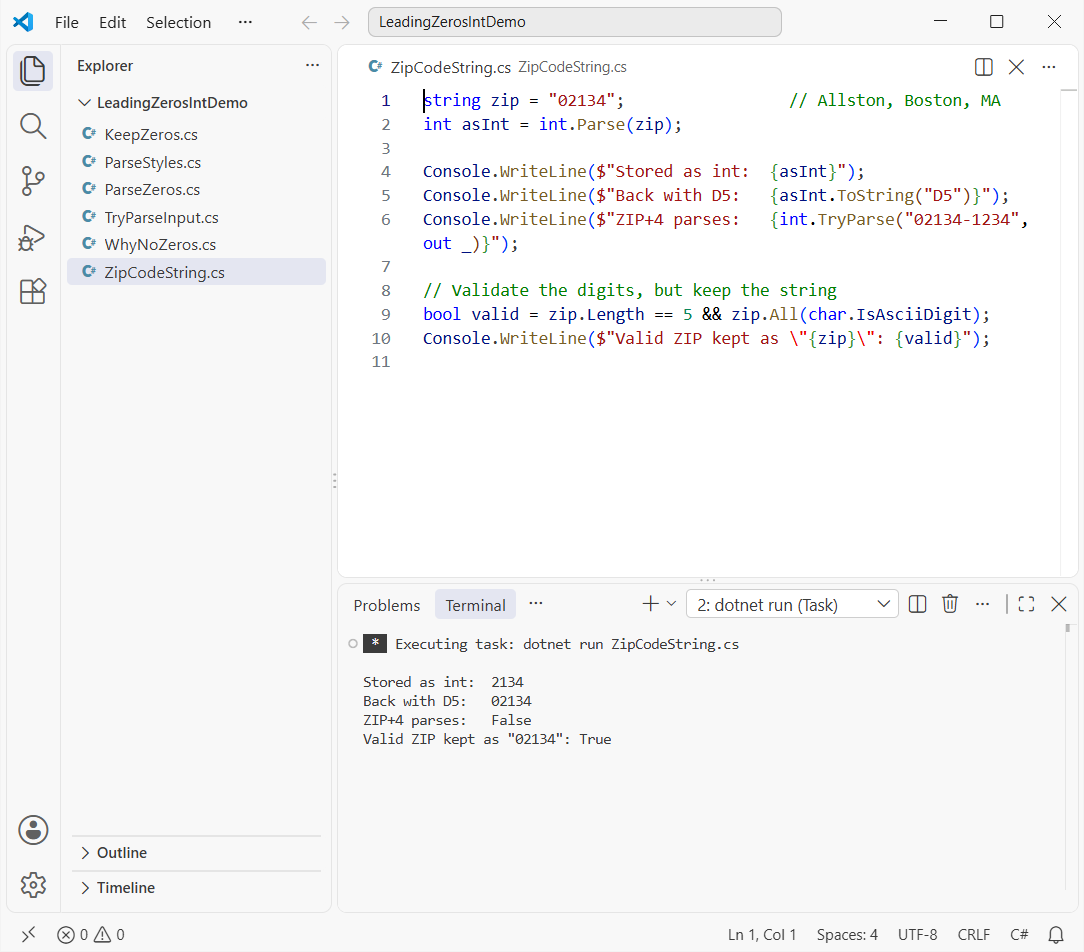
As an int the ZIP code becomes 2134. D5 can patch it, but “02134-1234” won’t parse, so ZIP+4 breaks the int approach entirely.
My rule: if you’ll never add, compare by size or sum it, keep it a string. That covers ZIP codes, phone numbers, SSNs, account numbers and product SKUs.
Validate the string instead, as the last line does with char.IsAsciiDigit, and store it in a text column.
A few more number conversions worth having close by:
- Convert a string to int without int.Parse in C#
- Convert an int to a binary string with leading zeros
- Convert a string to double in C#
- Check if a string is not null or empty before parsing
Frequently Asked Questions
Can an int store leading zeros in C#?
No. An int stores only the numeric value, so “00042” and “42” both become 42. Keep the zeros in a string, or add them back when you display the number with ToString("D5").
How do I convert a string to int and keep the leading zeros?
Parse it with int.Parse or int.TryParse, then format it back with number.ToString($"D{original.Length}"). That gives you a number for math and the original zero-padded text for display.
Does int.Parse throw on leading zeros?
No. Leading zeros are valid digits, so int.Parse("00042") returns 42. It throws FormatException for non-digits like “0042a” and OverflowException when the value is outside the int range.
What does the D format specifier do in C#?
It formats an integral number as decimal digits, and the number after D is the minimum digit count, padded with zeros on the left. Standard numeric format strings on Microsoft Learn lists every specifier.
Should ZIP codes be stored as int or string?
Store them as strings. Boston’s 02134 turns into 2134 as an int, and a ZIP+4 code like 02134-1234 can’t be parsed at all.
Is C# 00042 an octal literal?
No. C# has no octal literals, so int x = 00042; is decimal 42. For other bases, use the 0x prefix for hex or 0b for binary.

Bijay Kumar is a renowned software engineer, accomplished author, and distinguished Microsoft Most Valuable Professional (MVP) specializing in SharePoint. With a rich professional background spanning over 15 years, Bijay has established himself as an authority in the field of information technology. He possesses unparalleled expertise in multiple programming languages and technologies such as ASP.NET, ASP.NET MVC, C#.NET, and SharePoint, which has enabled him to develop innovative and cutting-edge solutions for clients across the globe. Read more…