
February 29, 2028 is the next leap day. A leap year program in C# needs one call, DateTime.IsLeapYear(year), or one expression: (year % 4 == 0 && year % 100 != 0) || year % 400 == 0.
In this tutorial, I’ll show the built-in method, the manual leap year program in C# with if/else, a version that reads the year from the console, and a loop that lists leap years in a range.
The Leap Year Rule (Gregorian Calendar)
A year is a leap year if it’s divisible by 4, except century years, which must also be divisible by 400. Here’s how my five test years fall out:
| Year | Div by 4? | Div by 100? | Div by 400? | Leap year? |
|---|---|---|---|---|
| 1900 | Yes | Yes | No | No |
| 2000 | Yes | Yes | Yes | Yes |
| 2024 | Yes | No | No | Yes |
| 2026 | No | No | No | No |
| 2028 | Yes | No | No | Yes |
1900 and 2000 are the years that catch people out. If your code gets those two right, you can trust it everywhere.
Each check uses the % remainder operator, the same trick you’ll use in a prime number program in C#.
Method 1: Check a Leap Year with DateTime.IsLeapYear
DateTime.IsLeapYear is a static method that takes an int and returns a bool. You pass it a year from 1 to 9999; outside that range it throws ArgumentOutOfRangeException:
int[] years = [1900, 2000, 2024, 2026, 2028];
foreach (int year in years)
    Console.WriteLine($"{year}: {DateTime.IsLeapYear(year)}");

try
{
    DateTime.IsLeapYear(10000);
}
catch (ArgumentOutOfRangeException)
{
    Console.WriteLine("10000: out of range (1-9999 only)");
}
Output:
1900: False
2000: True
2024: True
2026: False
2028: True
10000: out of range (1-9999 only)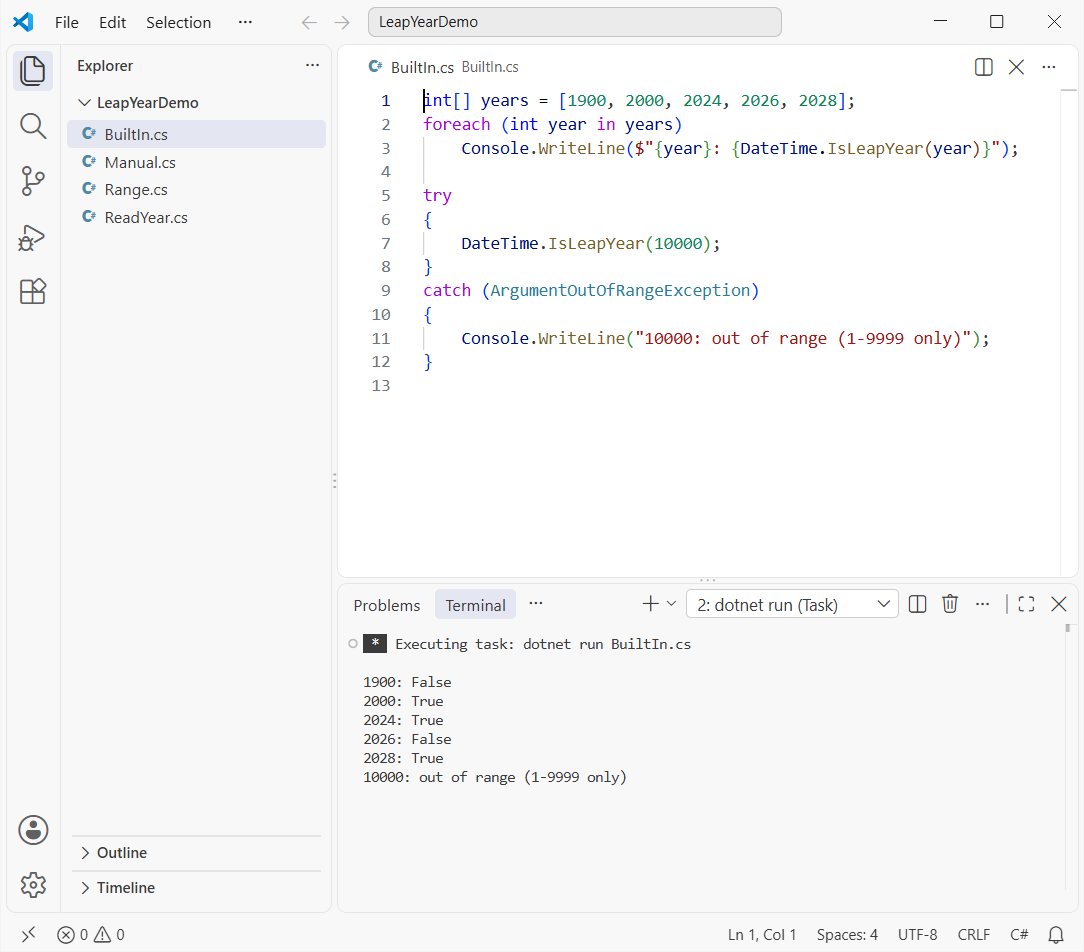
The results match the table. It always uses the Gregorian calendar, whatever your current culture is, so I’d use it in any real app.
If static methods that return a bool are new to you, my post on functions in C# explains how you write your own.
Method 2: Leap Year Program in C# with if/else (No Built-in Method)
Interviewers usually ask you to skip the built-in method. Below is the if/else version, checking 400 first, then 100, then 4, next to the one-line boolean expression:
int[] years = [1900, 2000, 2024, 2026, 2028];
foreach (int year in years)
{
    bool oneLine = (year % 4 == 0 && year % 100 != 0) || year % 400 == 0;
    Console.WriteLine($"{year}: if/else {IsLeap(year),-5}  one-line {oneLine}");
}

static bool IsLeap(int year)
{
    if (year % 400 == 0) return true;   // 2000
    else if (year % 100 == 0) return false; // 1900
    else if (year % 4 == 0) return true;    // 2024, 2028
    else return false;                      // 2026
}
Output:
1900: if/else False  one-line False
2000: if/else True   one-line True
2024: if/else True   one-line True
2026: if/else False  one-line False
2028: if/else True   one-line True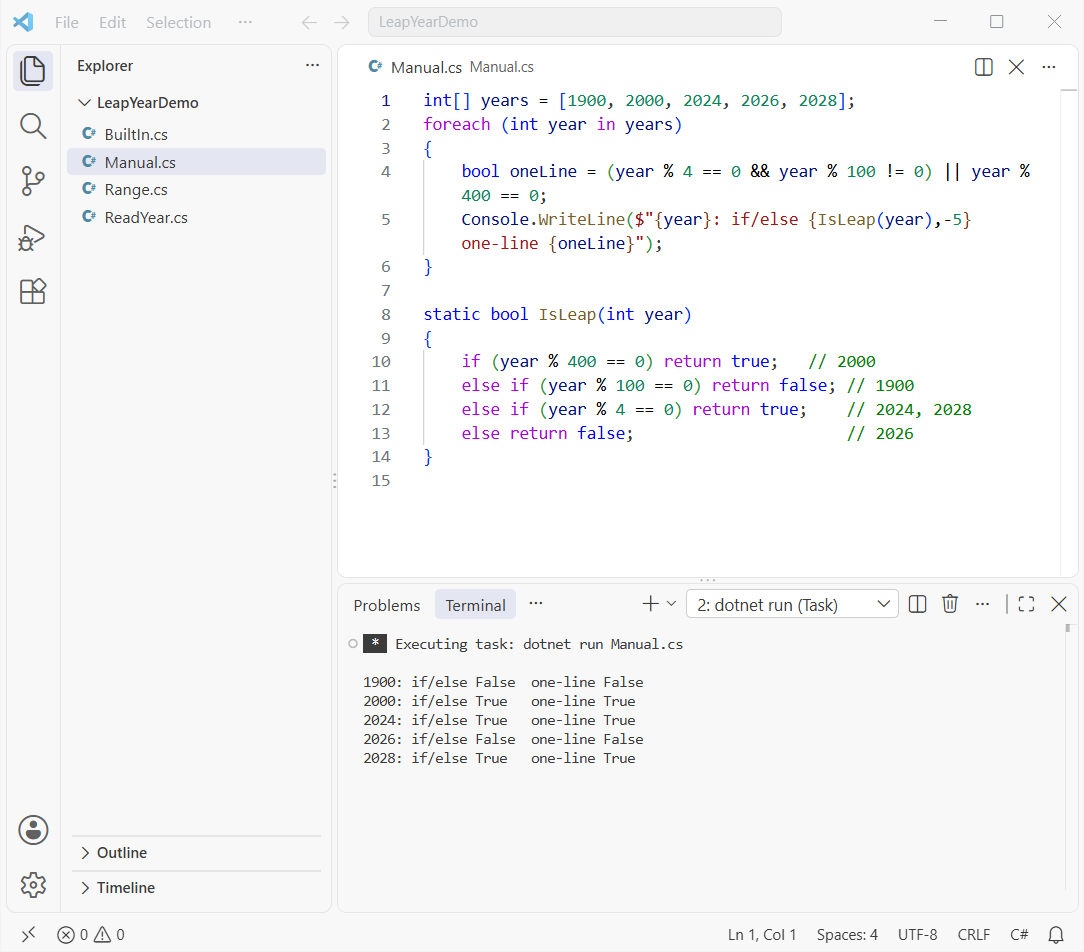
Order matters in the if/else version. Test 4 first and 1900 comes back as a leap year. You can also write it as a switch case in C# with pattern guards, but if/else reads more clearly here.
Unlike the built-in method, these two don’t throw for 10000 or for negative years, so validate the input yourself if that matters.
How Do I Read a Year from the User and Check It?
Use int.TryParse instead of Convert.ToInt32. It returns false for text like “abc” instead of crashing, and the range check keeps IsLeapYear from throwing:
Console.Write("Enter a year: ");
string? input = Console.ReadLine();

if (int.TryParse(input, out int year) && year is >= 1 and <= 9999)
{
    string answer = DateTime.IsLeapYear(year) ? "is" : "is not";
    Console.WriteLine($"{year} {answer} a leap year.");
}
else
{
    Console.WriteLine($"\"{input}\" isn't a year from 1 to 9999.");
}
Output (I typed 2028):
Enter a year: 2028
2028 is a leap year.
The same TryParse habit applies when you convert a string to DateTime in C# from user input.
List All Leap Years in a Range in C#
To list leap years between two years, loop over the range and keep the ones that pass. My guide to the for loop in C# covers the loop itself. I also cross-check with DateTime.DaysInMonth(year, 2), which returns 29 only in a leap year:
var leapYears = new List<int>();
for (int year = 2000; year <= 2040; year++)
    if (DateTime.IsLeapYear(year)) leapYears.Add(year);

Console.WriteLine($"Leap years 2000-2040 ({leapYears.Count}):");
Console.WriteLine(string.Join(", ", leapYears));

// Cross-check: February has 29 days only in a leap year
foreach (int year in new[] { 2026, 2028 })
    Console.WriteLine($"Feb {year}: {DateTime.DaysInMonth(year, 2)} days");
Output:
Leap years 2000-2040 (11):
2000, 2004, 2008, 2012, 2016, 2020, 2024, 2028, 2032, 2036, 2040
Feb 2026: 28 days
Feb 2028: 29 days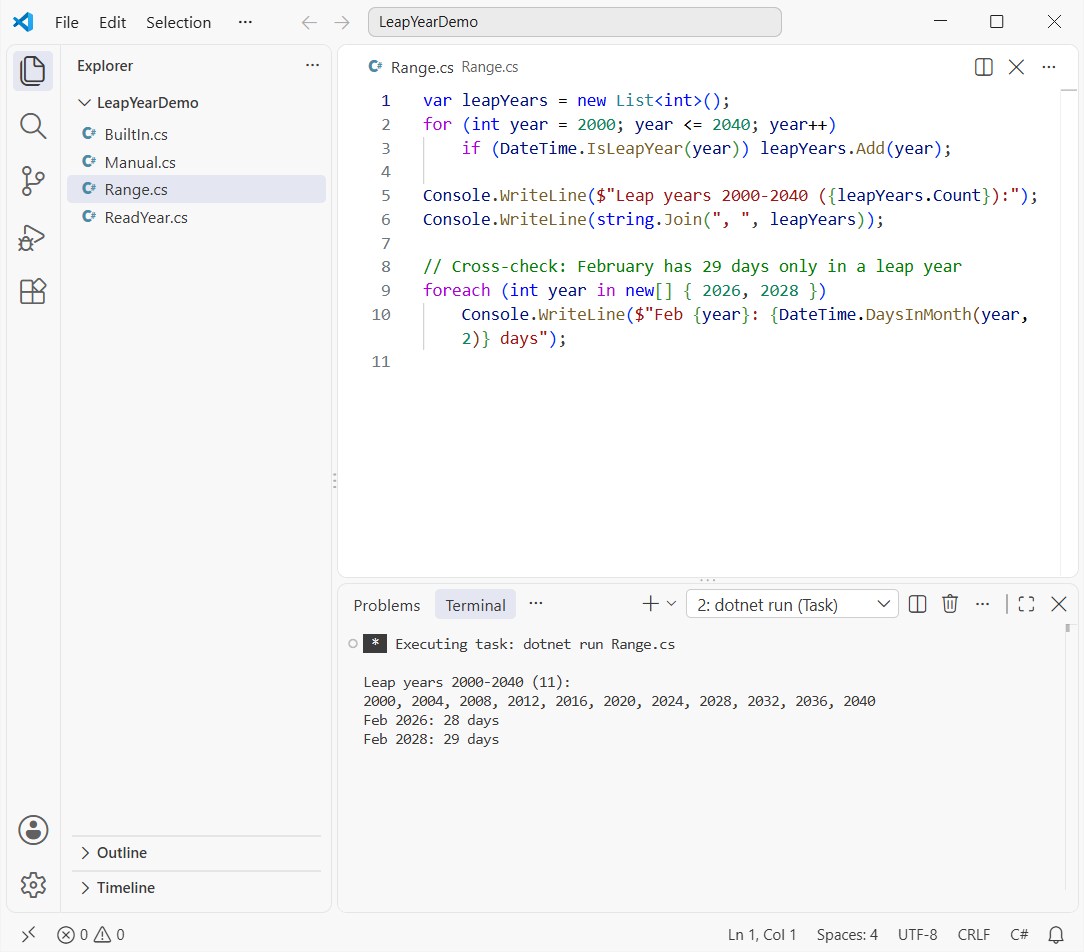
There are 11 leap years from 2000 to 2040. DaysInMonth is also how I get the first and last day of a month in C#, so February 2028 ends on the 29th.
Which Leap Year Check Should You Use in C#?
In production code, call DateTime.IsLeapYear. For an interview or a homework exercise, write the if/else method or the one-line expression and test it on 1900, 2000 and 2024.
If you’re practicing number programs for interviews, try these next:
Frequently Asked Questions
Is 2026 a leap year?
No. 2026 isn’t divisible by 4, so DateTime.IsLeapYear(2026) returns false. The next leap year is 2028.
Why isn’t 1900 a leap year when 2000 is?
Century years are leap years only when they’re divisible by 400. 2000 passes that test and 1900 doesn’t.
What does DateTime.IsLeapYear throw for an invalid year?
It throws ArgumentOutOfRangeException when the year is less than 1 or greater than 9999. See the DateTime.IsLeapYear reference on Microsoft Learn.
How many days are in February in a leap year?
29. DateTime.DaysInMonth(2028, 2) returns 29, while DateTime.DaysInMonth(2026, 2) returns 28.
Can I check a leap year in C# without the DateTime class?
Yes. Use (year % 4 == 0 && year % 100 != 0) || year % 400 == 0. It gives the same answer for every year from 1 to 9999.

Bijay Kumar is a renowned software engineer, accomplished author, and distinguished Microsoft Most Valuable Professional (MVP) specializing in SharePoint. With a rich professional background spanning over 15 years, Bijay has established himself as an authority in the field of information technology. He possesses unparalleled expertise in multiple programming languages and technologies such as ASP.NET, ASP.NET MVC, C#.NET, and SharePoint, which has enabled him to develop innovative and cutting-edge solutions for clients across the globe. Read more…